

















BCC Looper
Category: BCC Time
Effect Name: BCC Looper
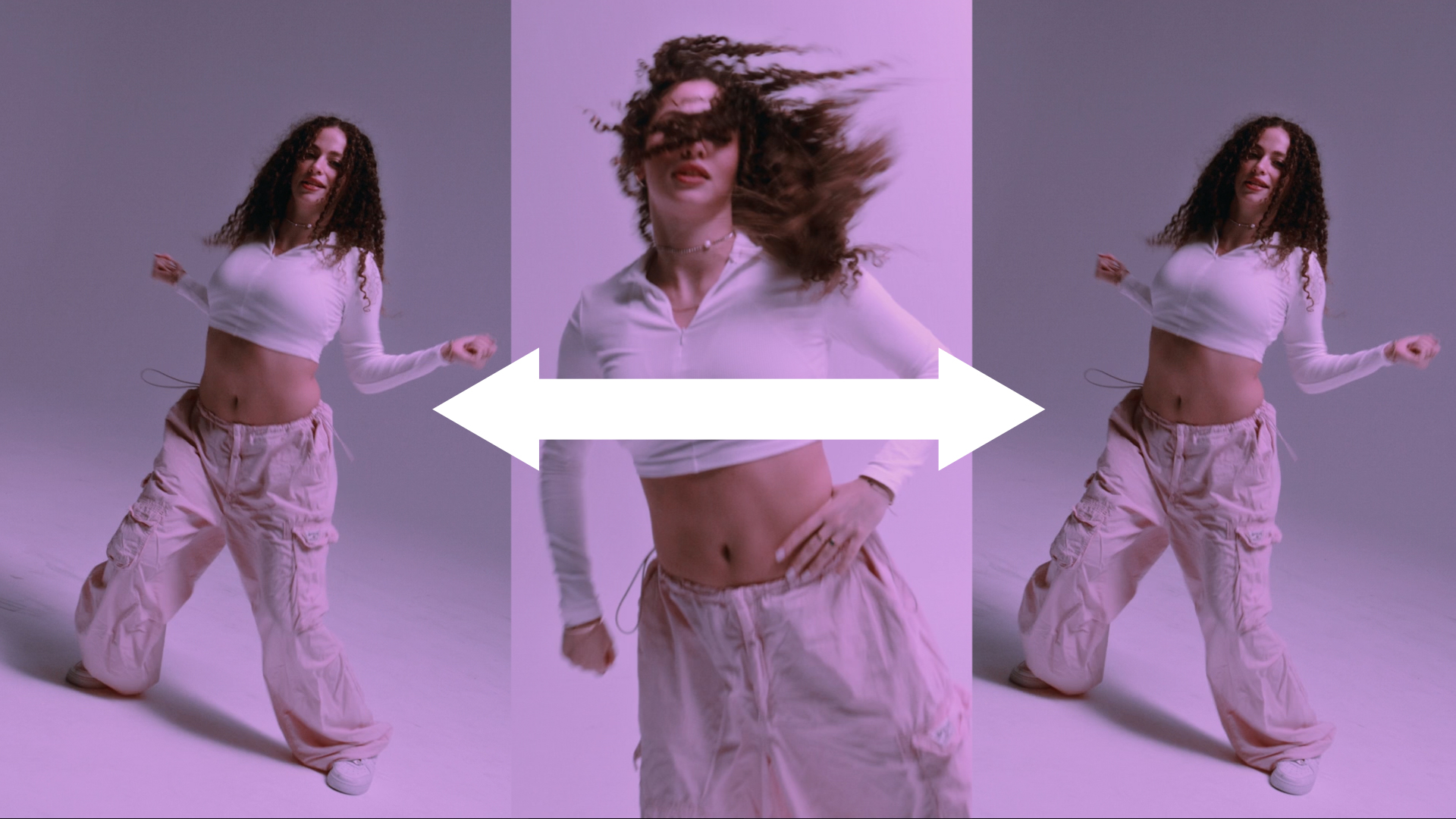
The BCC Looper filter, part of the BCC Time category, creates looped effects. The number and duration of the loops can be animated and offset. Fades and dissolves can be created between looped clips.
Note: All Looper parameters can animate. However, animation behaves slightly different than in other filters because Looper renders loops, rather than frames, as its basic unit. Therefore, the properties of the first loop are set by the parameter settings at the start of the effect. Value changes that occur through animation are ignored until the start of the second loop, at which point the new parameter values take effect. Subsequent parameter changes are ignored until the start of the third loop, and so on. This pattern allows all parameters to produce predictable results when animated.
Working with the Filter
Presets and Common Controls
- BCC filters come with a library of factory installed presets plus the ability to create your own custom presets and preview them with the BCC FX Browser™.
- BCC filters also include common controls that configure global effect preferences and other host-specific effect settings.
For more information about working with presets and other common controls, Click Here.
- Loop Layer: Selects the clip in the timeline to loop.
- Start Frame: Sets the frame in the Loop Layer to use as the beginning of the looped clip.
- Loop Length: Determines how many frames are in each loop. For example, if you set Loop Length to 30, each looped clip lasts exactly 30 frames.
- Increment: Offsets the start frame of the each loop. For example, if the Start Frame is 10 and Increment is 2, the effect begins on frame 10 in the first loop, on frame 12 in the second loop, on frame 14 in the third loop, and so on.
- Loop Mode: Determines how the filter plays successive loops.
- Normal: Plays each loop forwards only. For example, if Loop Length is 4, the filter plays frames 0, 1, 2, 3, 0, 1, 2, 3, and so on.
- Reset after N Cycles: Plays each loop in the same manner as Normal does, but resets the Increment value to 0 after the number of loops specified by Reset Cycles.
- Back & Forth: Plays the loop forward and then backwards, but only plays the end frames once. For example, if Loop Length is 4, the filter plays frames 0, 1, 2, 3, 2, 1, 0, 1, 2, 3, 2, and so on.
- BF Repeat Ends: Plays the loop forward and backwards, repeating the end frames. For example, if Loop Length is 4, the filter plays frames 0, 1, 2, 3, 3, 2, 1, 0, 0, 1, and so on.
- Matte with Own Alpha: Masks the Loop Layer with the source layer’s alpha channel.
Note: The source alpha channel is not looped when used as a mask.
Fade Group
When the Loop Mode menu is Normal, the parameters in this section can be used to create dissolves and fades. If Loop Mode is not set to Normal, these parameters have no affect.
- Fade: Creates dissolves and fades by blending the transitions between each loop.
- Cross Fade: Fades out the end of each loop as the beginning of the next loop fades in, creating dissolves between each loop. When Cross Fade is chosen, Overlap sets the number of frames in which the outgoing and incoming loops overlap. Negative Overlap values create a gap between the outgoing and incoming loops.
- Fade In–Fade Out: Fades out the end of each loop before the succeeding loop begins to fade in. When Fade In–Fade Out is chosen, the Fade In and Fade Out values determine the duration (in frames) of each loop’s fade in and fade out, respectively.
- None: Cuts the end of each loop directly to the beginning of the next loop.
Frame Curve Group
The Frame Curve Parameters are preview display controls which enable you to view a curve that graphs the frame in the Loop Layer used to render each frame in the loop effect.
- Composite Curve: Composites the curve over the Loop Layer clip or the completed effect.
- Off: Curves are not displayed.
- Curves: Render: Composites the curve over a black background.
- Curves Over Layer: Composites the curve over the Loop Layer.
- Curves Over Comp: Composites the curve over the entire composition.
- Input Time View: Determines the scale of the X axis in the frame curve. Full Effect scales the X axis to the untrimmed length of the filtered layer. 16 Seconds, 8 Seconds, 4 Seconds, and 2 Seconds scale the X axis to the corresponding number of seconds centered around the timeline indicator.
- Output Time View: Determines the scale of the Y axis in the frame curve. Full Effect scales the Y axis to the untrimmed length of the filtered layer. First 16 seconds, First 8 seconds, First 4 seconds, and First 2 seconds scale the Y axis to the corresponding number of seconds starting from the frame specified by Scroll Curves.
- Scroll Curves: Selects the first frame in the effect that is displayed when Output Time View is set to First 16 seconds, First 8 seconds, First 4 seconds, or First 2 seconds. This parameter has no effect if Output Time View is set to Full Effect.
