Buy Now

Your vision. Realized.

Cinematic effects plugin for modern photo workflows.

Blockbuster Effects Made Simple

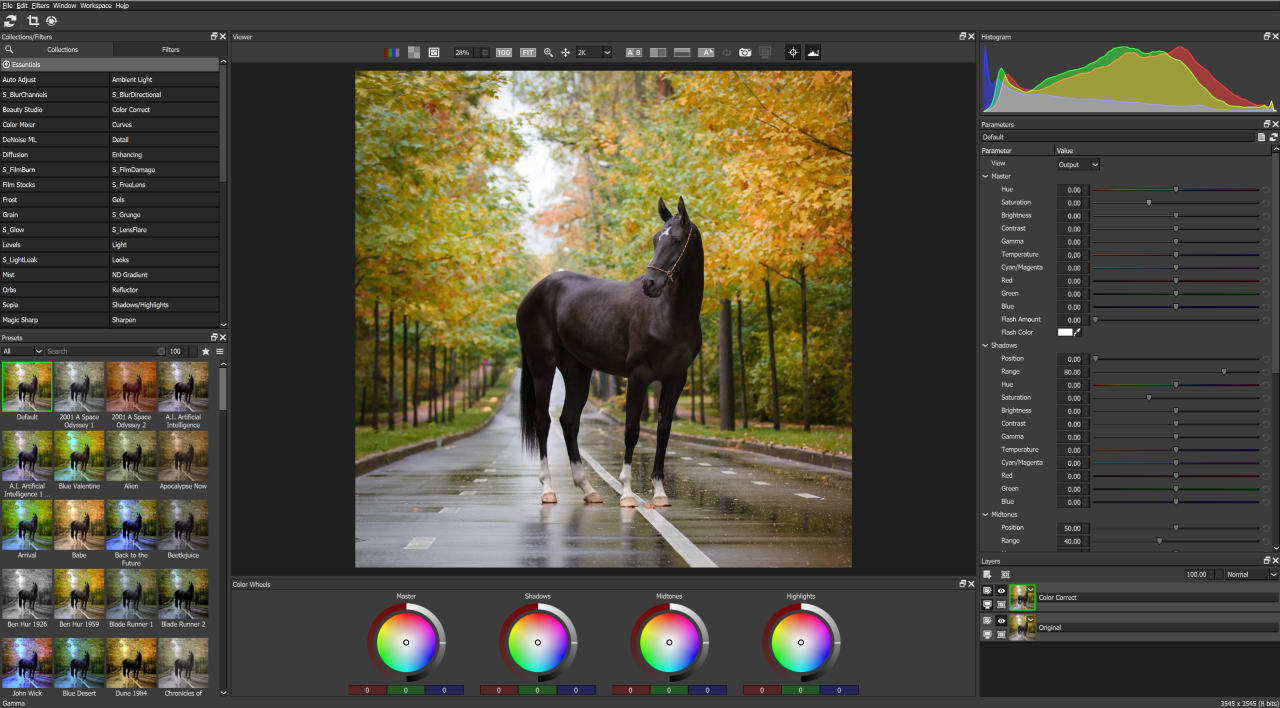
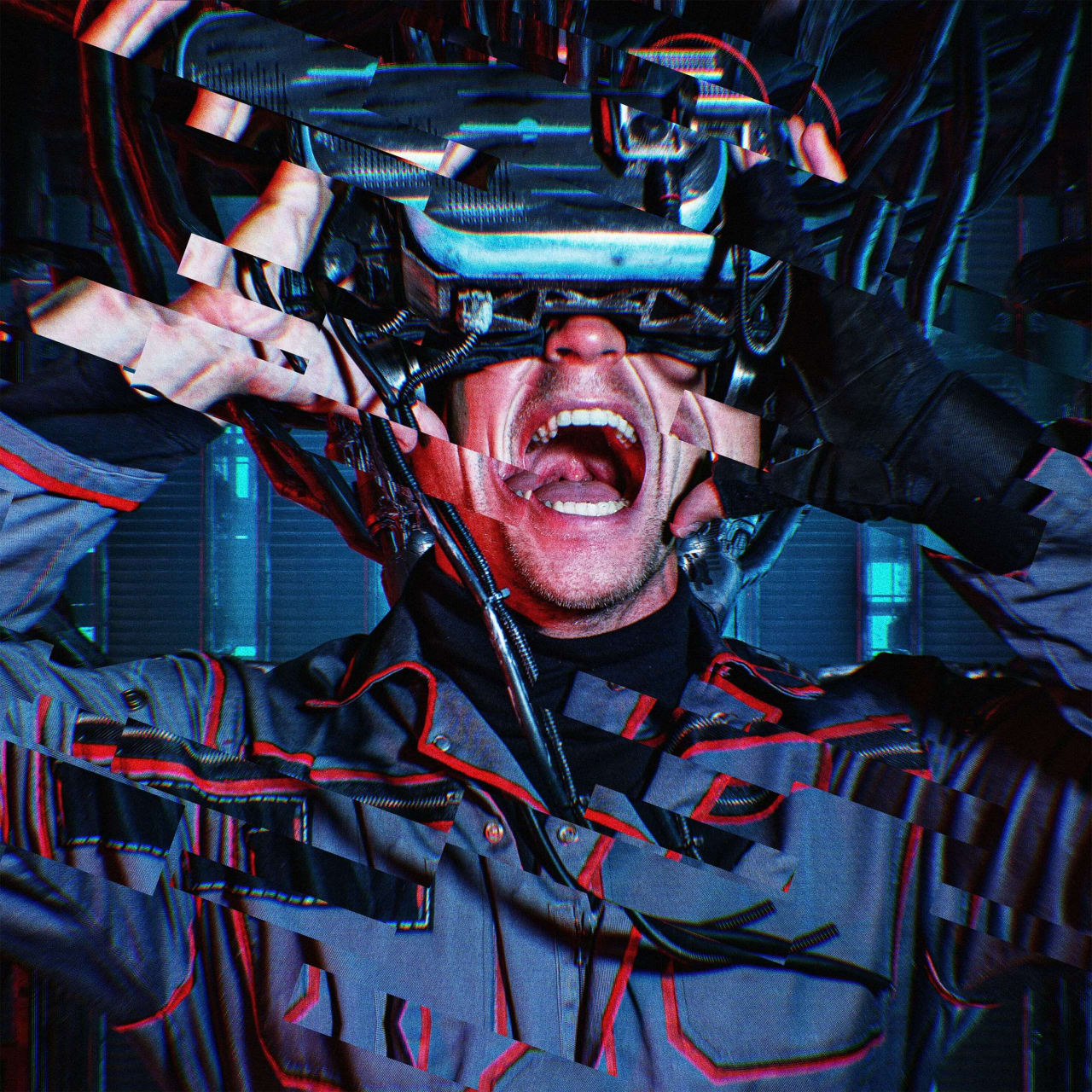
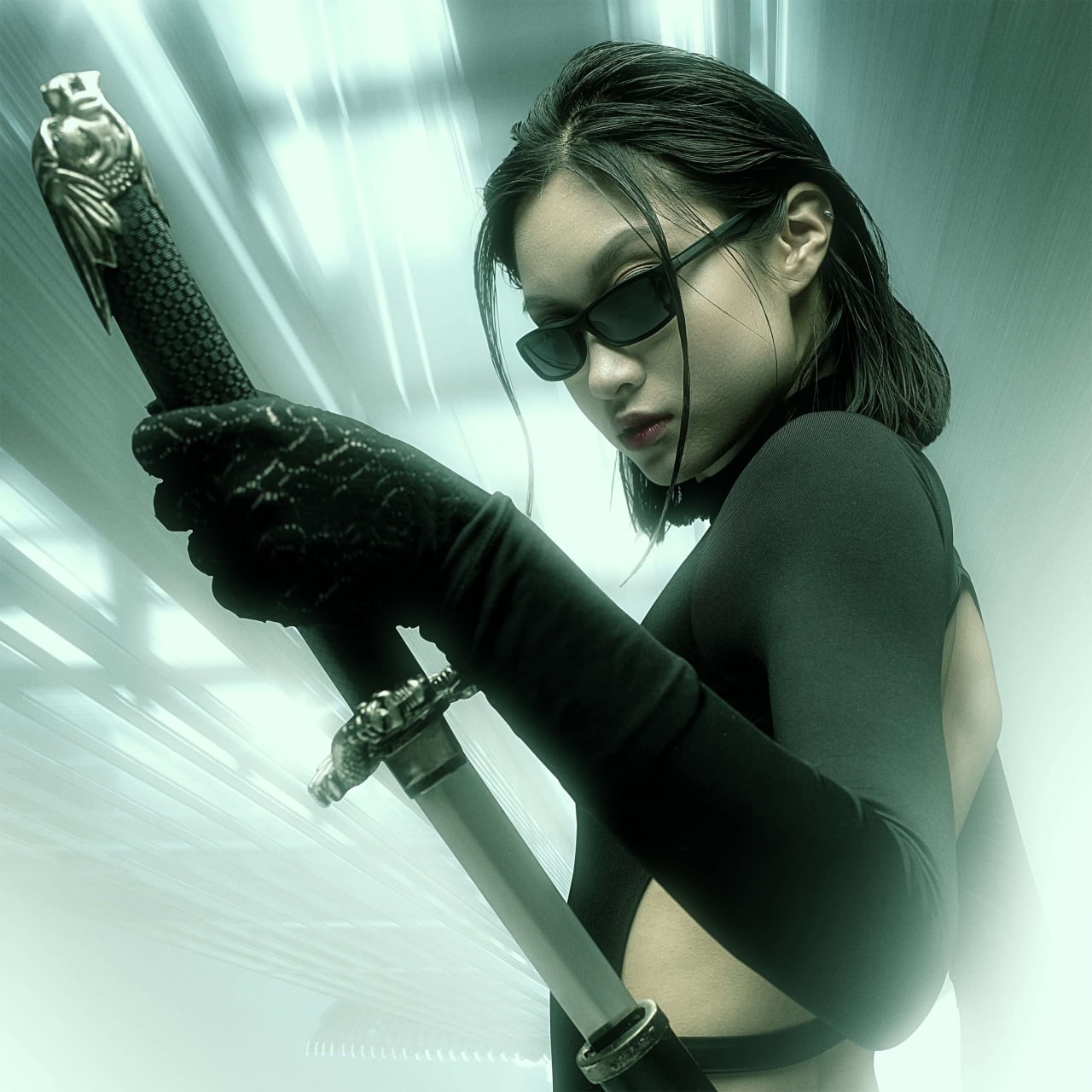
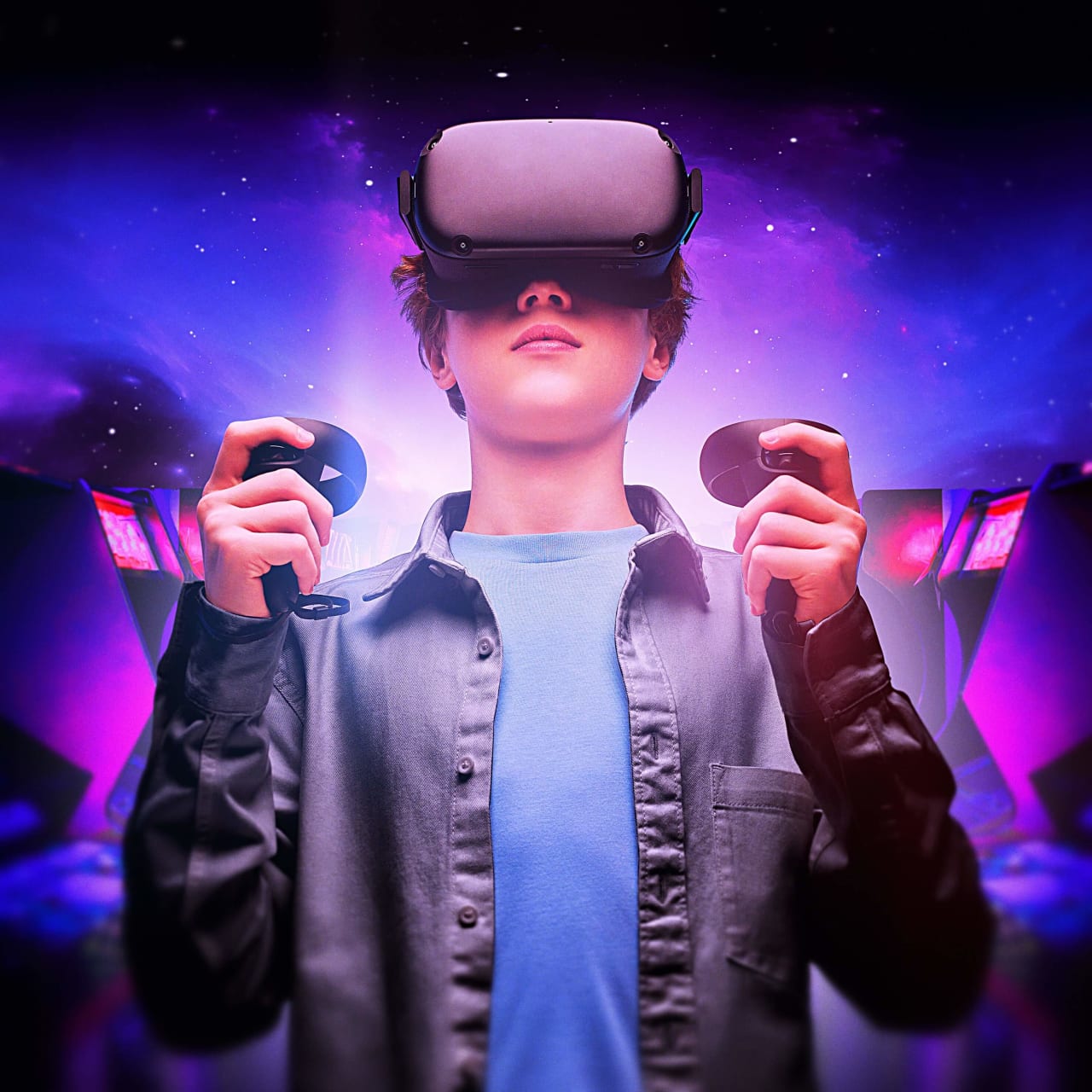
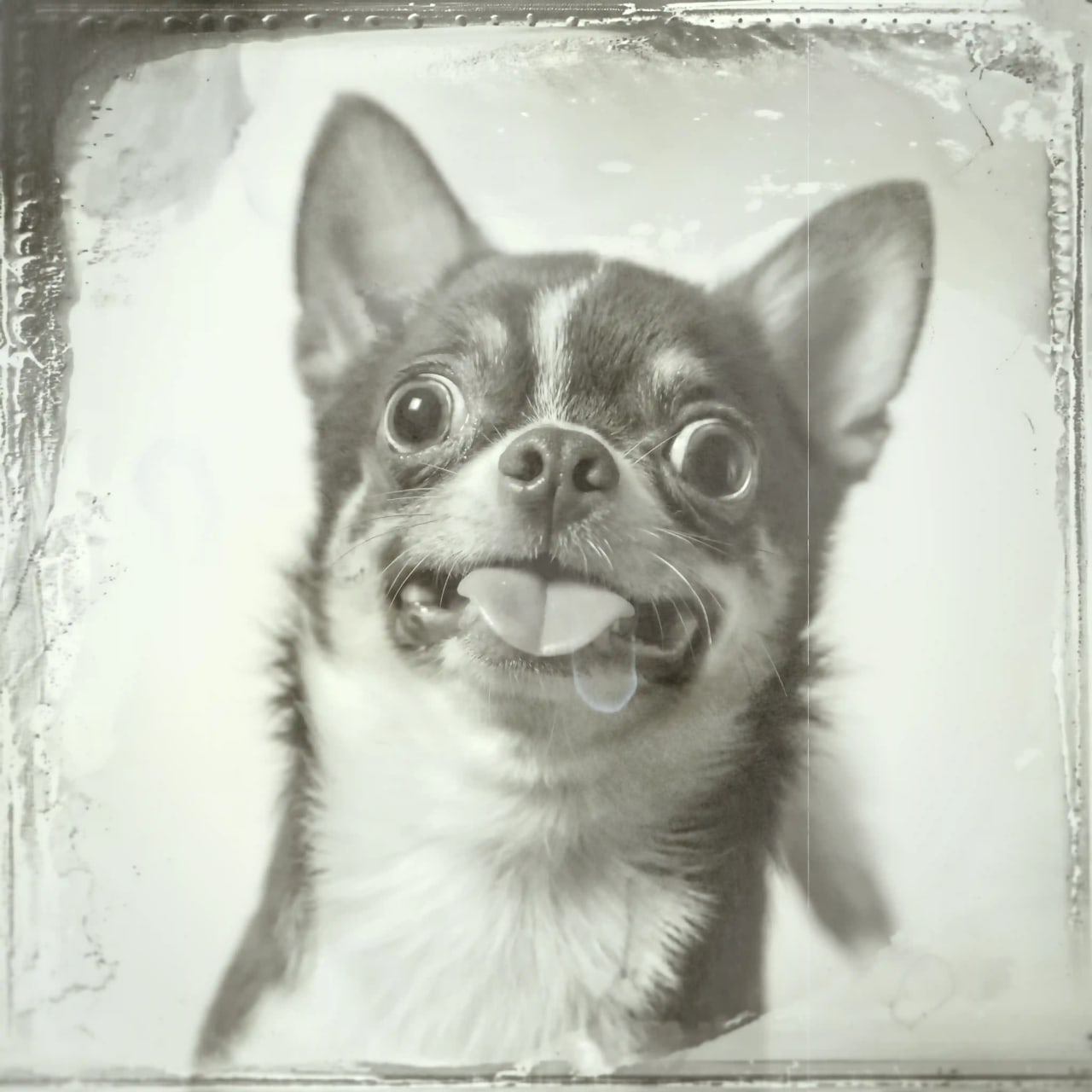
Bring your creative vision to life with Boris FX Optics, the ultimate photo editing toolkit. Designed for photographers, digital artists, and creators of all skill levels, Optics transforms your images with professional-grade effects inspired by the film and television industry. Whether you're enhancing photos, creating dynamic cinemagraphs, or crafting one-of-a-kind visuals, Optics is your go-to solution.

Why Choose Optics?

  • Hollywood-Grade Effects:

    Access over 187 stunning filters and thousand of presets, including cinematic lens flares, glows, light leaks, and particle effects.

  • Seamless Integration:

    Works directly inside Adobe Photoshop, Lightroom, Capture One, Affinity Photo, Apple Photos or as a standalone application, blending your workflow without interruptions.

  • AI-Powered Masking:

    Save time with intelligent masking tools that isolate subjects and apply effects with precision.

  • Customizable Controls:

    Fine-tune every detail of your effects to match your vision perfectly.

  • Authentic Film Stock Emulation:

    Recreate the magic of vintage and modern film looks for timeless, cinematic results.

  • Transform Photos With Dynamic Particles:

    Transform photos with a fast and easy-to-use particle engine that creates unique effects with organic elements.

Designed For Pros.
Easy Enough For Everyone.

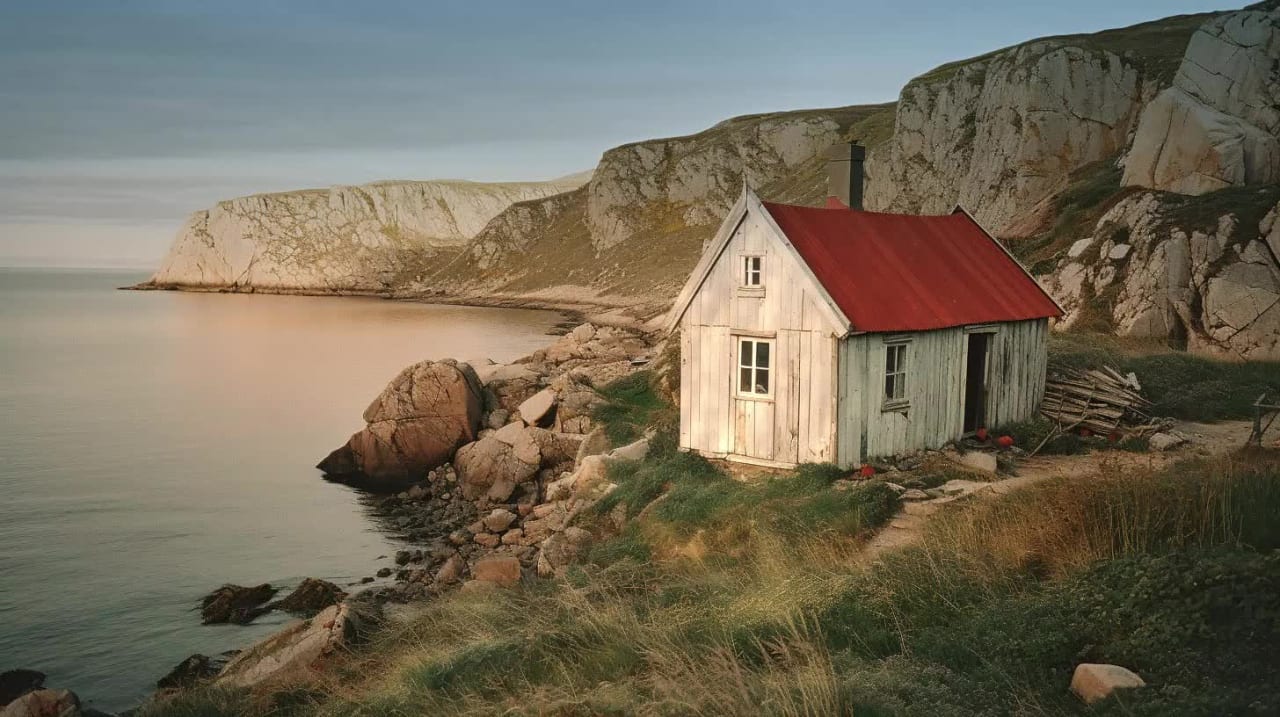
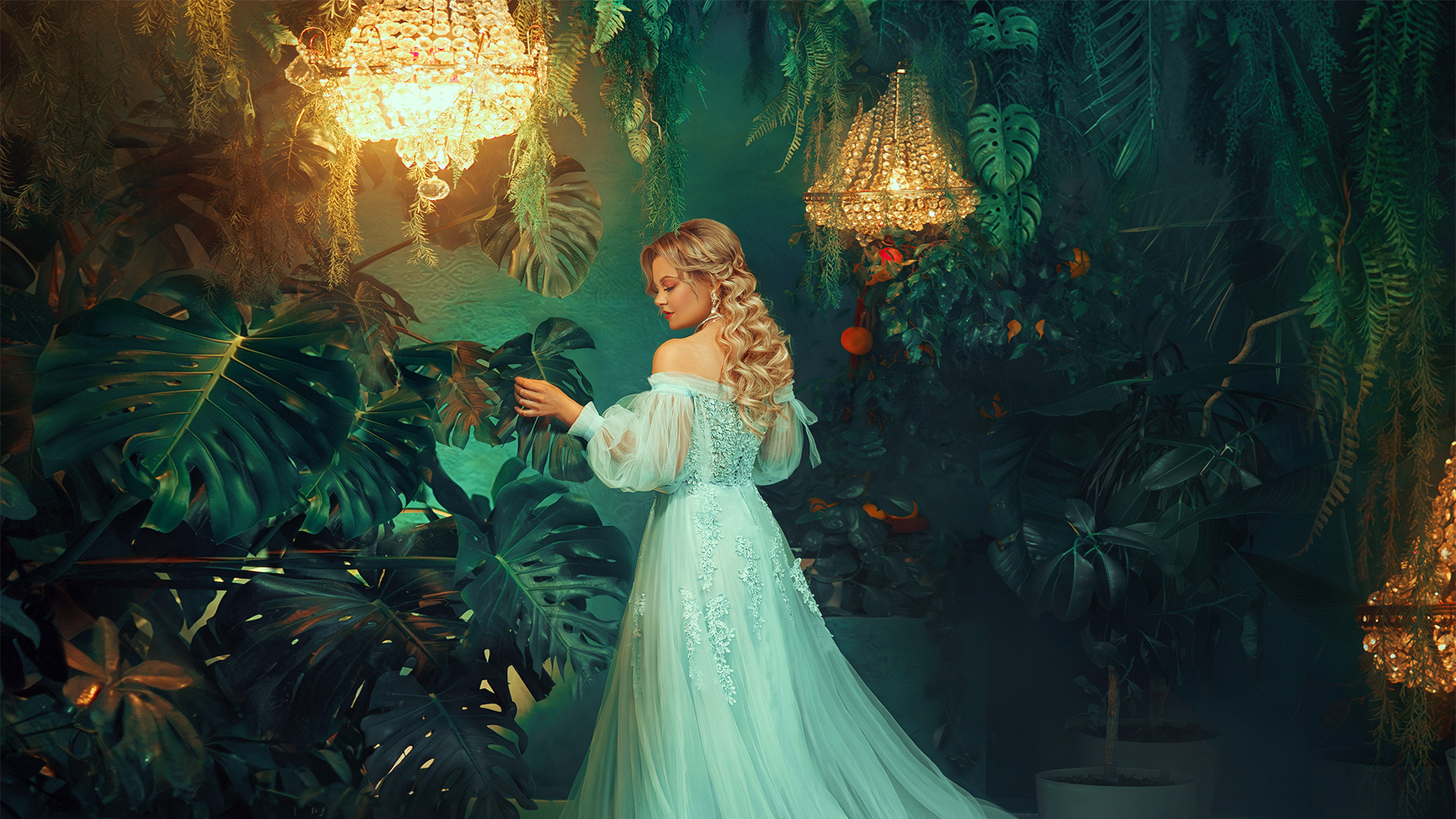
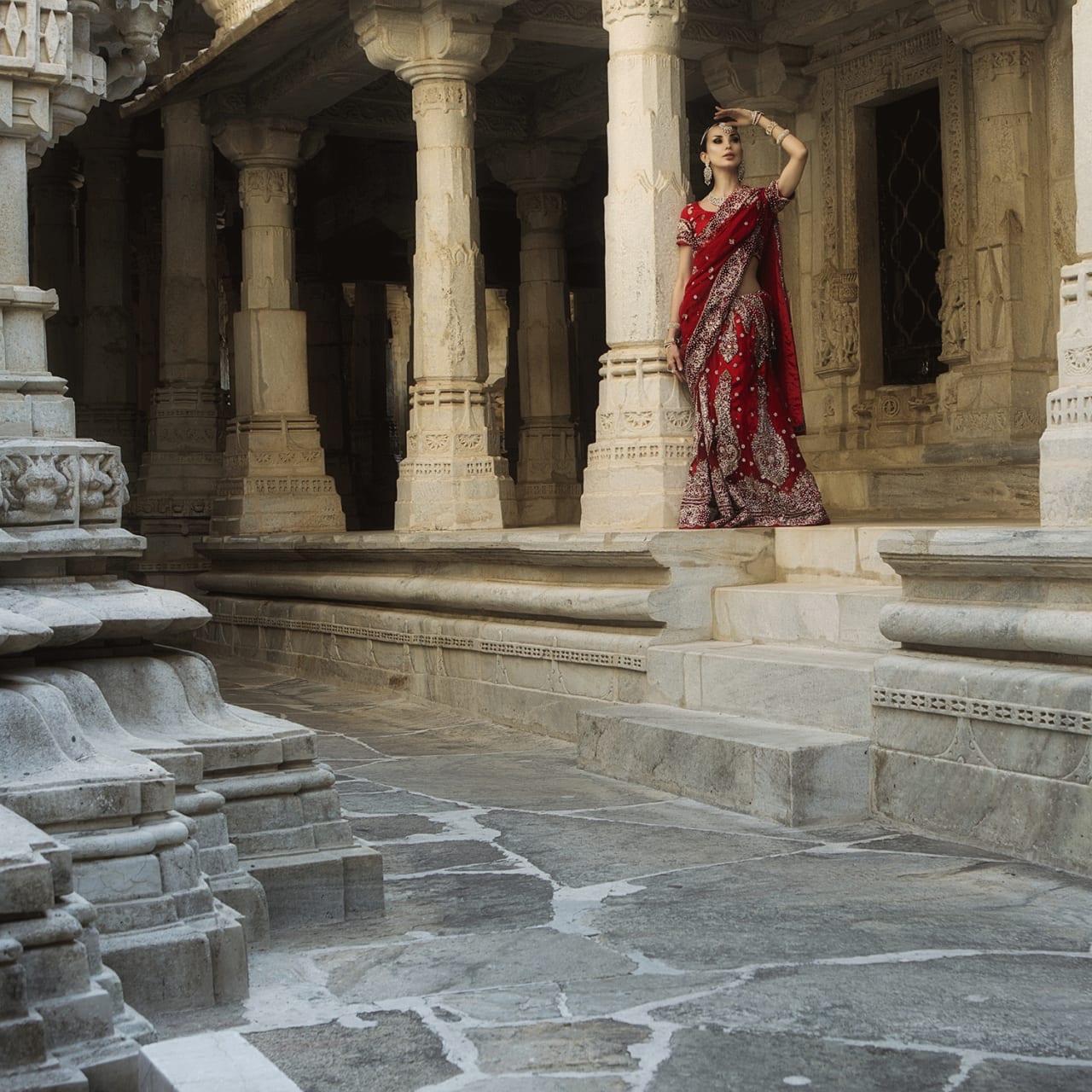
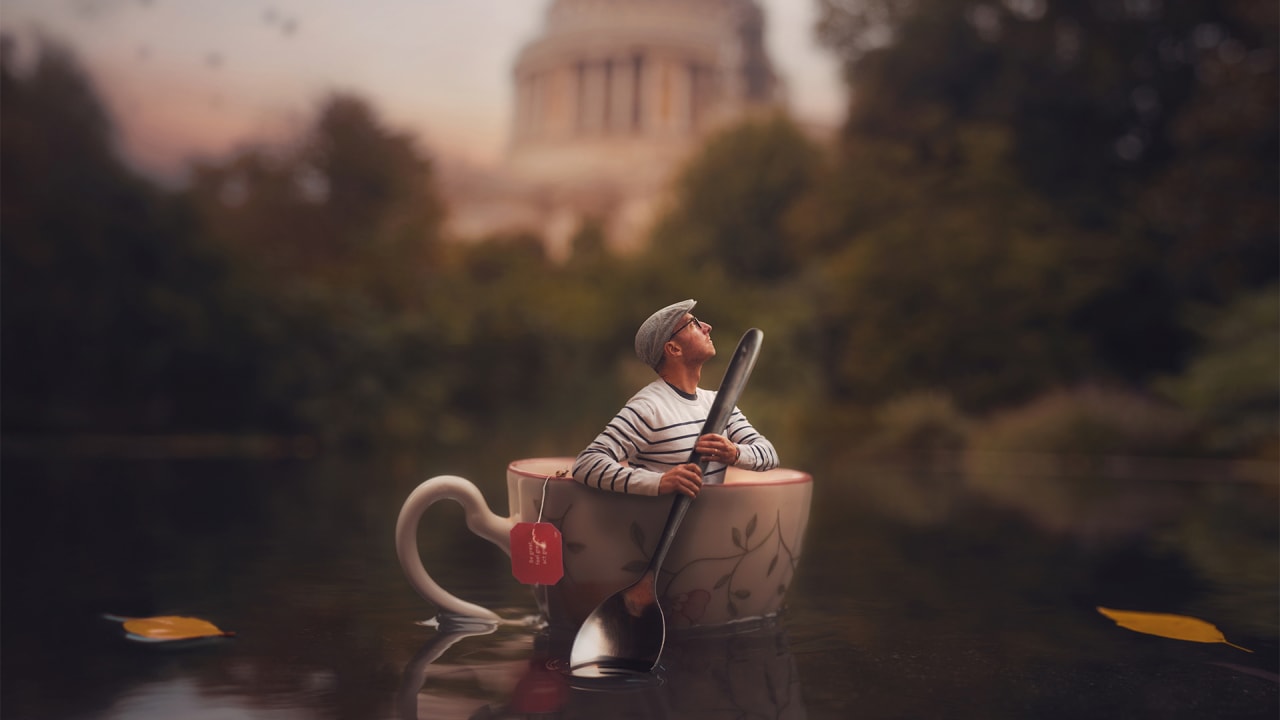
Photographers

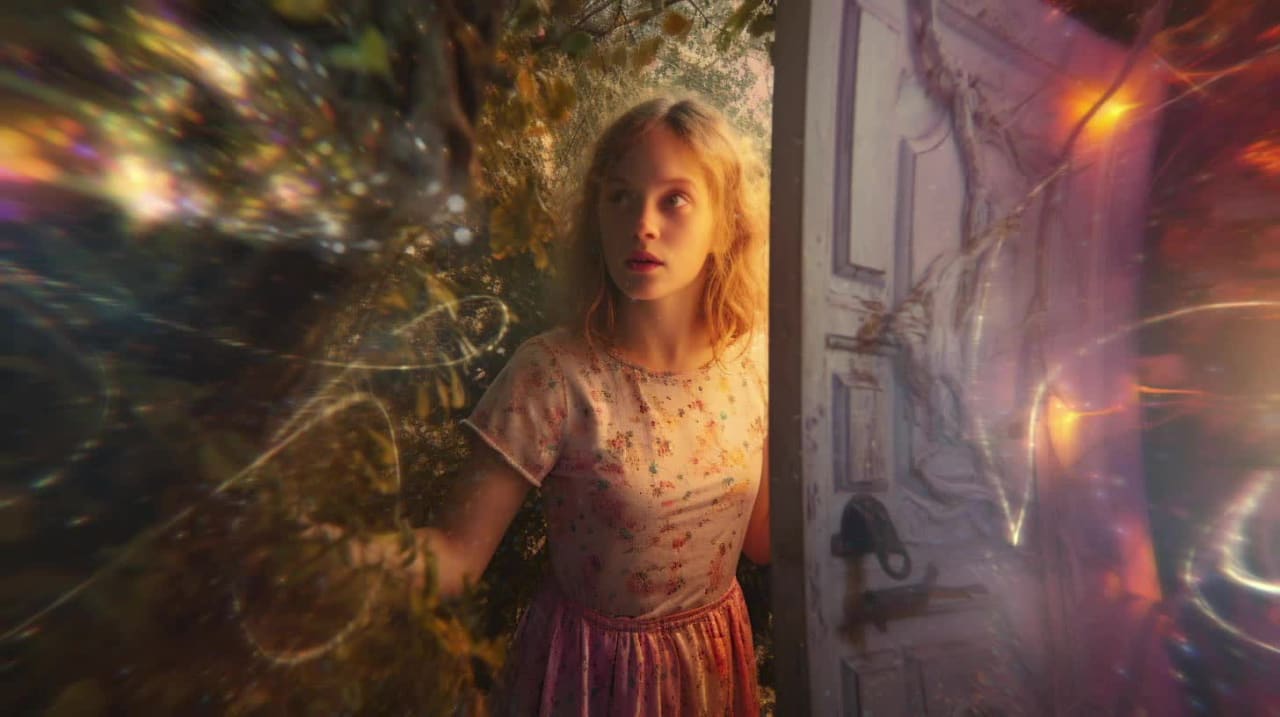
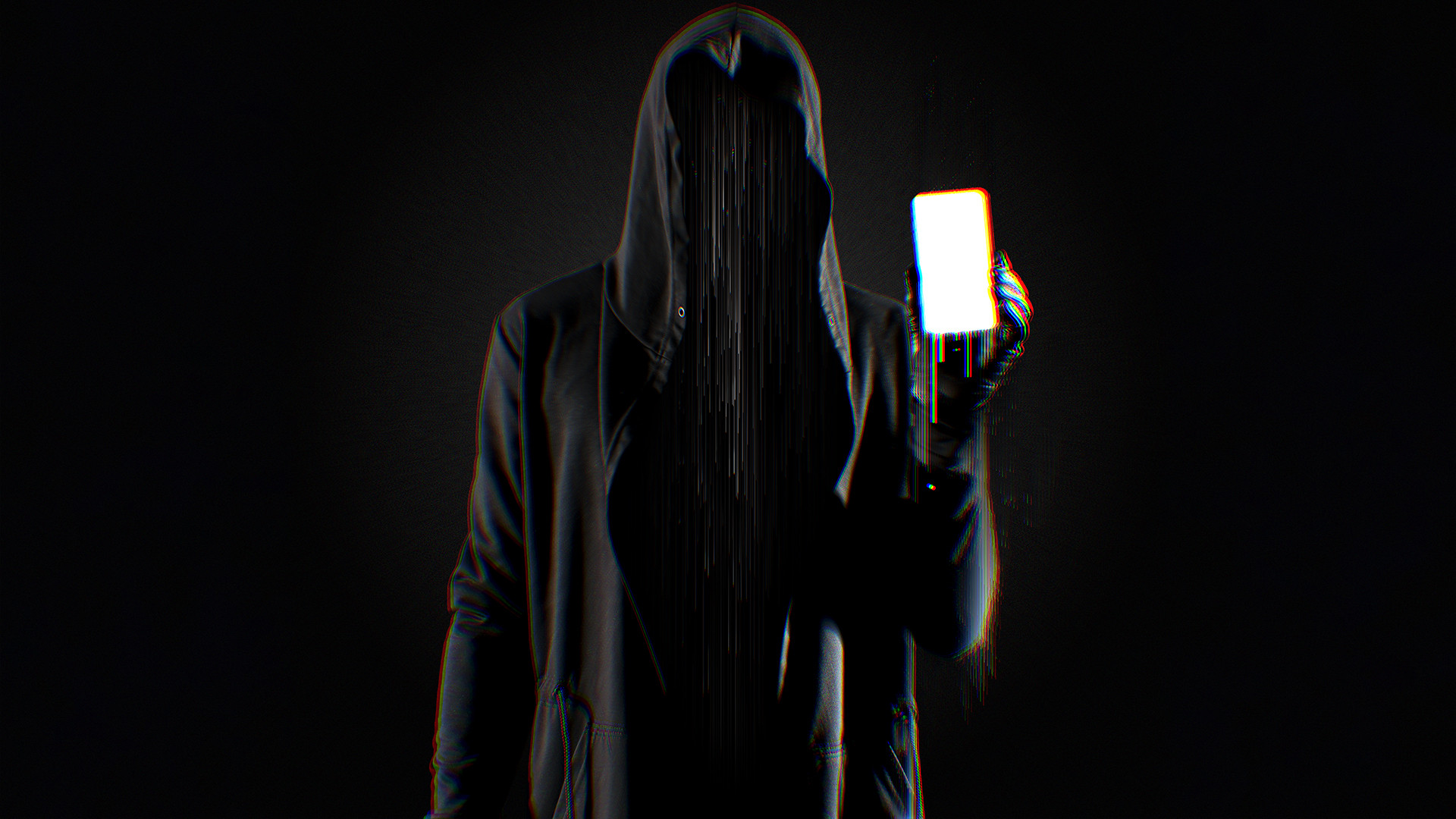
Add cinematic flair and enhance the story behind your shots
ยฉ Kris Andres

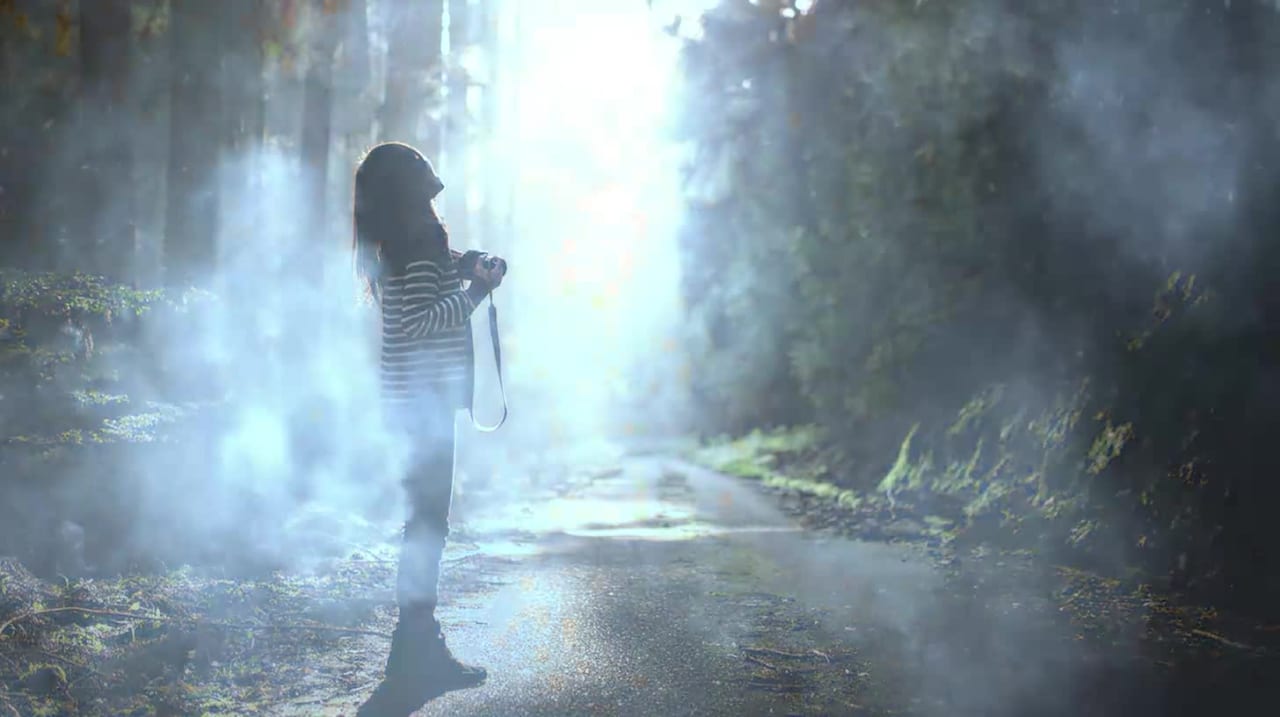
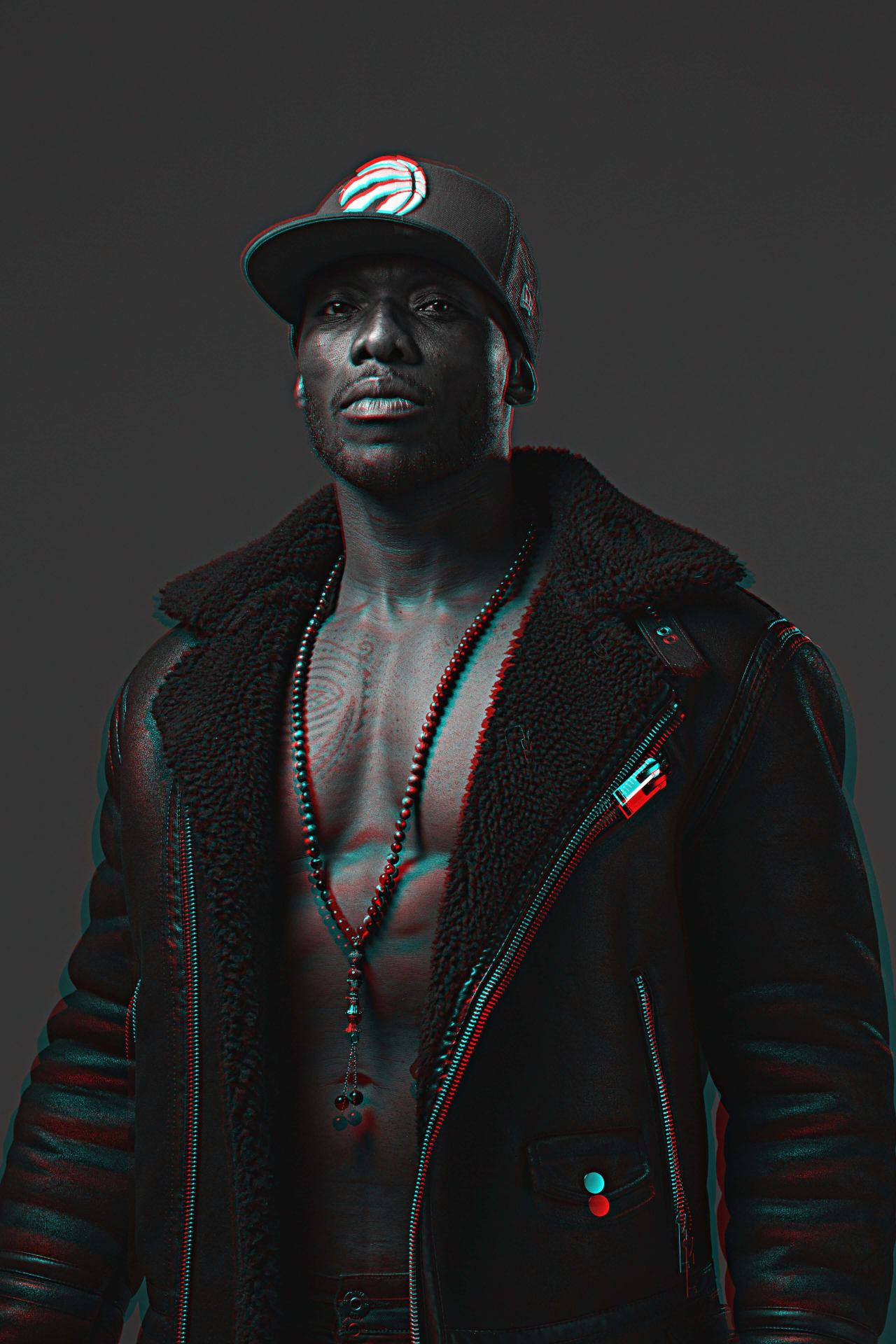
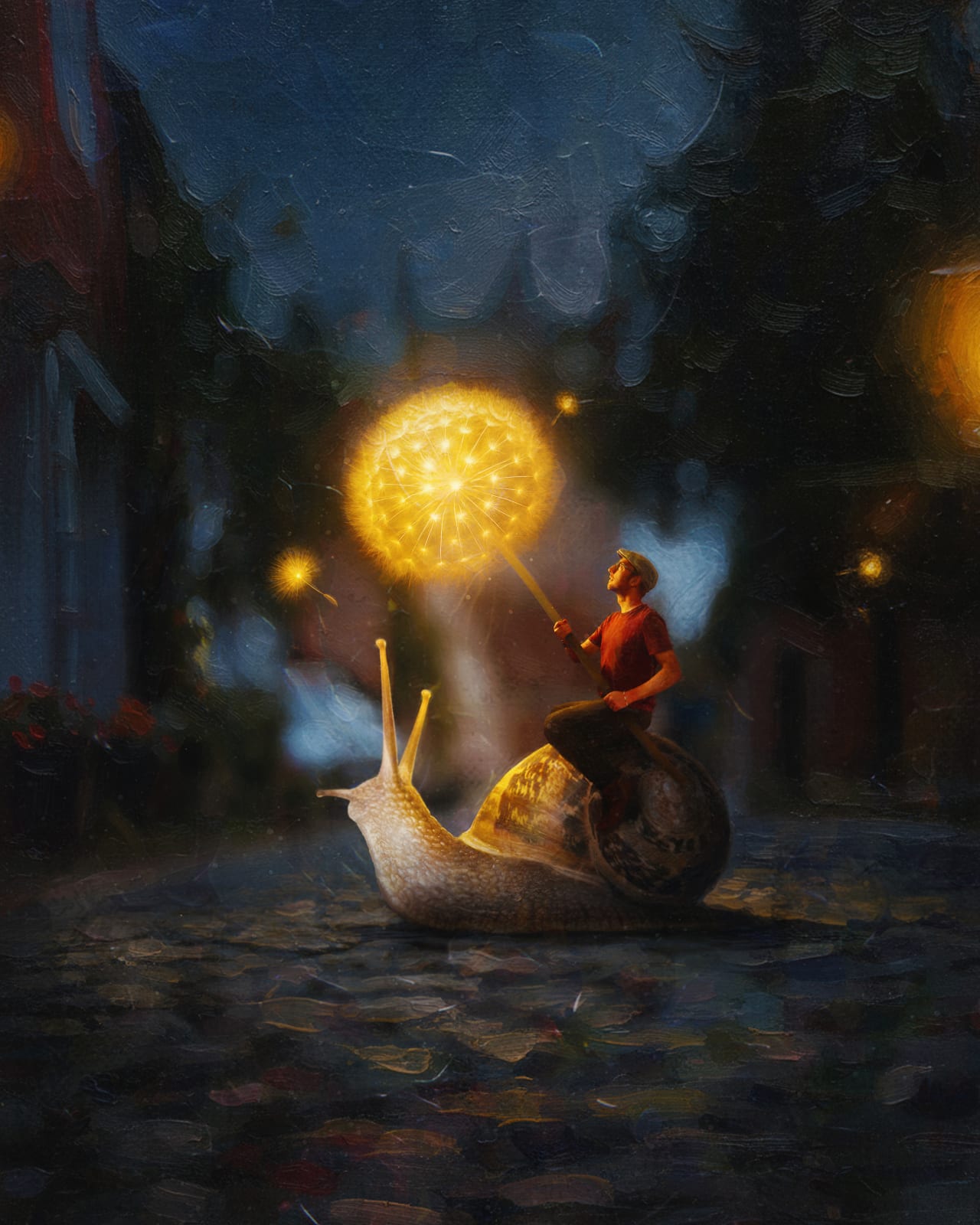
Hobbyists

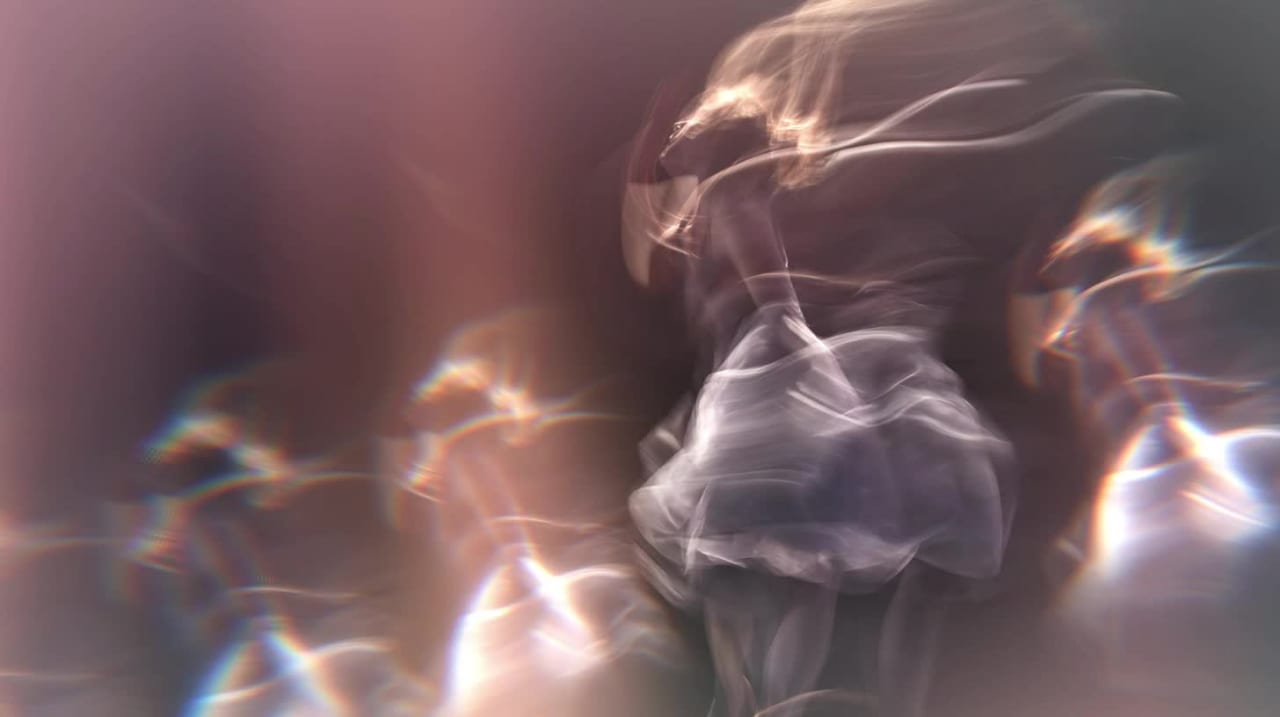
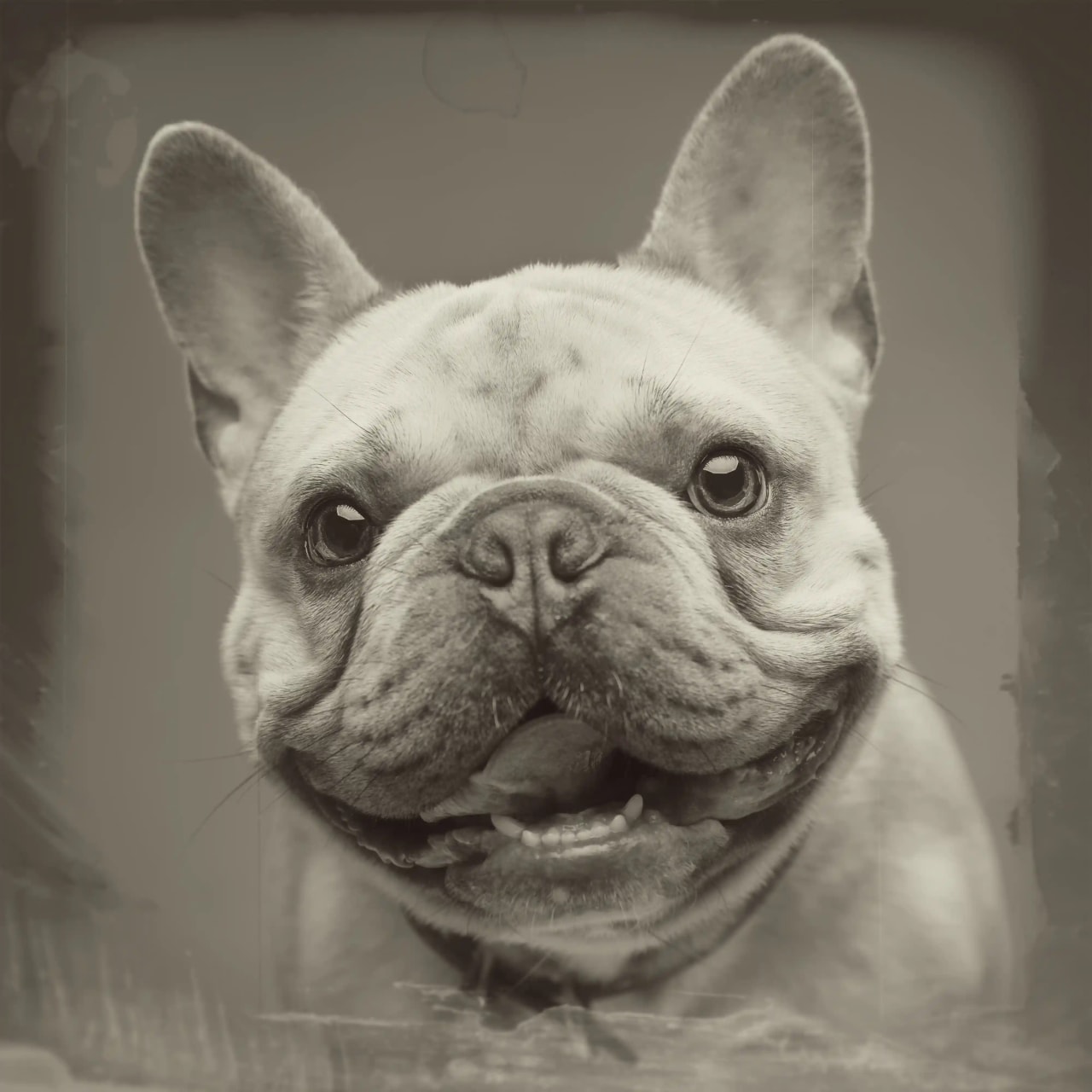
Create stunning visuals with easy-to-use effects and tools inspired by Hollywood
ยฉ Photography By Darcy

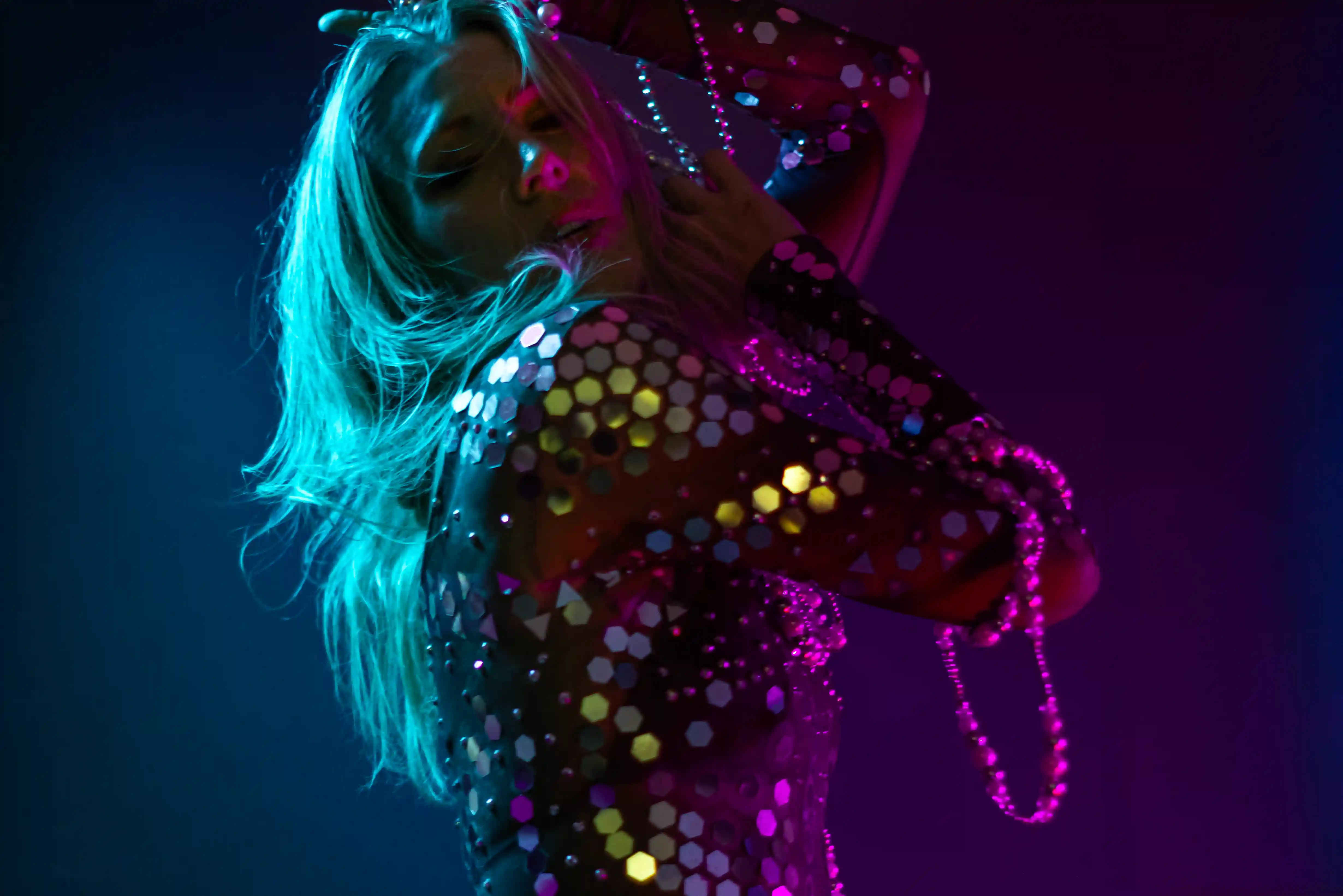
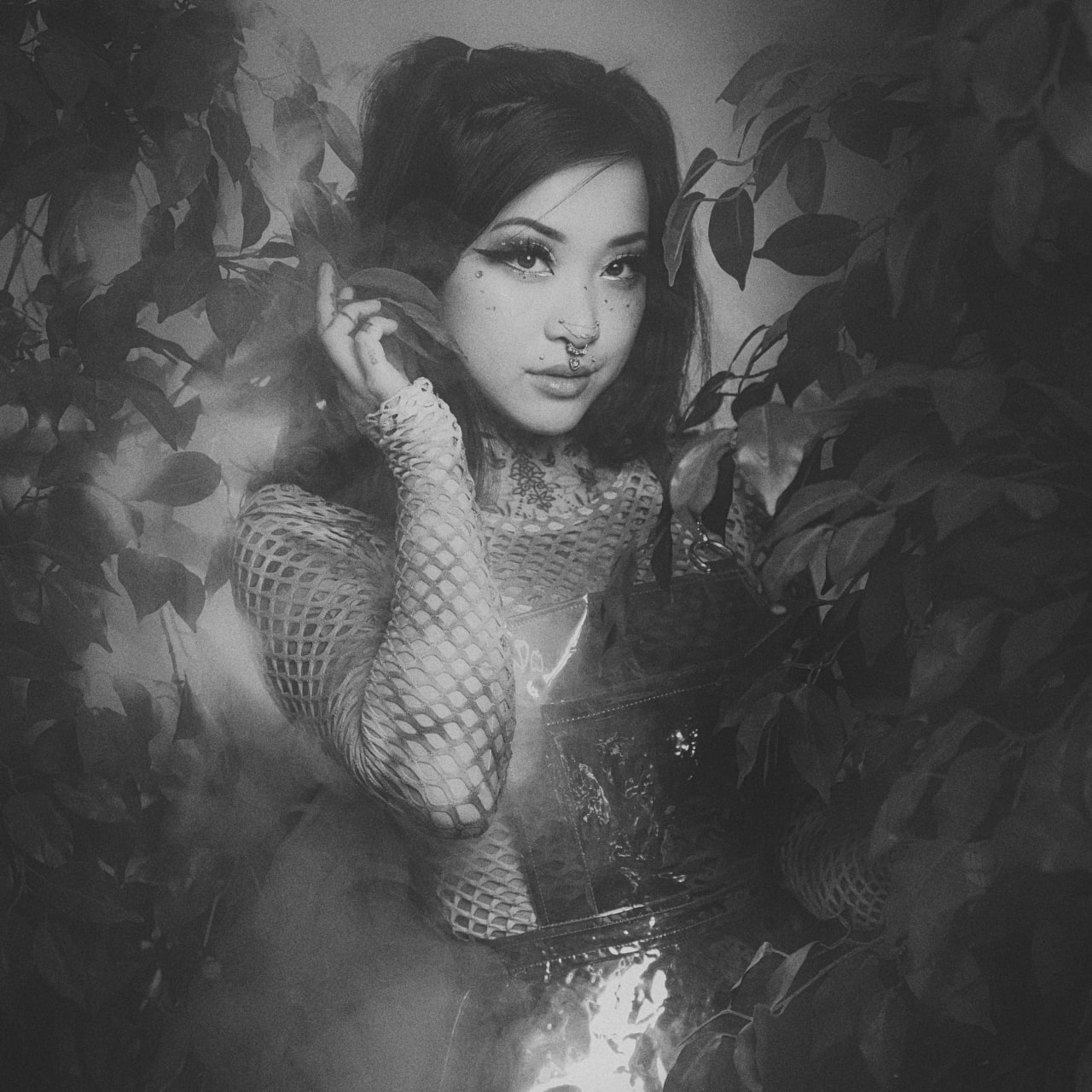
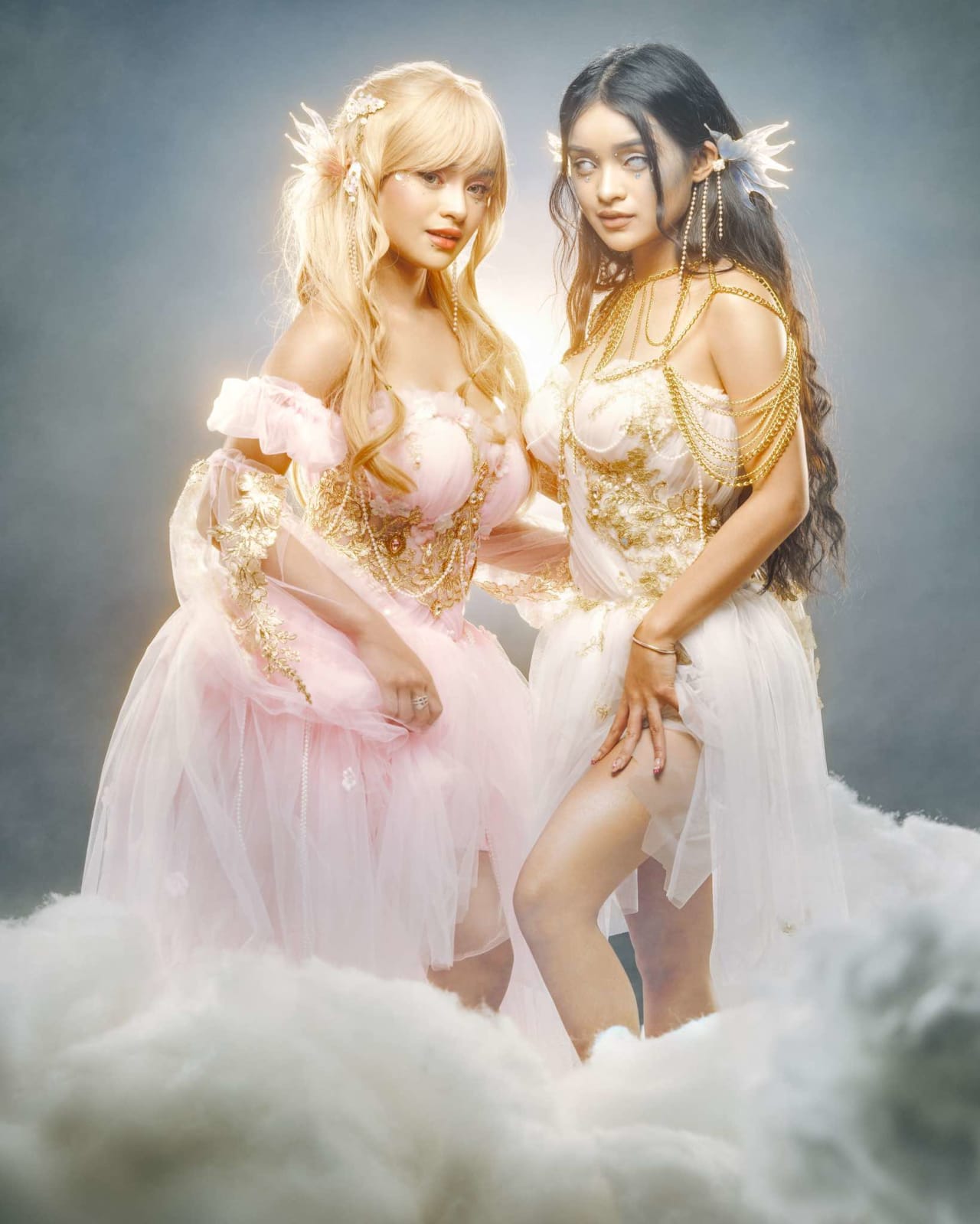
Social Media Creators

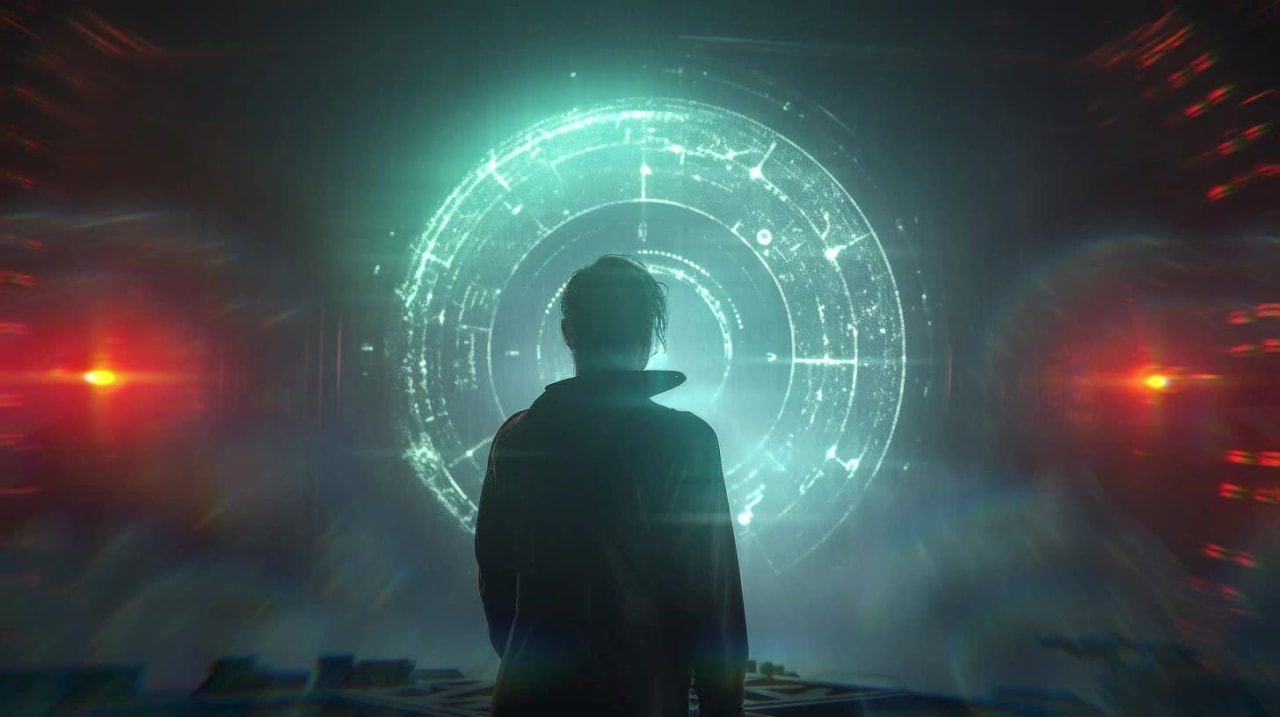
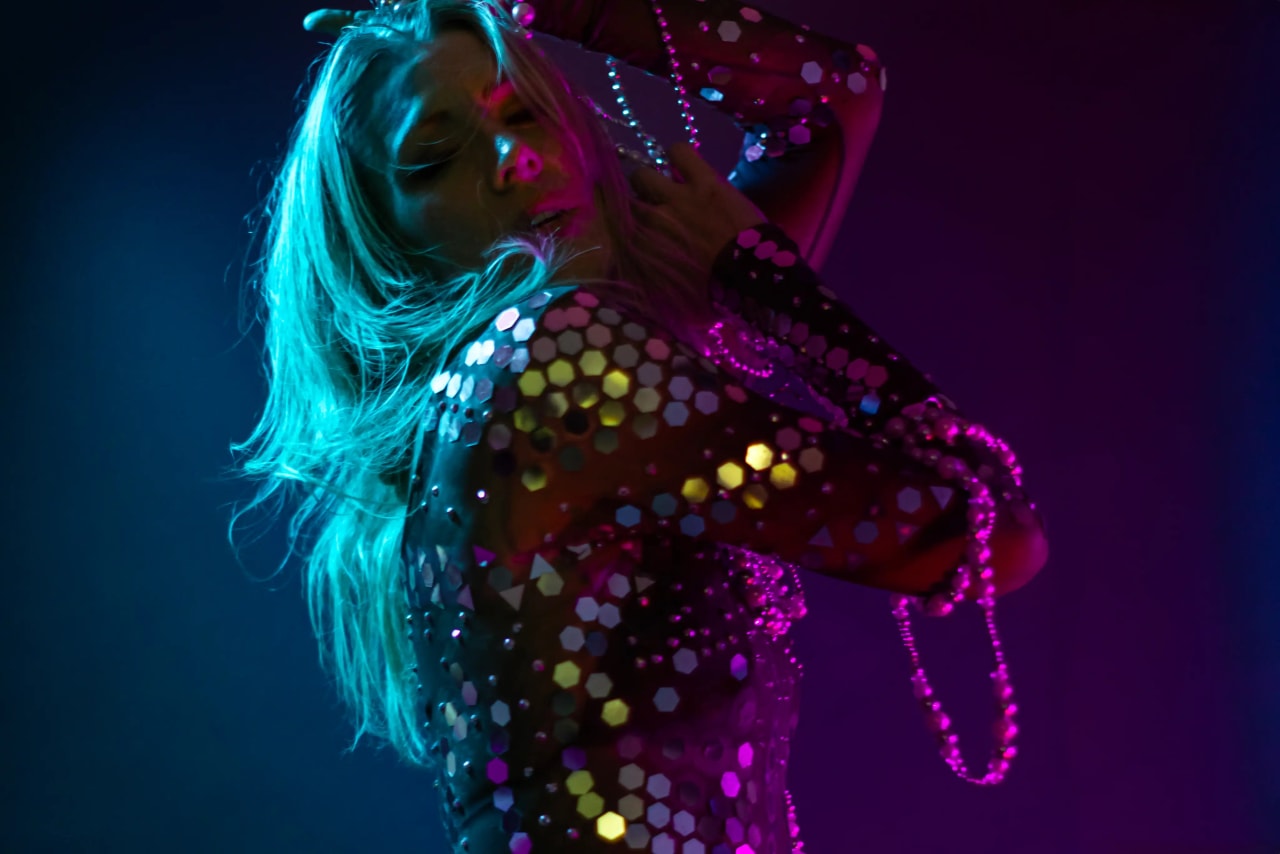
Engaging content that grabs attention in feeds
ยฉ Lillian Liu Photography

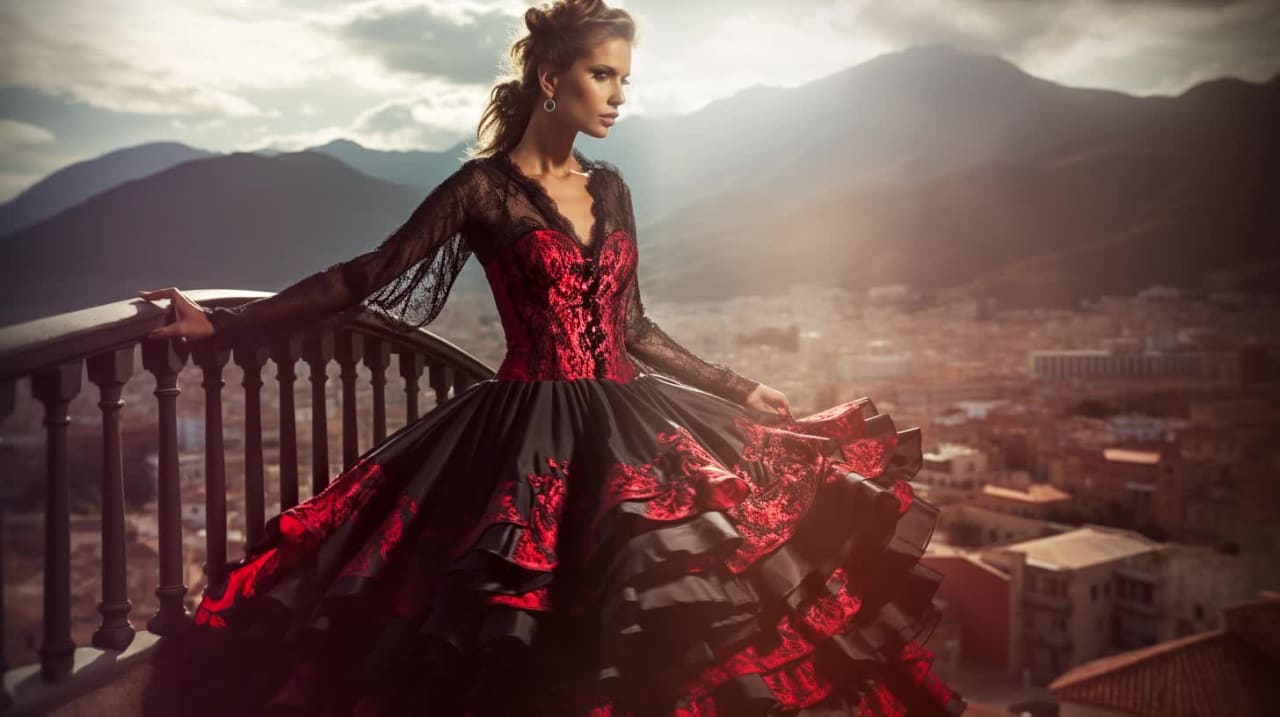
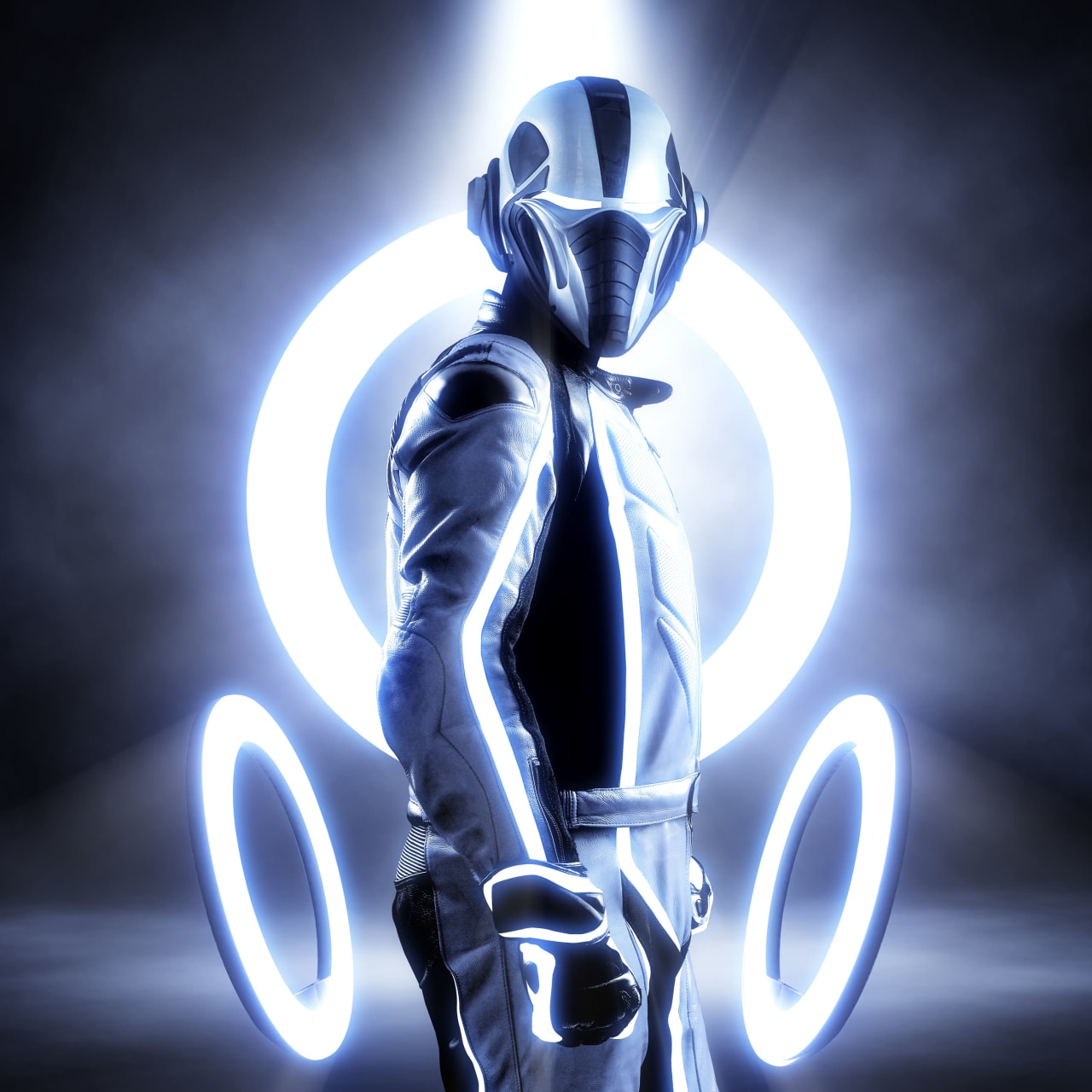
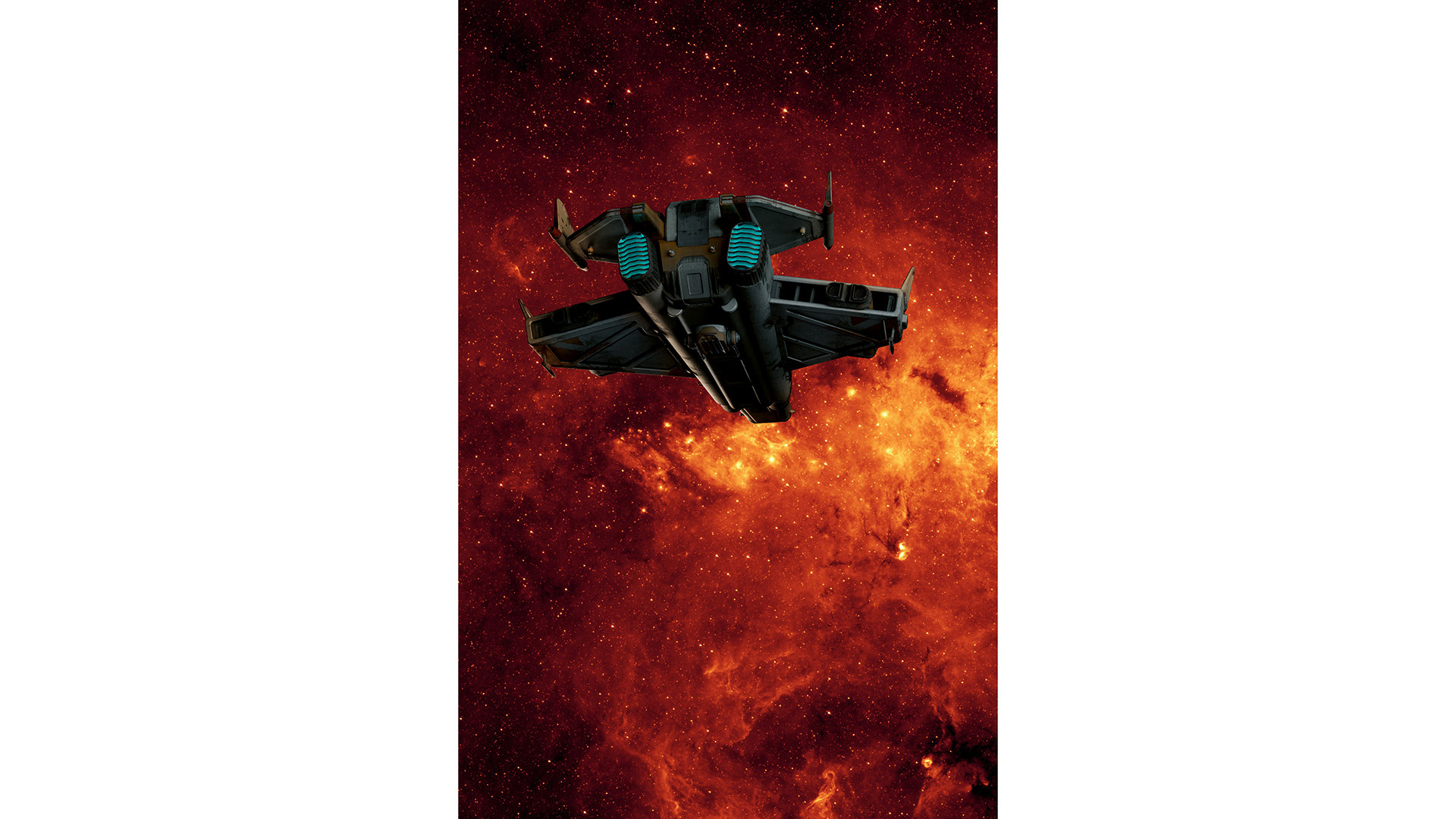
Designers

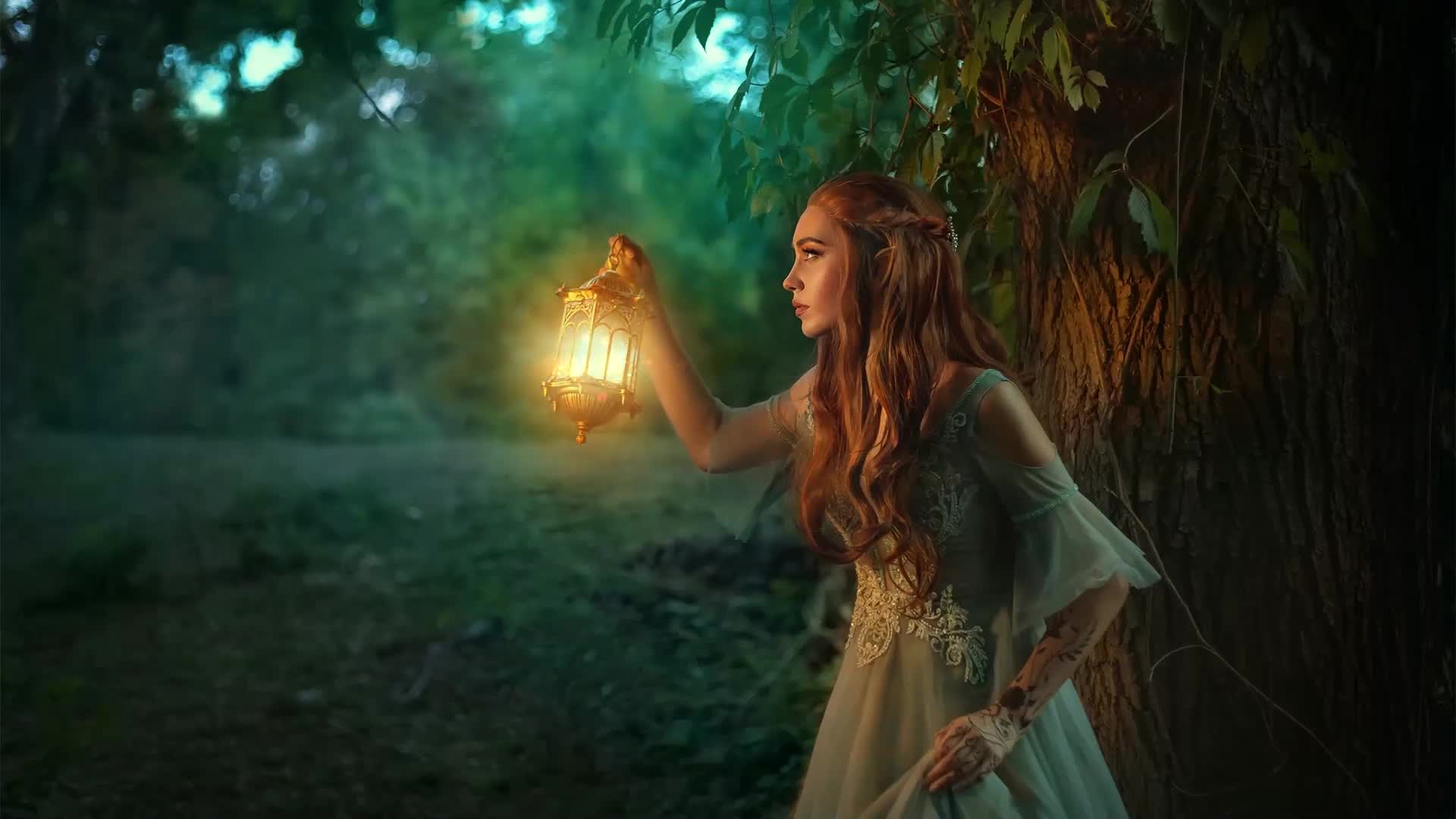
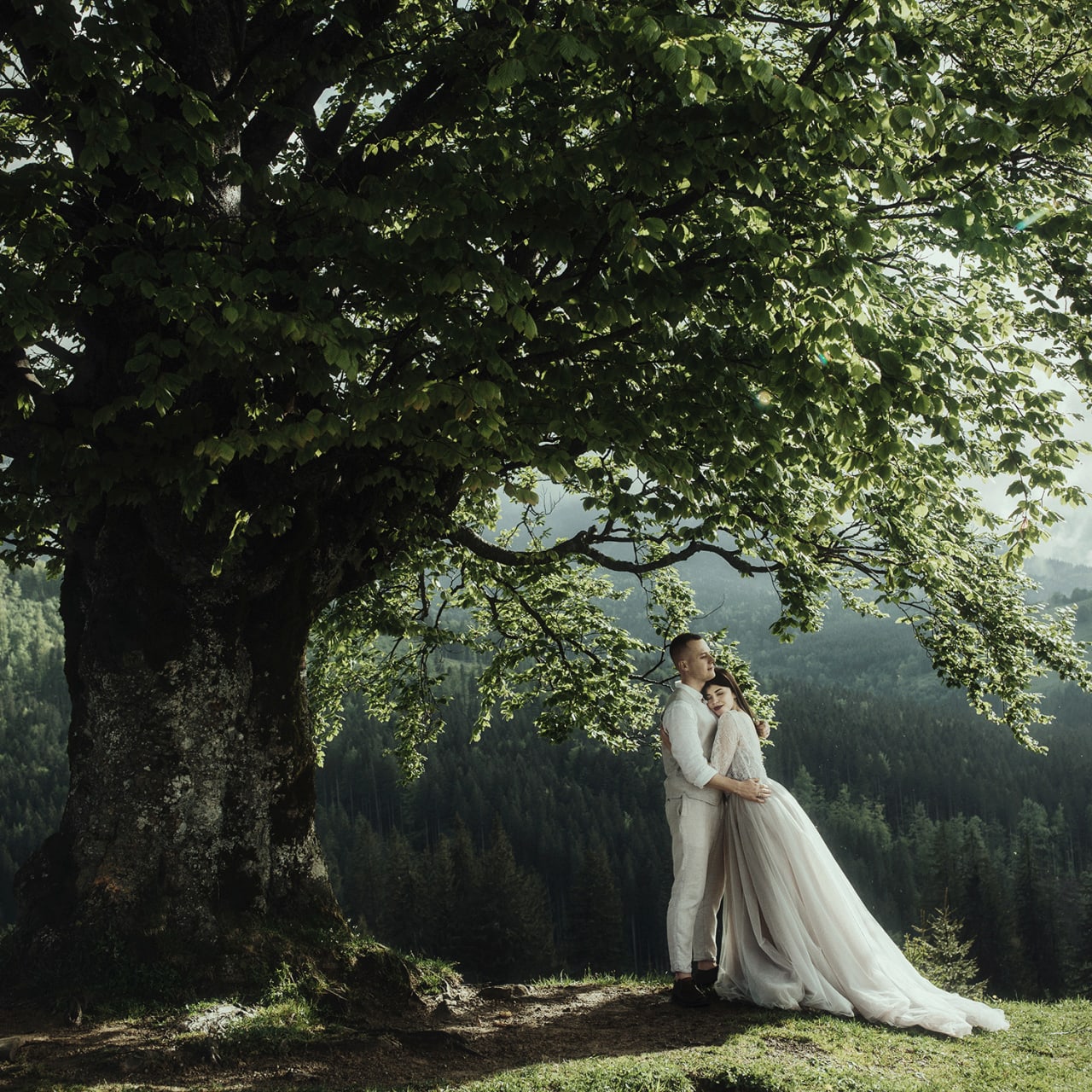
Craft eye-catching visuals that captivate audiences
ยฉ Anya Anti Art

System requirements

Mac OS
OS Requirements
  • Monterey (12.0) and higher
Processor (CPU)
  • Apple silicon or Intel (Sandy Bridge or newer)
System Memory (RAM)
  • 8 GB minimum, 16+ GB preferred
Graphics Processor (GPU)
  • Apple silicon integrated GPUs are supported, as are AMD GPUs on most modern Intel CPU Macs.
  • ML filters and masks require an Apple silicon integrated GPU with macOS Monterey (12.0) and above.
Windows
OS Requirements
  • Windows 10 & 11
Processor (CPU)
  • Intel x64 (Sandy Bridge or newer)
System Memory (RAM)
  • 8 GB minimum, 16+ GB preferred
Disk
  • High-speed disk array or NVMe SSD
Graphics Processor (GPU)
  • Most modern graphics cards from NVIDIA and AMD are supported for GPU acceleration, but for best performance, we recommend workstation powered by NVIDIA RTX 6000 Ada Generation, or AMD Radeonโ„ข PRO Series.
  • ML filters and masks require an NVIDIA GPU with compute capability 6.0 or above (Pascal), or an AMD Radeonโ„ข PRO Series GPU.

Transform Your Photos

Optics is a comprehensive plugin designed for photographers and digital artists. Combining innovative technology with visual effects inspired by Hollywood, Optics provides everything you need to bring your creative ideas to life.

The Best Lighting Effects

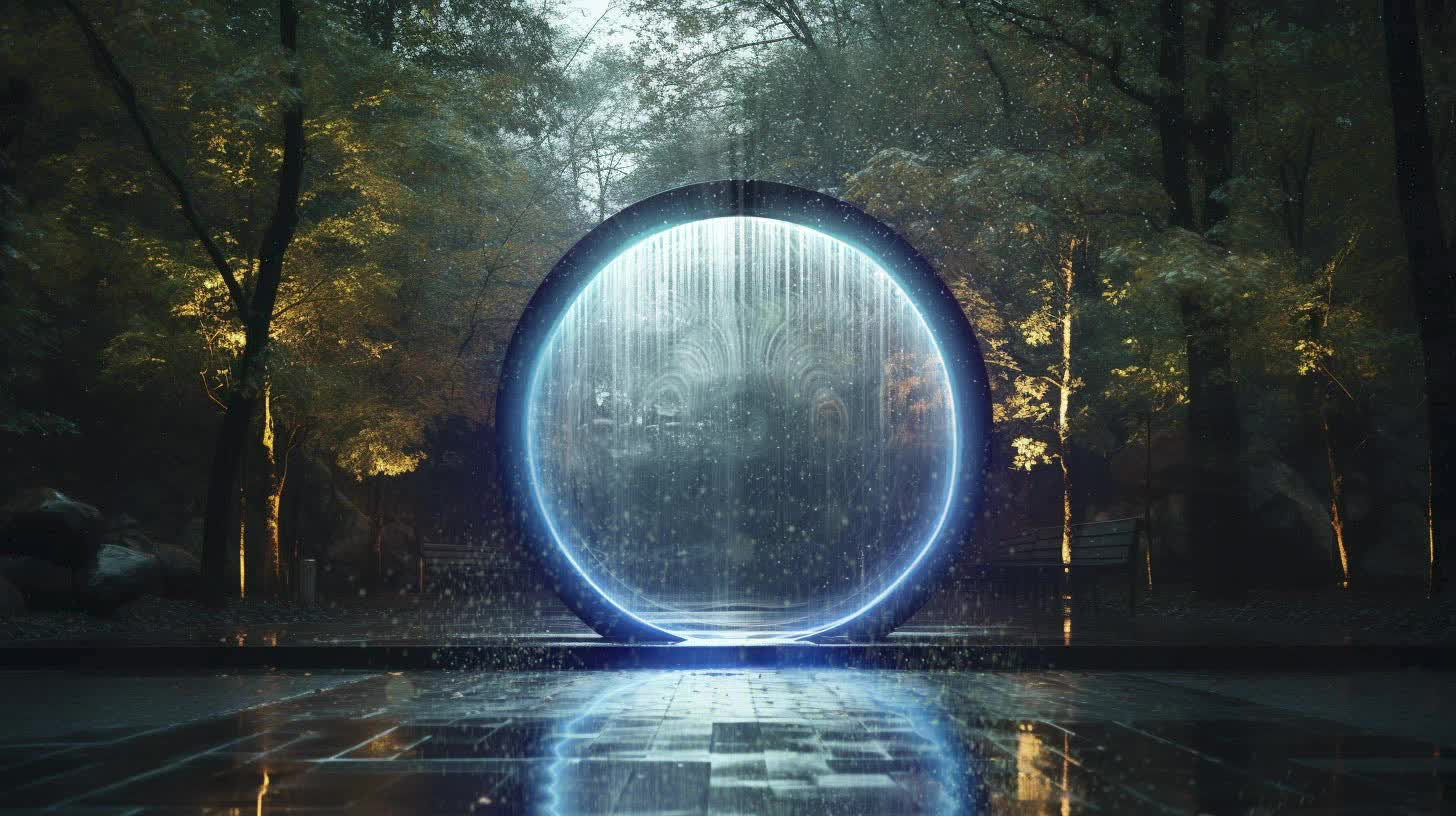
Explore the largest collection of procedural lens flares, lighting, gobos, and particle effects for photography. Just say no to stock footage elements. Quickly design, edit, and save your own libraries of presets of favorites with Optics.

Artist Tested. Hollywood Proven.

Optics gives you access to the same plugins and filters regularly used on the most popular films and TV series with the addition of top tools from the Boris FX Suite.
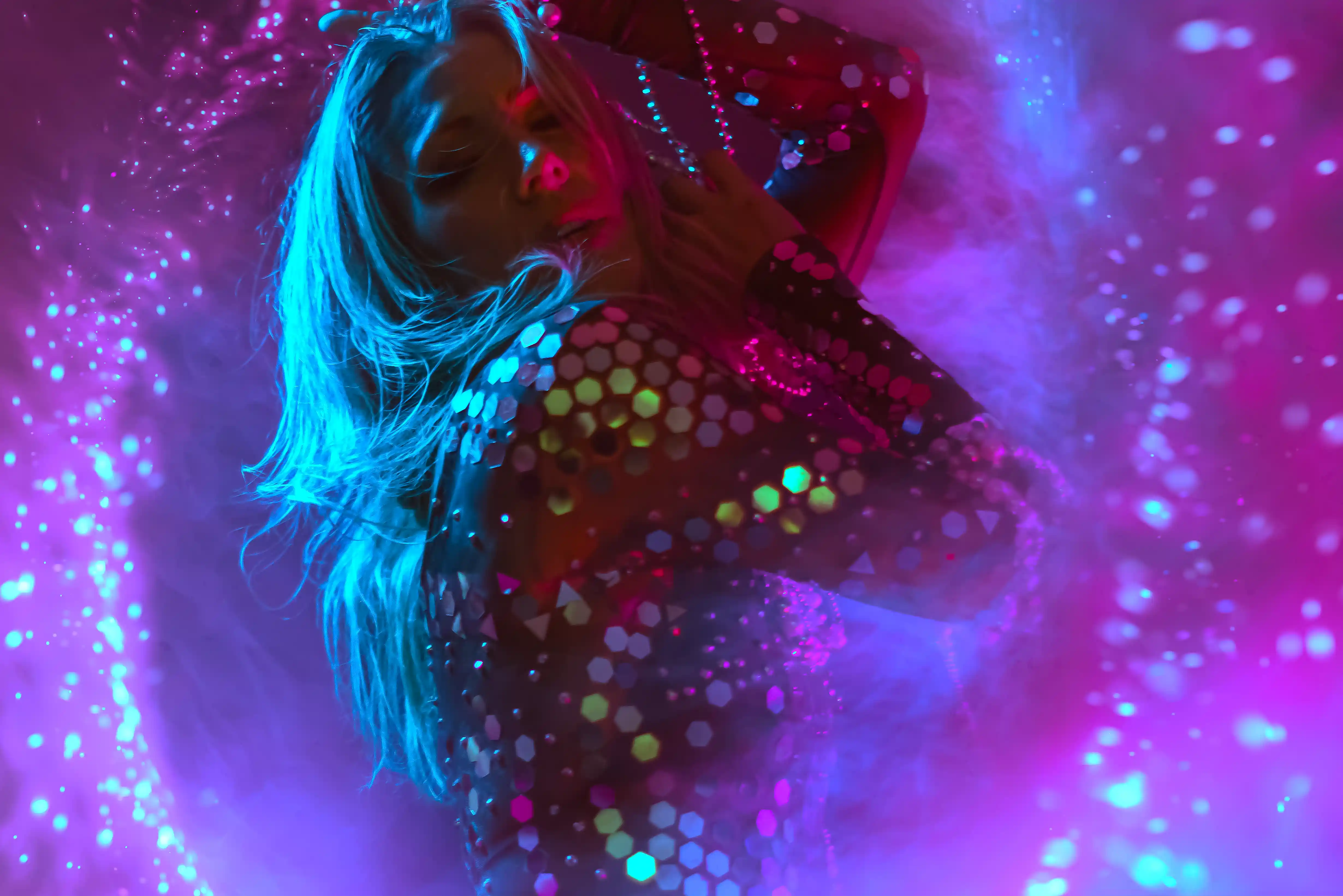
Add Lens Flares, Light Rays, Ultra Zap (lightning), UltraGlow, Light Leaks, and many more effects from our Emmy Award-winning Sapphire collection, or retouch skin easily with Continuumโ€™s Beauty Studio.

Stunning Particle Creation

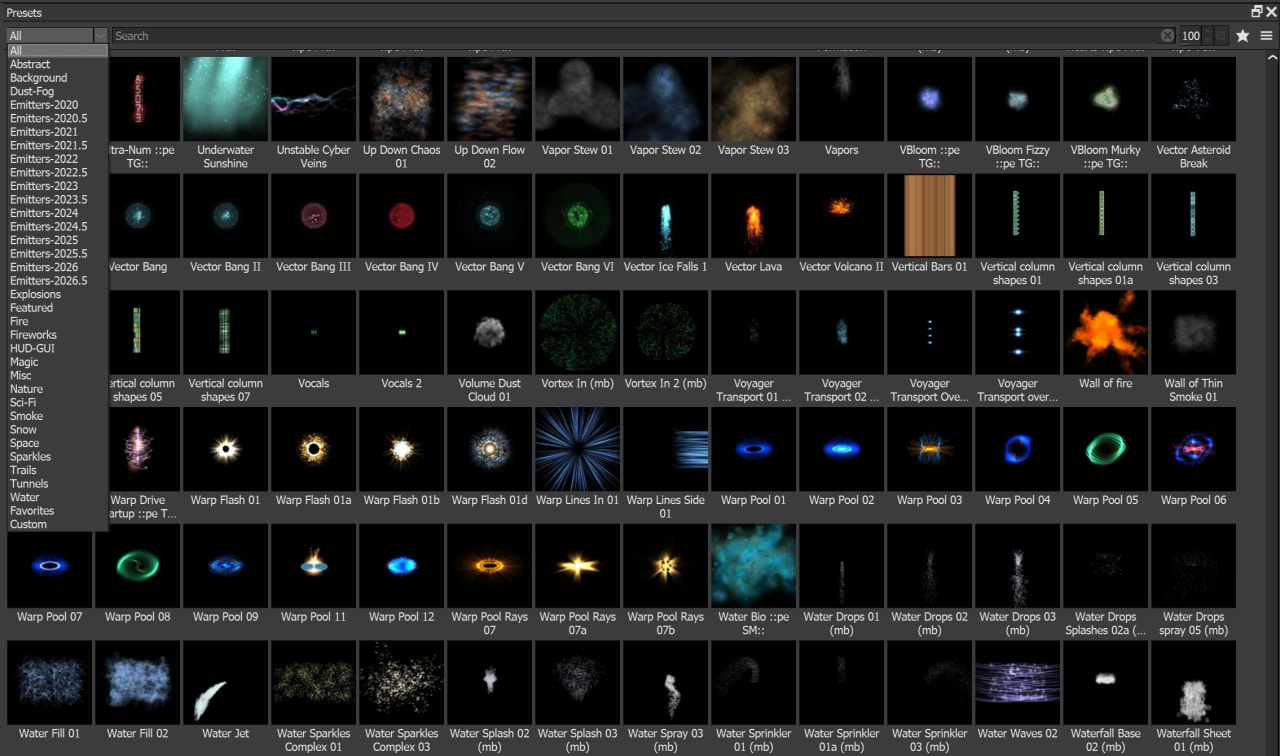
The Particle Illusion category is a fast and easy-to-use particle engine that creates unique effects and elements.

Particle Illusion features 1700+ particle presets to enhance photo editing, including Smoke, Fire, Water, Sparkles, Explosions, Dust, Sci-Fi, and more.ย Learn more about Particle Illusion.

You can also create and export cinemagraphs โ€” photo animations โ€” using Optics in Photoshop, Lightroom, Capture One, Affinity, Apple Photos, or the standalone application.

Physical Camera Characteristics

Optics is the only Photoshop plugin that emulates the physical characteristics of optical camera filters, whether itโ€™s historical film stocks, color grading, or lens and diffusion effects.

Add beauty and depth to your digital images with diffusion filters like Mist, Fog, Net, Halo, and more.

Packed with Effect Presetsย 

  • 600+ film stocks and film looks
  • 173 optical lens flare presets from Boris FX Sapphire
  • 800+ Gobo lighting patterns
  • 1700+ particle presets, including Abstracts, Dust, Smoke, Fire, and more

AI Masking and Paint Tools

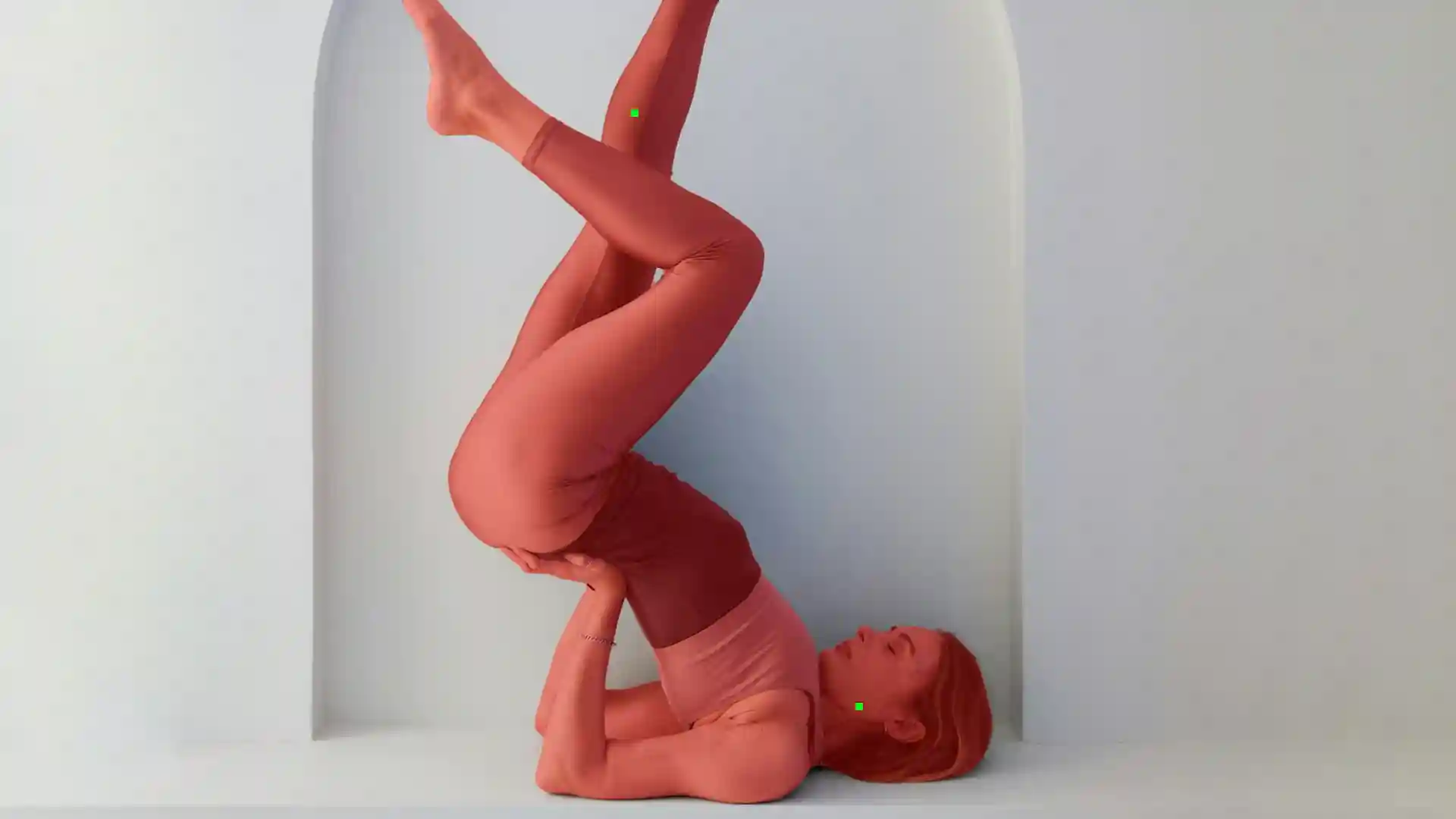
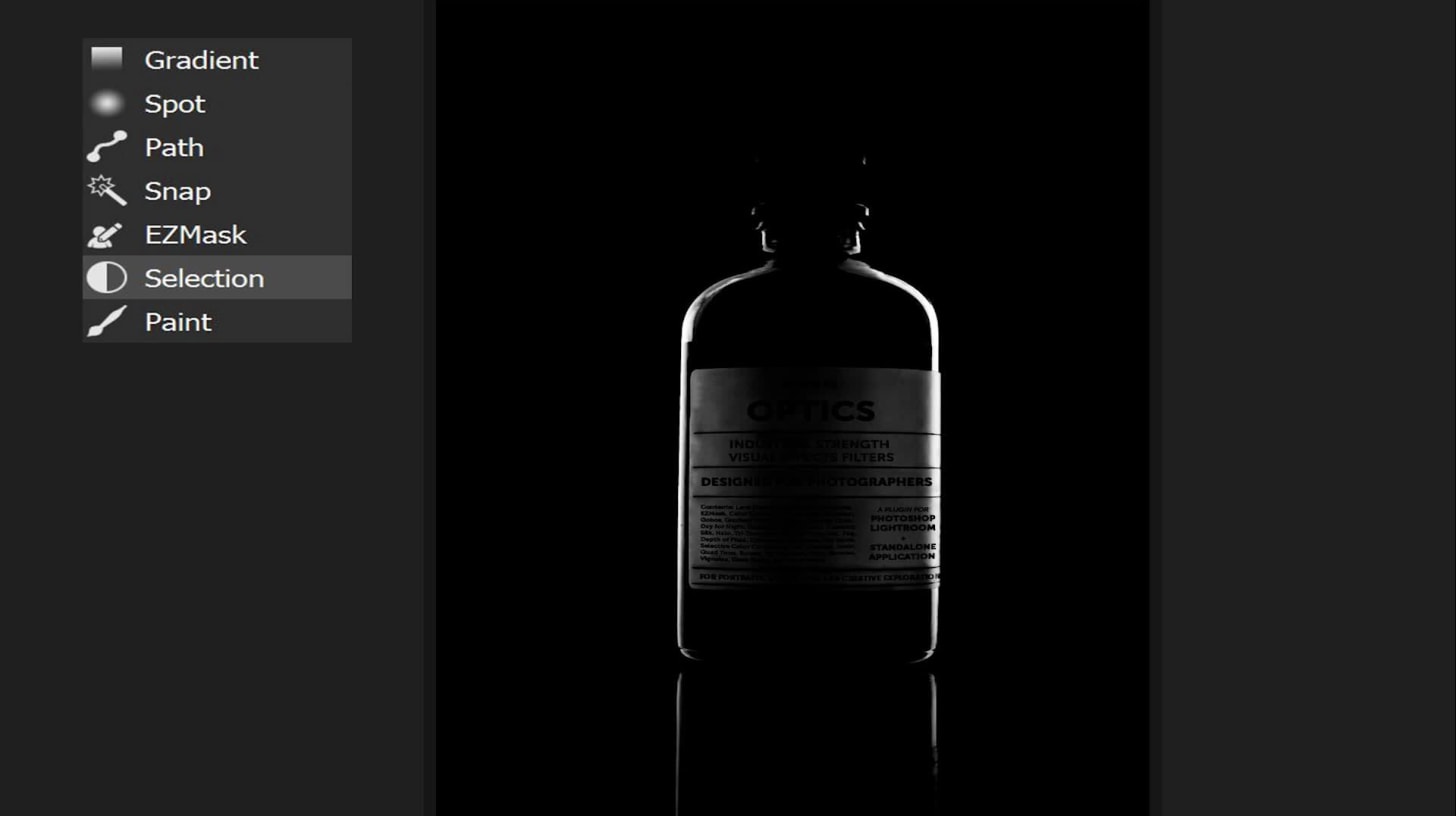
Optics features masking and paint tools powered by Machine Learning to replace backgrounds, isolate effects, or fix and touch up pixels.

  • Mask ML with point and click object masking
  • Depth ML, EZ Mask, Face ML, Gradient, Mask ML, Paint, Path, Snap, Selection and Spot mask types
  • Combine multiple masks using blend modes
  • Paint, clone, and blur with support for Wacom tablets
  • Exchange masks with Photoshop
  • Face ML isolates facial regions
  • Depth Map ML generates depth based masks

Optics Effects

Browse the Optics effect library. Hover any card to preview the effect; click to expand with full controls.

New in Optics 2026.5

Three more plugin host applications & handcrafted beauty await

New in 2026.5

  • More Plugin Hosts: Use Optics in Apple Photos, Capture One, and Affinity Photo
  • S_FilmBurn: Add real analog light leaks
  • Enhanced S_Grunge Presets: The ultimate hand-painted texture background generator
  • Dynamic Particles: Stunning custom-made emitters designed for and by photographers
  • Better AI Tools:
    • Face ML adds neck and nose segmentation
    • Updated UpRes ML model gives you more accurate results
  • Color Mixer: Edits your photos based on hue, saturation, and luma channels
  • Bespoke Borders: Go beyond basic with handcrafted tin types and wet plate textures

Added Plugin Support

Work the way you want with new plugin host support. Stay in your creative Optics flow while using your favorite application.

  • Apple Photos
  • Capture One
  • Affinity Photo

One license gives you access to all supported host applications.

A Burninโ€™ Love of Film

Use S_Film Burn to recreate the unpredictable beauty of genuine overexposed film โ€” without ruining your photos IRL.

  • Original Film Scans: Built from high-resolution scans of damaged celluloids
  • Deep Toolset: Layer light leaks, lens flares, and natural film grain
  • Authentic Artifacts: Recreate perforation ghosts, leader elements, and burnt sprockets
  • Make It Yours: Flexible controls help you add delicate imperfections or full photo burns

Backdrops Reinvented

Tired of your same old backdrop? Donโ€™t break your bank with a new one! Updates to S_Grunge give you endless options.

  • Handmade fresh high-resolution stamps
  • Choose from oil paint, chalk, ink, sponge, splatters, floral, damask, and more
  • Use the seed slider to easily change the look & feel of your stamps
  • Features 60+ presets or customize every element including color changes based on your subject

Faster, Flexible Particles

Particle Illusionโ€™s update (2026.5) makes it easier than ever to add a touch of sparkle & more to your photos.

  • Improved animations and better camera control
  • New handmade particle sprites designed with photographersโ€™ needs
  • 30+ additional presets
  • Export cinemagraphs at various frame rates thanks to updated FPS

Instant Face Masks

Speed up your portrait editing with Face MLโ€™s AI-driven masking tool.

It automatically detects facial regions and separates them into individual masks. Stop hand-drawing masks and spend more time perfecting your targeted retouching and selective color adjustments.

Segmentation options include: Skin, Eyebrows, Eyes, Nose (new!), Lips, Mouth, Teeth, Beard and Neck (new!)

Color Mixer Tool

Precisely modify your photo colors using the easy-to-use Color Mixer tool.

  • Customize colors using hue, saturation, and luma channels
  • Simple slider-based workflow
  • Includes 16 presets

Find Color Mixer in Optics Essentials, Landscapes, and Portrait filter categories.

More Sapphire

An updated version of Sapphire (2026) gives you access to Hollywood-ready new filters like Film Burn and Grunge, 8 new pro lens flares, and a variety of curated presets designed by artists.

Quickly add modern cinematic effects and looks to your photos.

Ornate Frames

Love the look of tintype or wet plate textures, but donโ€™t want to do it yourself?

Optics 2026.5 expands its border library with handcrafted borders using traditional techniques.

  • Features 10+ new presets
  • Easily adjust individual border elements
  • Use presets as is or create your own

Powerful Looks. Instant Style.

Professional-grade looks packs built by artists for artists.

Get Started with Looks

Each pack includes 10 artist-curated Looks to bring your creative vision to reality. Youโ€™ll need an active Optics subscription or trial to use the Looks preset collections.

  • Choose from two Looks packs โ€” Monochromed and FutureCyber

  • Use the Looks presets as is or adjust the parameters to your liking

  • Stay tuned for more Looks packs designed by new artists in the future

  • Show off how you use Looks by tagging #borisfxopticslooks

Free Optics Look: Lepidoptera

Download your free Optics Look preset. Use as is or customize the parameters to suit your style. Please note that an active trial or Optics license is required to use the Look.

The Gilded Paw Looks Collection

The Gilded Paw Looks Collection

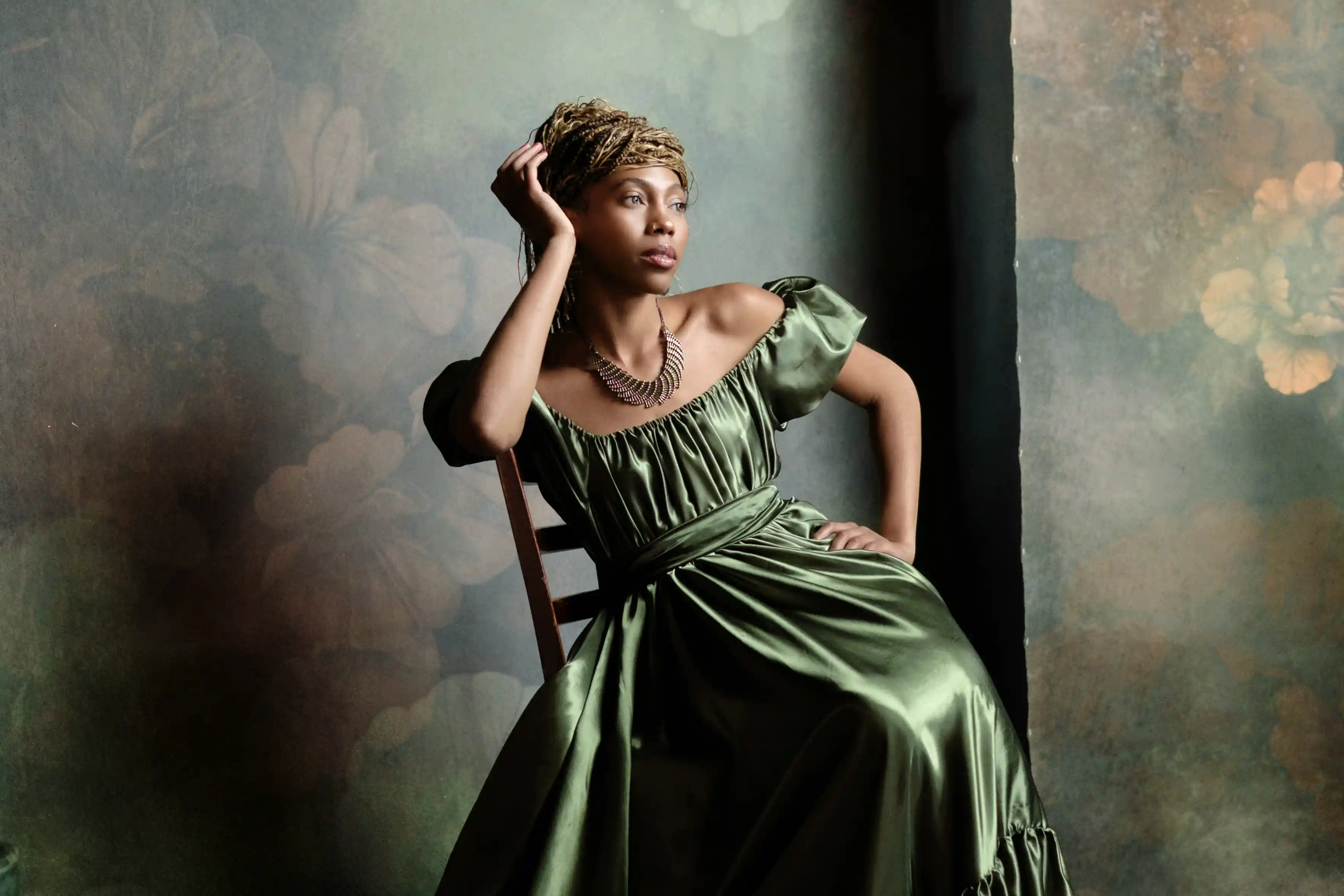
Easily turn clean digital images into expressive, old-world portraits full of character. Built with the newest Optics 2026.5 tools including S_Grunge, borders, particles, and more!

$49.95

$24.95

Add to Cart

โ€œGive modern photography the charm of a forgotten Victorian keepsake. The Gilded Paw Looks Collection recreates the mood of tintype, wet plate, and antique studio photography with richly aged borders, organic grunge textures, soft monochrome color, and customizable historical finishes.โ€

Renee Robyn

Whimsical Wedding Looks Collection

Whimsical Wedding Looks Collection

Add a touch of romance to your photos with this light and airy wedding preset collection.

โ€œA collection of soft tones and subtle lens flares, this Looks preset bundle is for photographers who want their wedding edits to look like an ethereal daydream.โ€

Renee Robyn

Photographer & Optics Product Manager

Monochromed Looks Collection

Monochromed Looks Collection

Inject some elegance and drama with this collection of ten deluxe Black and White presets!

โ€œI wanted presets made for bold visionaries - something that takes B&W from nostalgia into the surreal. This pack unlocks the hidden power of Optics, engineered for photographers who want to stand out.โ€

Renee Robyn

Photographer & Optics Product Manager

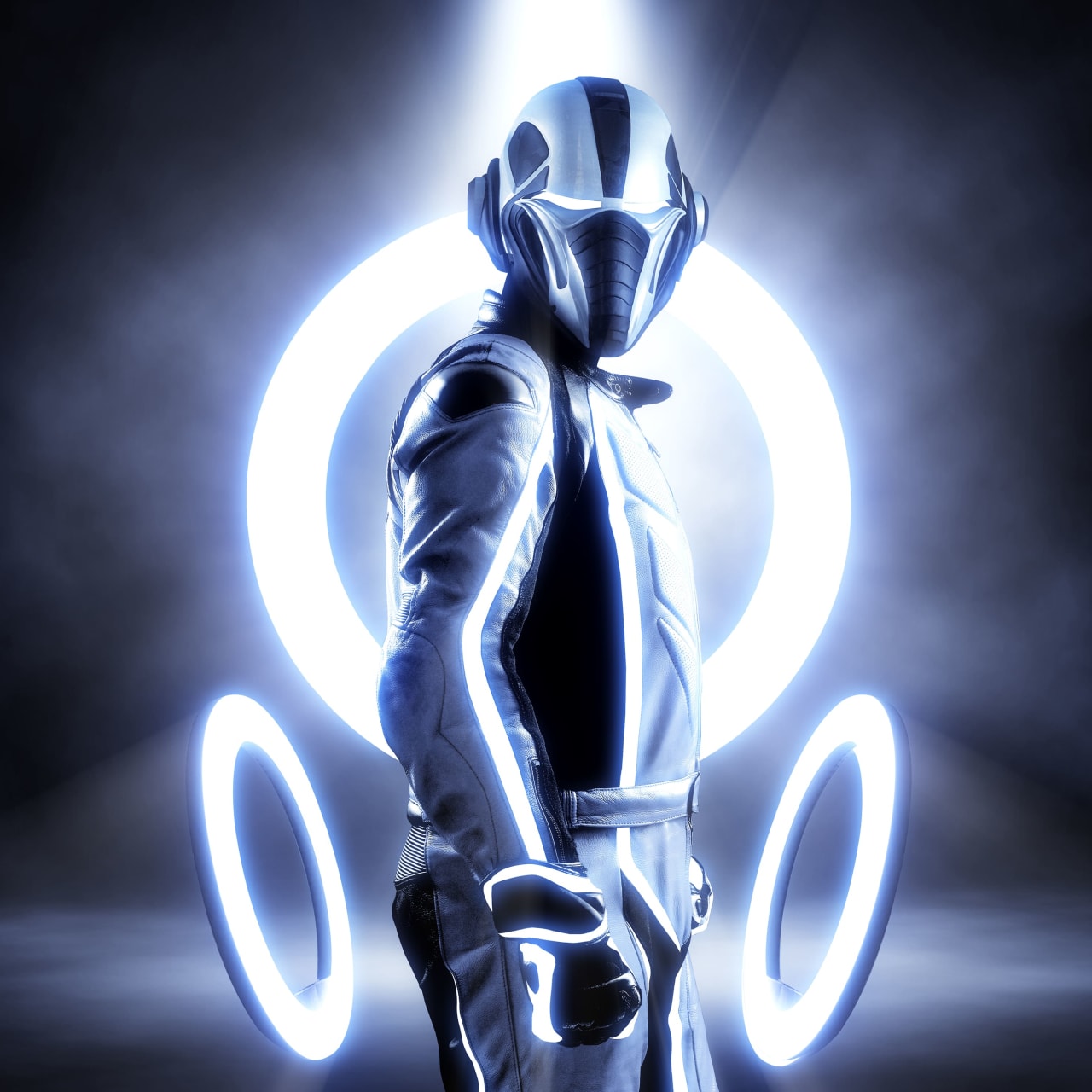
FutureCyber Looks Collection

FutureCyber Looks Collection

Channel your inner cyberpunk with this future-flavored collection of ten creative presets!

โ€œOptics is an artistic filter gallery on steroids! This Looks collection of sci-fi inspired presets showcases some of the more creative and lesser-known filters.โ€

Dean Samed

Digital Artist

Get More. Pay Less.

  • Get 50% off a new annual sub of Optics with purchase of a Looks pack!

See Looks in Action

Sunday Best (The Gilded Paw Collection)

  • Recreate the charm of 19th century portraits

  • Light leaks and mist for added drama

  • Analog film filter for a vintage look

Before
After
Before
After

Keepsake (The Gilded Paw Collection)

  • Inspired by Tintype portraits

  • S_FilmDamage

  • Vivid glow and gel effects

Reminiscence (Whimsical Wedding Collection)

  • Create dreamy bridal shots

  • Soft hazy glow

  • Film stocks for added drama

Before
After
Before
After

Serving Rosรจ (Whimsical Wedding Collection)

  • Add some ethereal romance

  • Pink hues and gels

  • Stunning lens flares

Bubbles (Monochromed Collection)

  • Add a little whimsy to your photos

  • Soft black and white filter

  • Added particles like orbs and mist

Before
After
Before
After

Morning Haze (Monochromed Collection)

  • Create beautiful bokeh portraits

  • Dewy, misty morning looks

  • Atmospheric glow for a vignette look

Hack The Planet (FutureCyber Collection)

  • Highly saturated, cross processing look

  • Think Hackers meets Black Mirror looks

  • Deeply 90s aesthetic

Before
After
Before
After

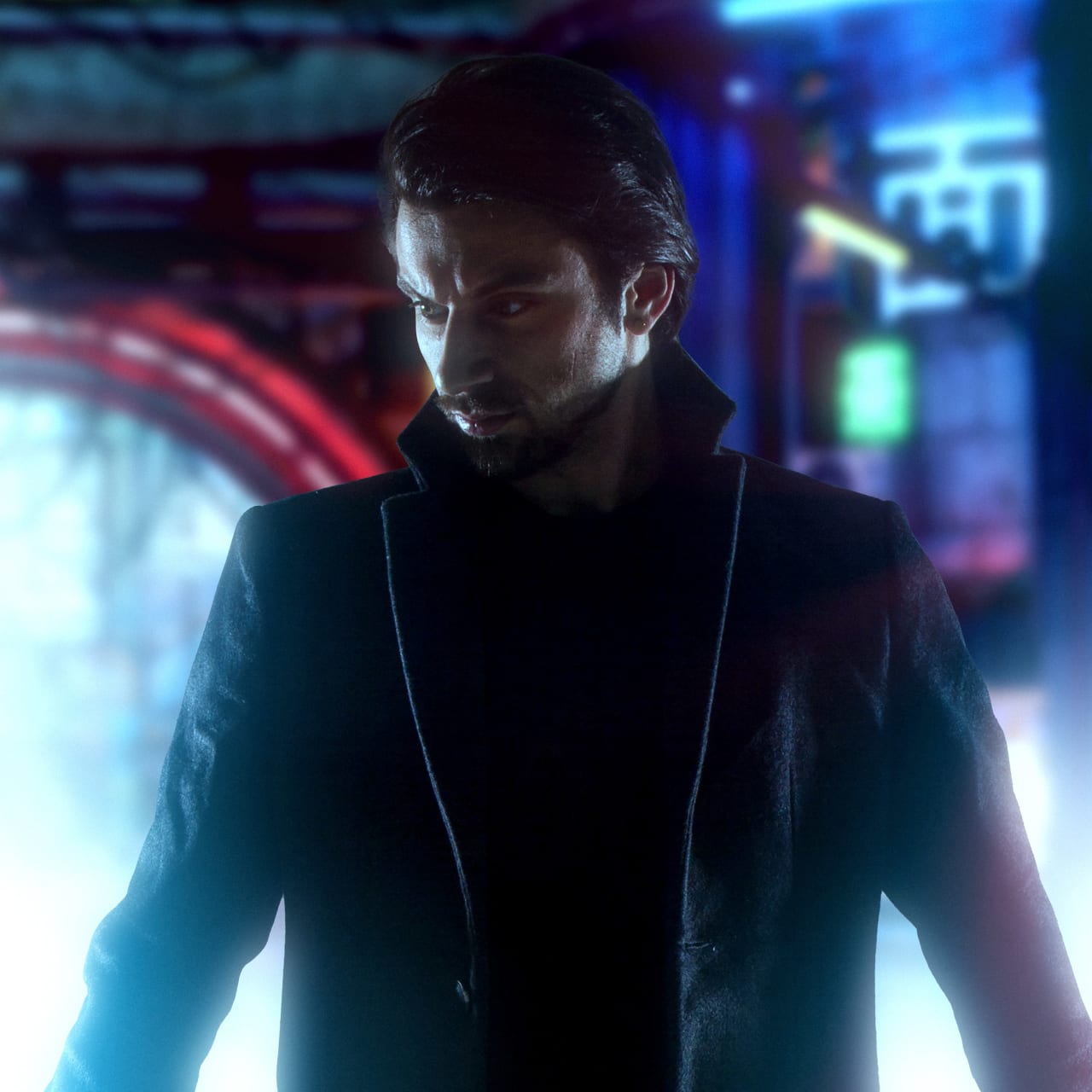
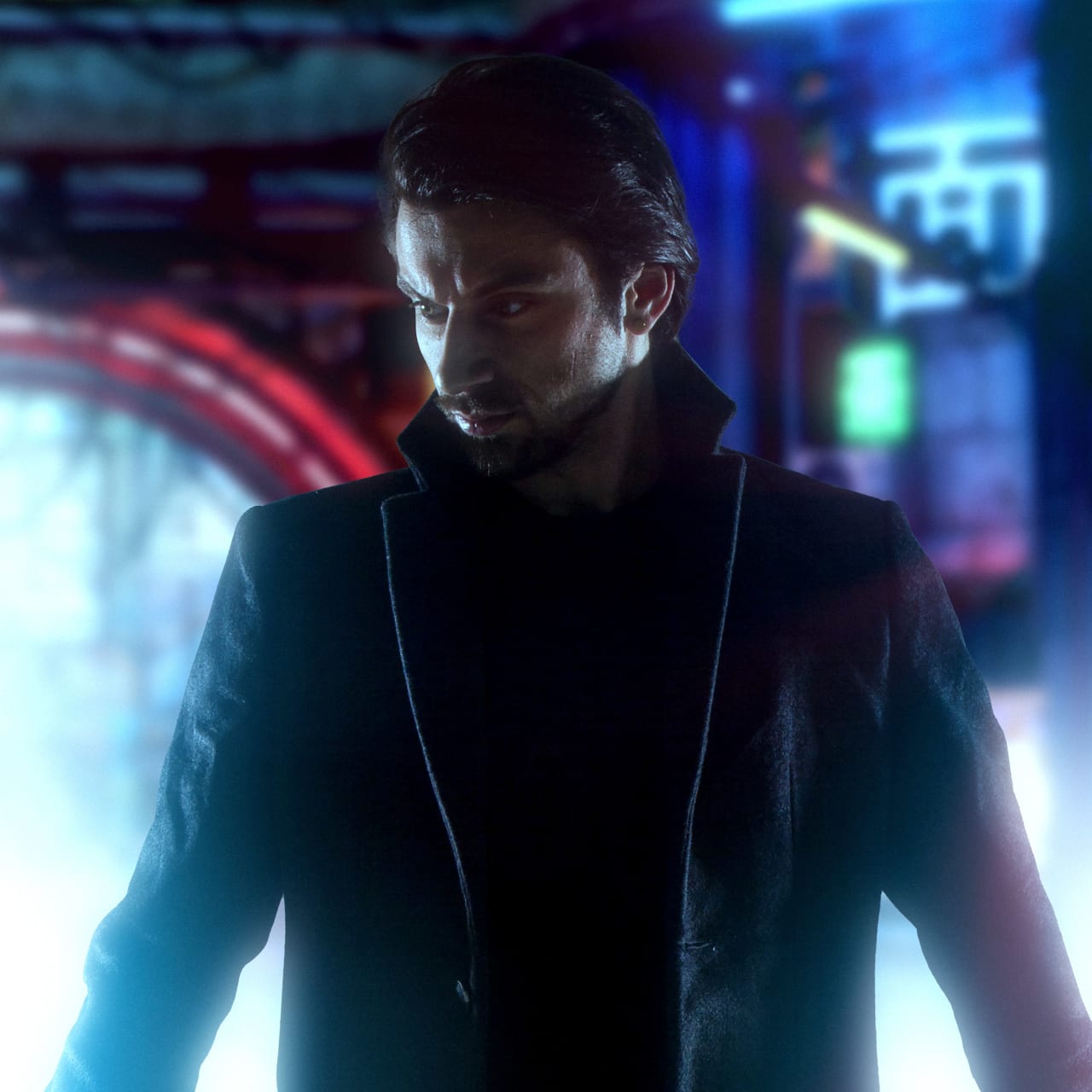
HoloDeck (FutureCyber Collection)

  • Create a glowing hologram look

  • Emmy Award-winning Sapphire UltraGlow and TVDamage

  • Inspired by Blade Runner 2049

Get Social With Us

Connect. Share. Inspire. The Optics community is a vibrant network of photographers, designers, and artists pushing the boundaries of creativity.

Learn From The Community

Ask Us Anything

Forum

A place for Optics users to ask more complex questions and request new features.ย 

Forum

Discord

Join our Optics Discord to exchange tips, get quick help, and connect with fellow VFX artists.

Discord

Help Center

Search technical questions or open a ticket with our knowledgeable support team.ย 

Support

Everything You Need To Get Started

New to Optics? Optics Essentials is the ultimate beginner’s guide for photographers and digital artists. This comprehensive guide includes how to get started with the interface, masking and applying effects, blend modes, lighting, and more!

Taught by Optics product manager Renee Robyn and director of content Ben Brownlee

Includes 15 easy-to-follow tutorials

Get started with the interface, masking, effects and more!

Tutorials

Ask Us Anything

Forum

A place for Optics users to ask more complex questions and request new features.ย 

Forum

Discord

Join our Optics Discord to exchange tips, get quick help, and connect with fellow VFX artists.

Discord

Help Center

Search technical questions or open a ticket with our knowledgeable support team.ย 

Support

Frequently asked questions

What is Optics?
Can I install and activate Optics on multiple computers?
Is Optics the same as DFT from Digital Film Tools?
What happened to the individual Digital Film Tools Photoshop plug-ins?
Does the Optics standalone load Photoshop PSD files?
Can’t see your question listed above? Visit our Help Center

Havenโ€™t tried Optics Yet?
Transform Your Photos for Free Today.

Itโ€™s easy. Download the Boris FX Hub, install Optics, and register for a free 14-day trial.

Please select your language

The website is currently localized into the following languages