

















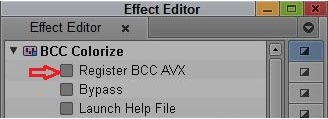
1): After applying a BCC AVX filter in Avid Host’s timeline, click REGISTER BCC AVX button in the Effect Editor window:
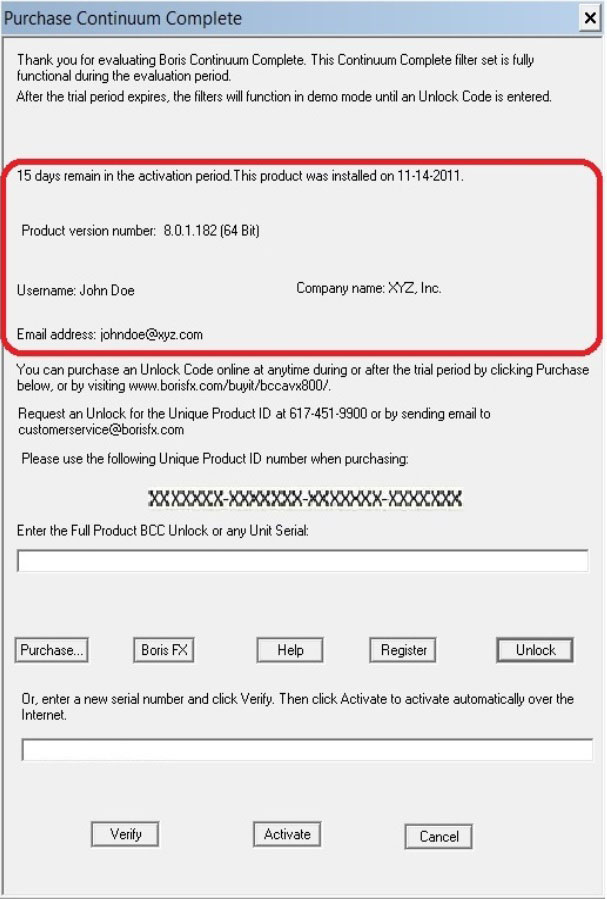
2): This launches Purchase/Registration Window which displays information about how many Days Remain in the Trial Period (if you installed it as a TNB version using the CV27AV…number), the *Install Date, *the Name, the Company Name, e-mail address you entered etc:
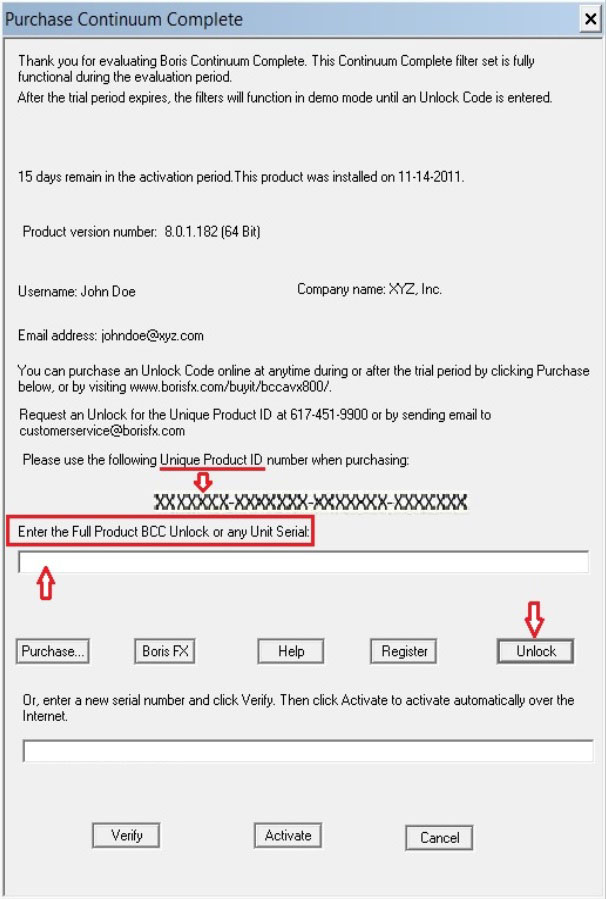
3a): At this point, you can either enter the Unlock Code you received upon purchasing the Full Product. The Unlock Code is based on the Unique Product ID number you provided when purchasing. Or you can enter any Unit’s Serial Number you received if you purchased a BCC Unit/s instead of the Full Product. After you put in the number in the field you need to click Unlock button to License the product:
3b): Or, if you received a serial number (starting with “J”) with the hard copy of the full product you purchased then you need to enter it in the Serial Number field. Now, you need to first click the Verify button for the number’s verification and then the Activate button (to activate the license live over the internet):
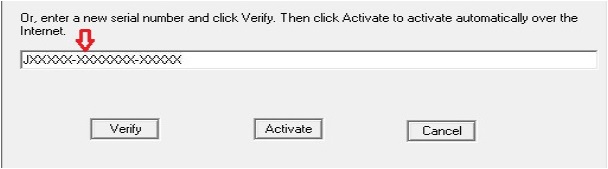
- Note: If you used the “J“number when installing the product then it should automatically show up in the Serial Number box.
4): Upon the serial number’s proper verification following message comes up:

5a): Once the number is successfully verified you need to click on Activate button to license the product:

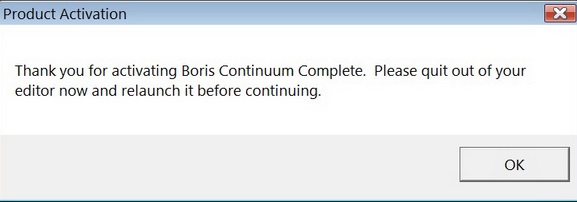
5b): Upon successful activation,a window comes up stating that the license activation was successful and you need to quit and re-launch your Avid Host for proper licensing of the product on that system:
6a): You can deactivate the number at any time by clicking on the Deactivate button to be able to activate the license for the installed product on another system:
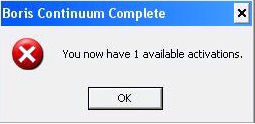
6b): Clicking Deactivate button will bring up the following message window indicating that the License can now be Activated on another system:
- Note: If you would like to Activate the same number again on the Deactivated system then you will need to Deactivate it on the system where it is currently Activated and re-launch Avid Host on the to be Activated system and follow the necessary steps to Activate the license.
7): The BorisFX button within the Activation Window should launch the system web browser and go to the borisfx.com web site’s home page. Clicking on Purchase button should launch the system web browser and go to the borisfx.com web site’s products purchase page. Clicking on Register button should launch the system web browser and go to the borisfx.com web site’s products registration page. And clicking on Help button launches this document:

If you have any additional questions please call us at 1.888.772.6747, or if you are calling from outside North America, +1.617.451.9900.
