
















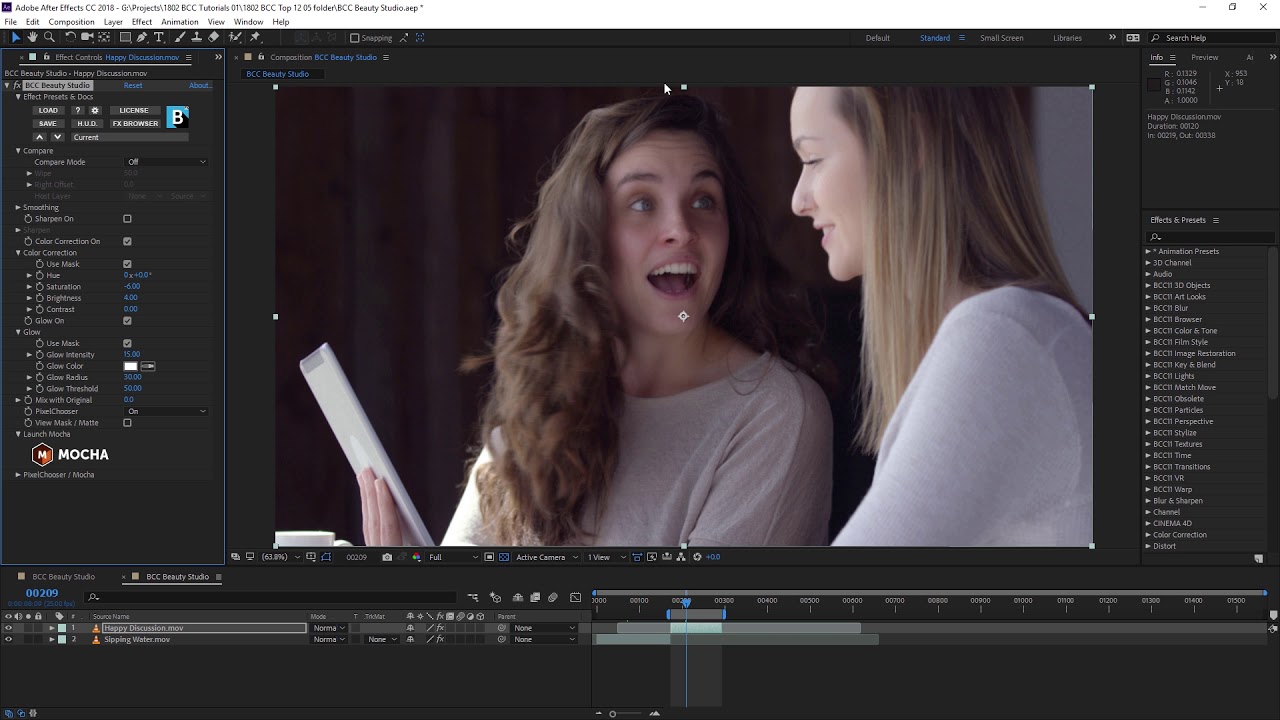
Take a tour of the Beauty Studio filter from Boris FX with video editing expert Ben Brownlee of Curious Turtle. Ben will show you how to use Beauty Studio inside Adobe to even out skin tones, and reduce blemishes and wrinkles in the skin without ruining the texture of the skin.
Learn more about Continuum from Boris FX.
Subscribe to our newsletter
Get all the latest news, blog posts and product updates from Boris FX, delivered directly to your inbox.
Welcome!
Thanks for opting-in to our newsletter. You'll receive an email momentarily with your confirmation.
