
















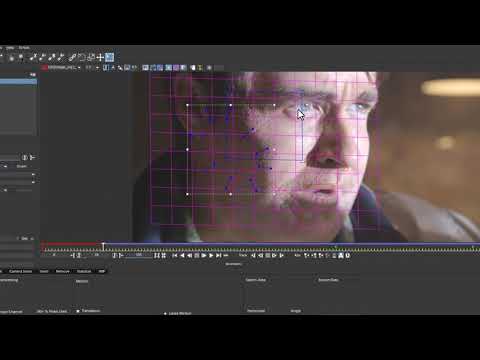
In this in depth video, Imagineer Systems product specialist, Mary Poplin,
shows you how to Stabilize and Roto Paint in Nuke using Mocha Pro and
MochaImport+. This specific technique was used to paint out makeup errors in
U.F.Oh Yeah by Film Riot. The final video can be found
here:youtu.be/qQB2wtKQkvM
Techniques used: Difficult Tracking through shadow occlusions Using the
Surface Tool Exporting Corner Pins from Mocha to Nuke Stabilizing using
MochaImport+ Rotopainting in Nuke Adjusting motion blur with pixel data and
OFlow in Nuke Basic compositing tasks in Nuke
Software Used: Mocha Pro MochaImport+ Nuke 8
Subscribe to our newsletter
Get all the latest news, blog posts and product updates from Boris FX, delivered directly to your inbox.
Welcome!
Thanks for opting-in to our newsletter. You'll receive an email momentarily with your confirmation.
