
















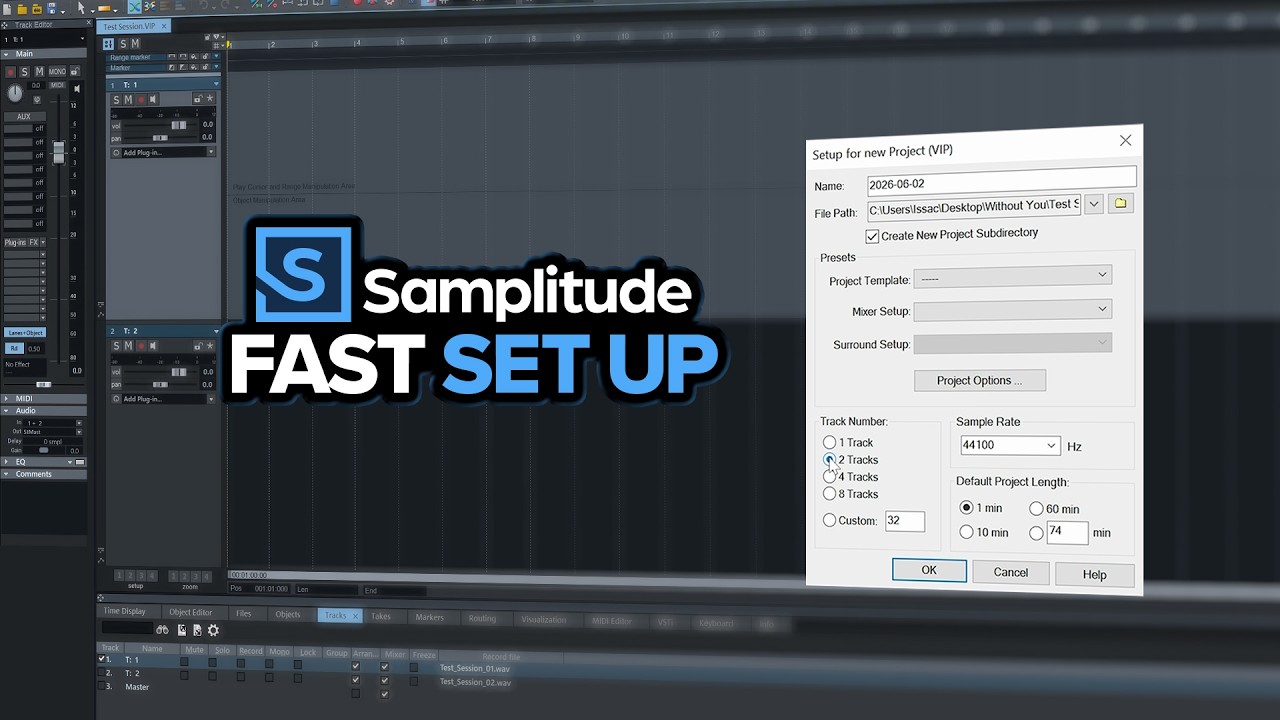
Set up your project structure using dedicated file paths to prevent audio files from getting scattered. This essential guide takes you through building a robust, multi-track project in Boris FX Samplitude. We show you how to properly load audio and establish proper organization from the start.
Sam Loose from Boris FX shows you how to begin. Learn to create new multi-track projects. Set up a dedicated project directory to prevent file chaos and learn why you always copy files to your project directory.
We cover two ways to import audio, ensuring all tracks land safely in your designated folder. Learn what the arrange window, track head, and transport controls are designed for.
Finally, we master saving custom settings with the Workspace menu. This ensures you can always return to your preferred layout or recall the default workspace when needed.
Subscribe to our newsletter
Get all the latest news, blog posts and product updates from Boris FX, delivered directly to your inbox.
Welcome!
Thanks for opting-in to our newsletter. You'll receive an email momentarily with your confirmation.
