
















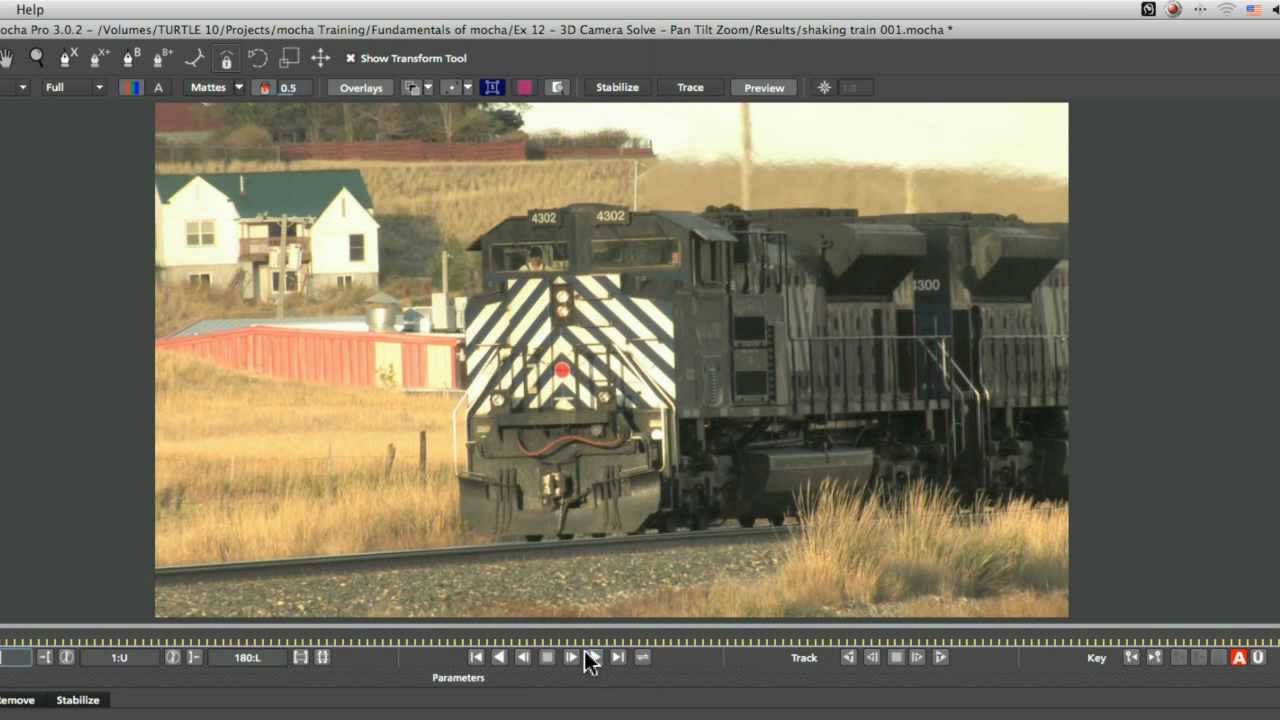
What you’ll learn:
- Solve problems with interlaced footage
- Pick the right type of shape for the Camera Solver
- Set up correct parameters for the shot type
- Check the solve quality in After Effects
Before we look at Mocha’s Camera Solver, we fix issues with incorrectly
interpreted interlaced footage. Next we identify what the camera motion is in
the shot, to correctly create the type of tracked layers required to create
the virtual camera. In this tutorial the movement is Pan Tilt Zoom, so we
prepare the main track layer plus a track matte layer. Once the camera is
solved, we look at how to test it in After Effects using both a regular 3D
text layer and a 3D particle layer.
Subscribe to our newsletter
Get all the latest news, blog posts and product updates from Boris FX, delivered directly to your inbox.
Welcome!
Thanks for opting-in to our newsletter. You'll receive an email momentarily with your confirmation.
