
















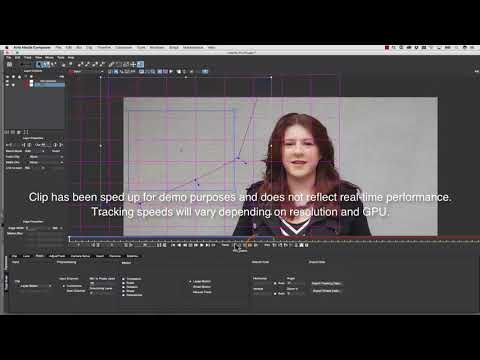
In this short tutorial, Mary Poplin shows you how to use the Mocha Pro AVX plug-In inside Avid Media composer to remove a boom mic. Mocha Pro’s powerful Remove Module uses planar motion tracking and “temporal frames” to automatically remove unwanted objects.
Mask the object to remove
Track the background
Select your remove layer and render
Subscribe to our newsletter
Get all the latest news, blog posts and product updates from Boris FX, delivered directly to your inbox.
Welcome!
Thanks for opting-in to our newsletter. You'll receive an email momentarily with your confirmation.
