
















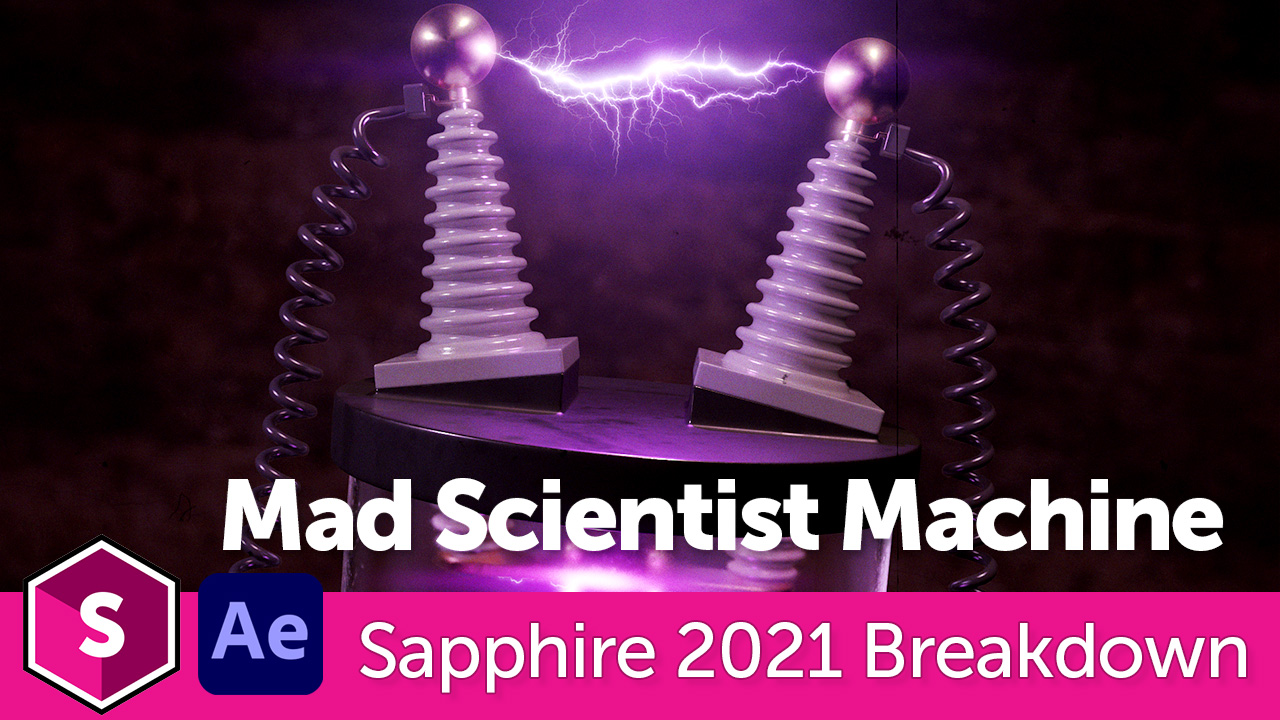
It’s alive! It’s alive!
John Dickinson, Director of Motion Graphics, shows how to create an electrifying mad scientist machine using Sapphire’s UltraZap and Ultra Glow effects, Adobe After Effects (with a look at Cryptomatte), and Cinema 4D.
Download the free Mad Scientist Machine 3D file (C4D/OBJ format)
Subscribe to our newsletter
Get all the latest news, blog posts and product updates from Boris FX, delivered directly to your inbox.
Welcome!
Thanks for opting-in to our newsletter. You'll receive an email momentarily with your confirmation.
