
















*** Updated for Version 5 and Adobe plug-in workflows. ***
Need to get up-and-running quickly with Mocha? Ben Brownlee, VFX artist and master trainer (Curious Turtle), guides Mocha users through the basics of Mocha’s powerful tools.
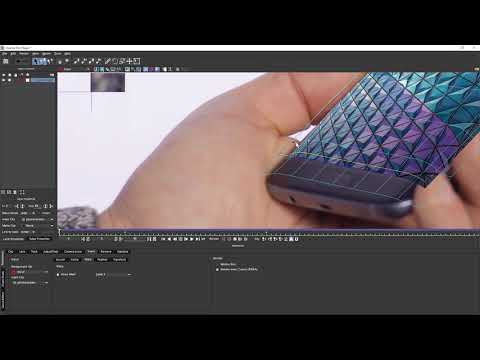
This tutorial gets into more detail about doing screen inserts in Mocha Pro. We take a look into the Insert module and see how to manipulate the insert on a curved screen in more advanced ways; including warping, blurring and hold-out mattes.
00:40 / Setting up our initial track
02:54 / Exploring the Insert module and importing in the screen insert
04:28 / Compositing the insert in
05:24 / Inserting a flat shape on a curved object using Warp
13:34 / Rotoscoping out foreground elements (hold out mattes)
Getting Started with Mocha – Training series instant download (includes 1080p tutorials & original footage) available for purchase for only $29.
Subscribe to our newsletter
Get all the latest news, blog posts and product updates from Boris FX, delivered directly to your inbox.
Welcome!
Thanks for opting-in to our newsletter. You'll receive an email momentarily with your confirmation.
