
















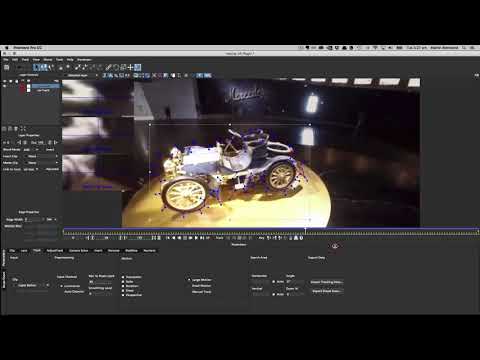
In this tutorial Mocha Product Manager Martin Brennand takes you through using Mocha VR for tracking and masking to isolate specific areas for shadows and highlight correction in VR footage with Lumetri color grading tools inside Adobe Premiere Pro.
Mocha VR is a new plug-in that runs inside of both Adobe Premiere Pro CC and After Effects CC for 360 video tracking, masking, rig removal and stabilization. Work in lat/long and rectilinear 360 space for efficient workflow.
Footage courtesy of spicevr.com
Subscribe to our newsletter
Get all the latest news, blog posts and product updates from Boris FX, delivered directly to your inbox.
Welcome!
Thanks for opting-in to our newsletter. You'll receive an email momentarily with your confirmation.
