 Marco Sebastiano Alessi |
April 3, 2026
Marco Sebastiano Alessi |
April 3, 2026


Are you ready to dive into 3D animation compositing? In this guide, you’ll learn the definition of compositing in 3D animation, the 3D animation pipeline, different types of compositing and techniques, the main differences between 2D and 3D compositing, and the best software for 3D compositing.
Let’s dive in!
What is Compositing in 3D Animation?
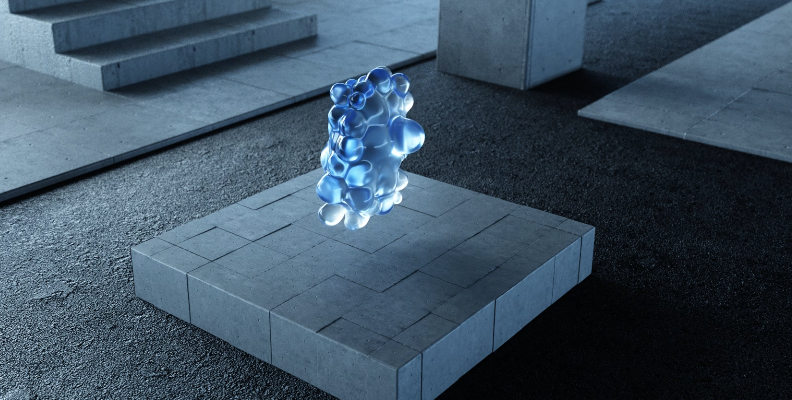
In the world of 3D animation, compositing means combining multiple images and visual elements into a single one. It can be two images, blending 3D assets into a real-life picture, changing a green or blue screen for a different background, adding VFX, and more. Today, we use digital tools and specialized software for compositing in 3D animation.
The Complete 3D Animation Pipeline
The general workflow of a 3D animation project is divided into three main stages:
First Stage: Pre-Production
The pre-production stage is where the project is planned. All the first ideas are discussed and visualized. The script is written, artists create the storyboard, decide on the design, and determine which assets need to be created in 3D software and which effects will be added in post-production. The creative team organized and coordinated with the rest of the team, 3D animators, VFX artists, and everyone involved in the project.
Second Stage: Production
In this stage, all 3D animators begin transforming the 2D storyboard into 3D, using 3D software to create the 3D layout, 3D models, 3D textures, 3D rigging, and animate the characters and objects of the scene. The last step in the production stage is to do render passes and render layers. The result is having each element, such as objects, background, foreground, lighting, 3D effects, characters, etc., rendered separately into layers. This helps avoid re-rendering the entire sequence to change one element.
Third Stage: Post-Production
This is where 3D animation compositing plays a crucial role, combining render passes and layers from the previous stage to create the final product. The post-production stage has the following steps:
- Compositing: Compositing artists combine the render passes and layers using specialized software to integrate everything into a cohesive sequence.
- VFX: VFX artists add visual effects such as particles, weather effects, motion blur, lens flares, and more.
- Color Correction: Involves using color-correction and color-grading tools to ensure the 3D animation looks consistent across all scenes and that the environment and mood match the director’s vision.
- Final Output: Export the final output in the required video format and deliver it.
Different Types of Compositing
Now that you know the 3D animation workflow, here are the main types of compositing in the industry.
Rotoscoping
A technique that involves manually tracing live-action footage frame by frame with digital software to isolate moving subjects. It’s a very time-consuming process, but it yields worthwhile results.
Matte Painting
A very old technique used to create backgrounds and landscapes, fill larger areas of the scene, or extend sets. In 3D compositing, all digital painting is done in computer painting software and using digital tablets.
Chroma Keying
Keying removes a blue or green screen and replaces it with a background or another screen. For example, isolating a subject from the green screen and placing it on the landscape created with matte painting.
Layering
A type of compositing where the artist combines multiple layers, like backgrounds, characters, objects, and effects, and stacks them to build the scene. Advanced compositing, such as 3D compositing, often includes additional depth data to store depth alongside color.
3D vs 2D Compositing
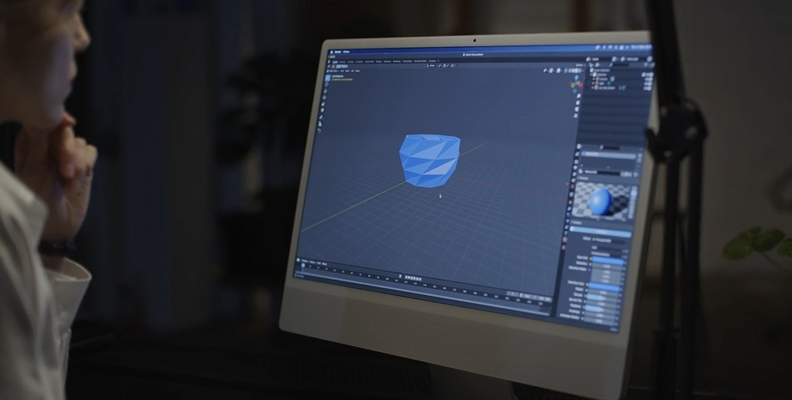
If you’re not sure which is best for your projects, here’s a summary of the main differences between the two.
Space
The most obvious difference is the dimension. 2D (two-dimensional) deals with flat elements in the X and Y axes. 3D (three-dimensional) works in the X, Y, and Z axes, adding depth to elements.
Realism
In a 2D scene, the elements feel like they sit on top of the background. In a 3D composition, all elements interact and occupy space in the scene, adding realism to the sequence, which works best for CGI elements in live-action footage.
Workflow
2D projects are usually faster and less hardware-intensive to produce, making them preferred for small projects. The 3D compositing workflow is more extensive because it requires creating 3D models, rendering, and working with the resulting render passes. 3D render times are longer and require more processing power.
Perspective
In 2D compositing, the perspective is fixed. Moving the camera can make the 2D layers look like cardboard cutouts. 3D compositing enables more dynamic, complex camera movements, adding a realistic parallax effect.
Software and Tools
2D compositing uses more layering tools for the composition and effects, such as After Effects and Photoshop. On the other hand, 3D compositing requires powerful 3D software that supports 3D modeling and compositing, such as Nuke and Fusion.
Key Techniques in 3D Compositing
These are the key techniques that every 3D compositing artist should know:
Matchmoving (camera tracking): A technique that replicates a real-life camera in 3D space to allow the 3D elements to integrate with the live-action footage seamlessly.
Render Passes: This technique allows rendering elements into separate layers. It is one of the most important techniques for rebuilding the scene, layering passes, and creating the final composition.
Light Wrapping: An important technique to make a character and 3D models blend with the background light by adjusting shadows and lights, and sampling the background colors to avoid the “floating” effect in the 3D model.
Color Grading and Color Correction: Two techniques that are essential to consolidate the final image. It involves adjusting hue, contrast, and brightness to add realism, and adjusting color tones to create an artistic atmosphere and mood.
Best Software Used for Compositing
Now that you know the types of compositing and the key techniques, here’s a list of compositing software for 3D animation.
Boris FX Silhouette
Silhouette is a VFX and compositing software for rotoscoping and painting. It features a node-based compositing system with over 400 effects, 3D tracking, and AI-powered object detection and masking tools. It’s a standalone software and a multi-host plugin.
Boris FX Continuum (Primatte Studio)
Continuum offers hundreds of effects. One in particular that’s essential for 3D compositing is Primatte Studio, a chroma keying effect to remove green screen easily with advanced masking and cleanup tools (like spill suppression).
Mocha Pro
Mocha Pro is an award-winning planar tracker for 3D tracking, rotoscoping, advanced masking, object removal, and PoweMesh technology for tracking organic and warping surfaces, such as skin and clothing, for realistic compositing. It works as a standalone app or within compatible compositing software.
SynthEyes
SynthEyes streamlines the matchmoving process with robust features for camera solves, object tracking, lens distortion analysis, and lens calibration tools. It offers multi-export to industry-standard 3D software to ensure consistency among multiple software setups.
Nuke

Nuke is a professional node-based compositing software highly used in the industry. It features advanced 2D and 3D compositing tools, painting and rotoscoping, color management, tracking, and a machine learning toolset.
DaVinci Resolve Fusion
Fusion is a node-based compositing software with powerful 2D and 3D compositing tools and outstanding color correction and color grading tools. It is available in two versions, with a free version being more than enough for beginners.
After Effects
Adobe After Effects is one of the most popular compositing software programs due to its layer-based system, which is easier for new 3D compositing artists to grasp. Adobe software offers beginner tutorials, and the online community is very active, supportive, and ready to answer your questions.
Blender

Blender is a free and open-source software with a node-based system. It features tools for 3D modeling, sculpting, 3D animation and rigging, VFX, video editing, and, more recently, color management.
Final Words
Entering the 3D compositing process can feel overwhelming. If you’re new to 3D animation compositing, practice and learn different types of compositing and techniques to get the best results. Understanding the workflow and 3D animation pipeline is key to maintaining a steady workflow.
To start your journey, check out Boris FX Suite, the ultimate VFX toolkit for your 3D compositing projects.
Good luck!