Tracker
Tracking is a technique that involves analyzing the motion of an image over time. Silhouette provides multiple options for tracking: Point, Planar, Mocha, Flow, Object and SynthEyes (via the 3D Scene node).
• Point: Track one, two or four track points.
• Planar: Tracks several points (corners, edges and ridges) to define a plane.
• Mocha: Provides 2D transformation data by tracking planes rather than points.
• Object: Detects and tracks human bodies, faces or license plates.
• Shape: Machine learning powered shape tracker and point snapping.
• Roto ML: Automatically rotoscopes shapes by fitting them to an ML-generated matte.
• SynthEyes: 3D tracking with SynthEyes.
• Head Track ML: Create and track 3D head meshes.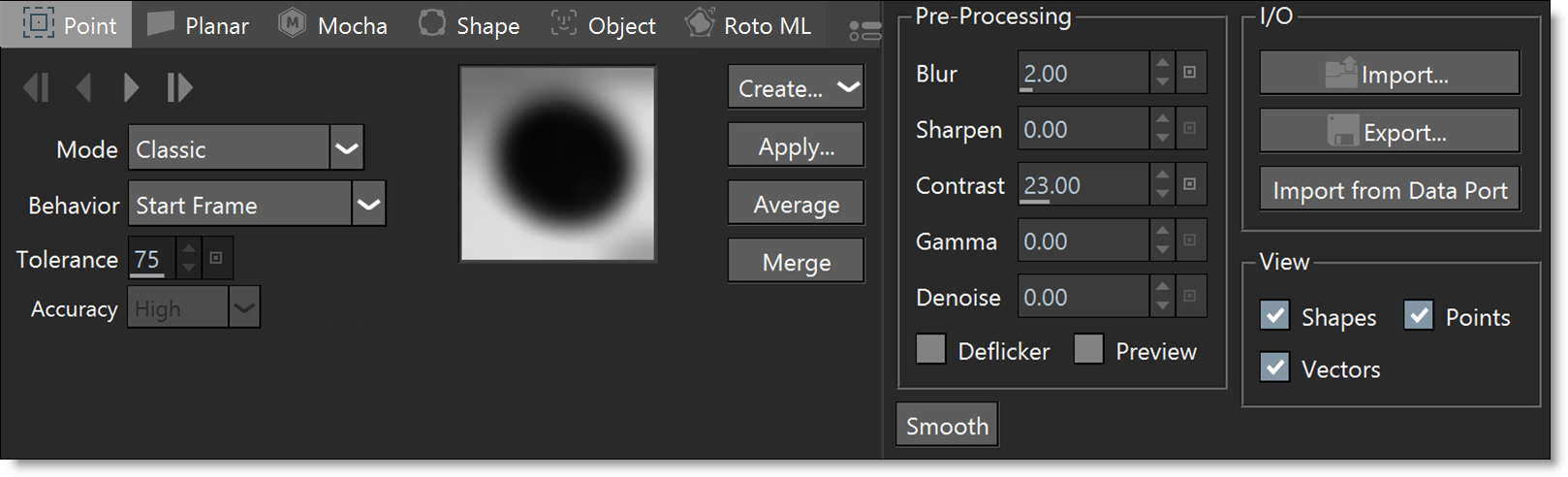
Mocha Tracker
Mocha tracking technology provides 2D transformation data by tracking planes rather than points.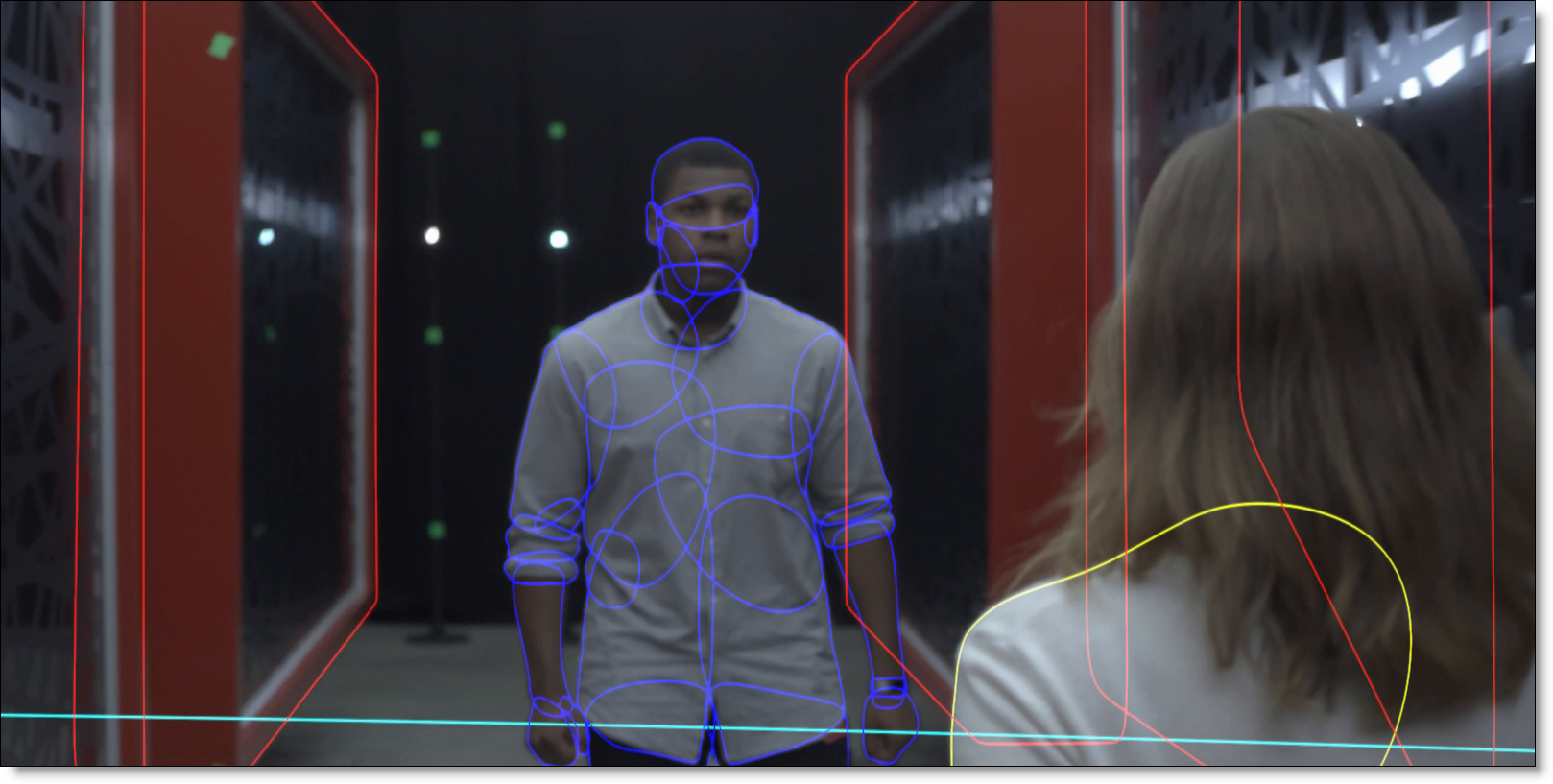
Planar Tracker
Silhouette’s Planar Tracker tracks several points (corners, edges and ridges) on the image while automatically handling partial occlusions of the tracked object, producing excellent results even with textureless objects.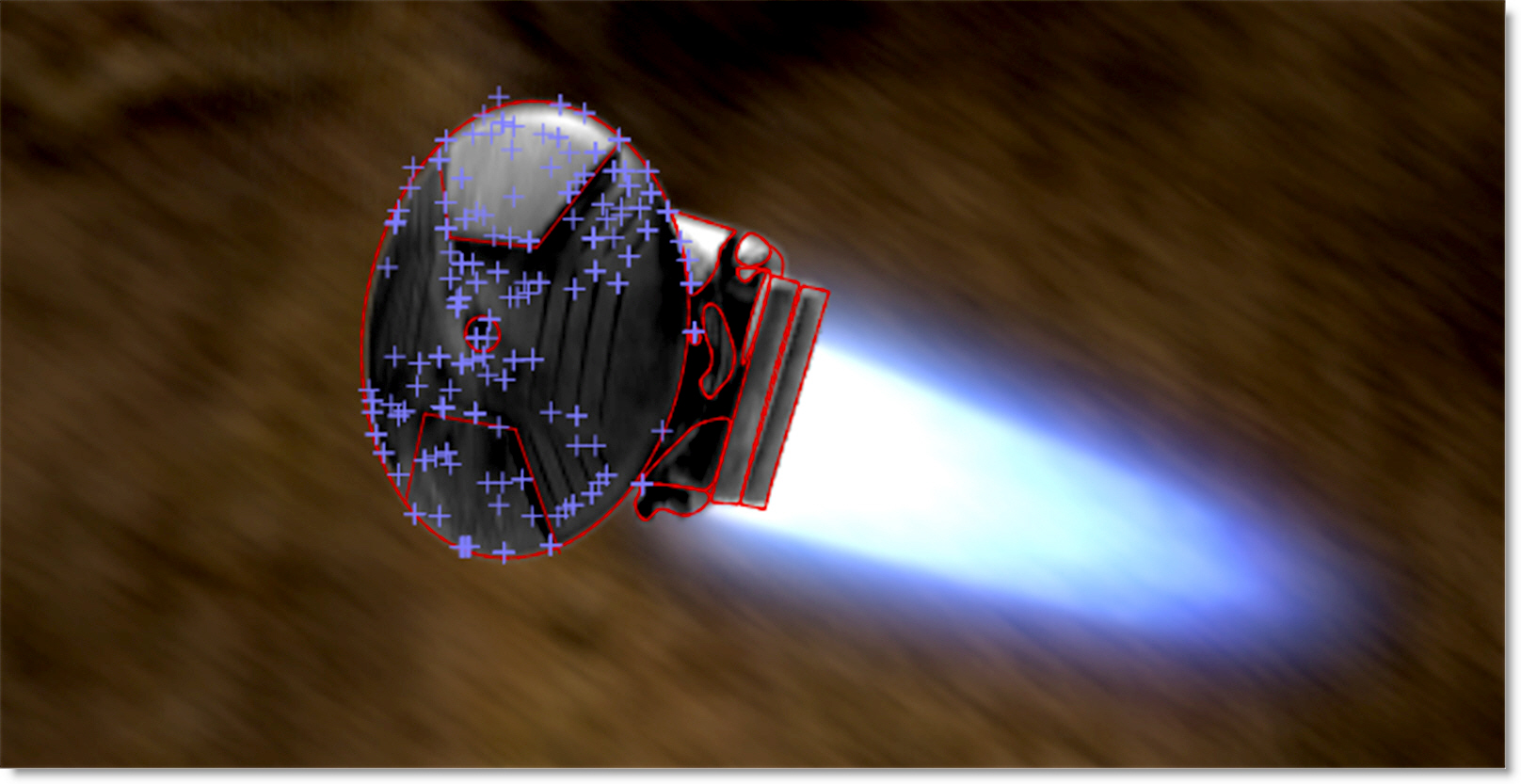
Point Tracker
The Point tracker uses trackers which are placed on distinguishable image features. It offers two modes: Point Track ML, which stays locked on even through occlusion or off-screen movement, and Classic, which gives you full manual control.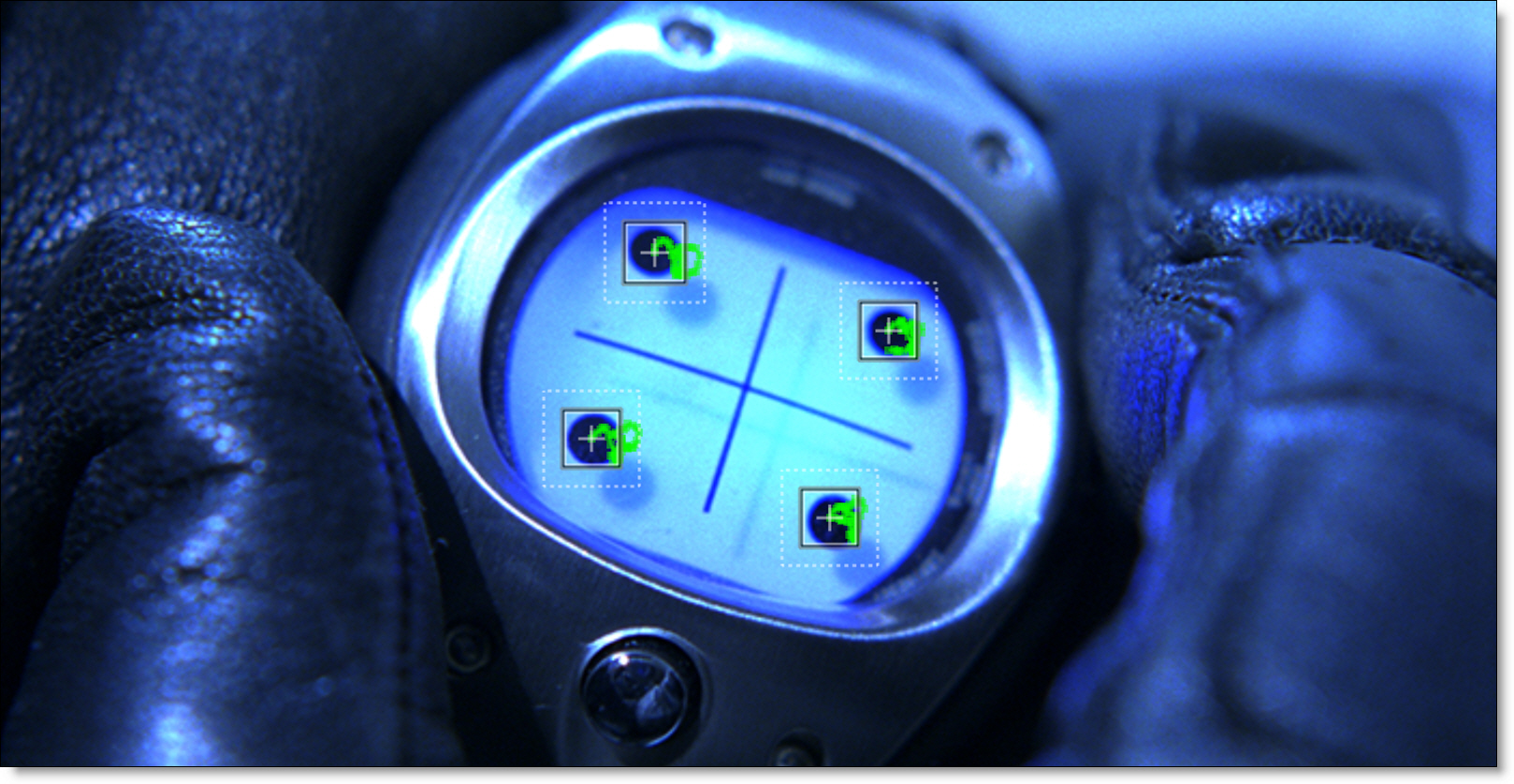
Object Tracker
Detects and tracks human bodies, faces or license plates.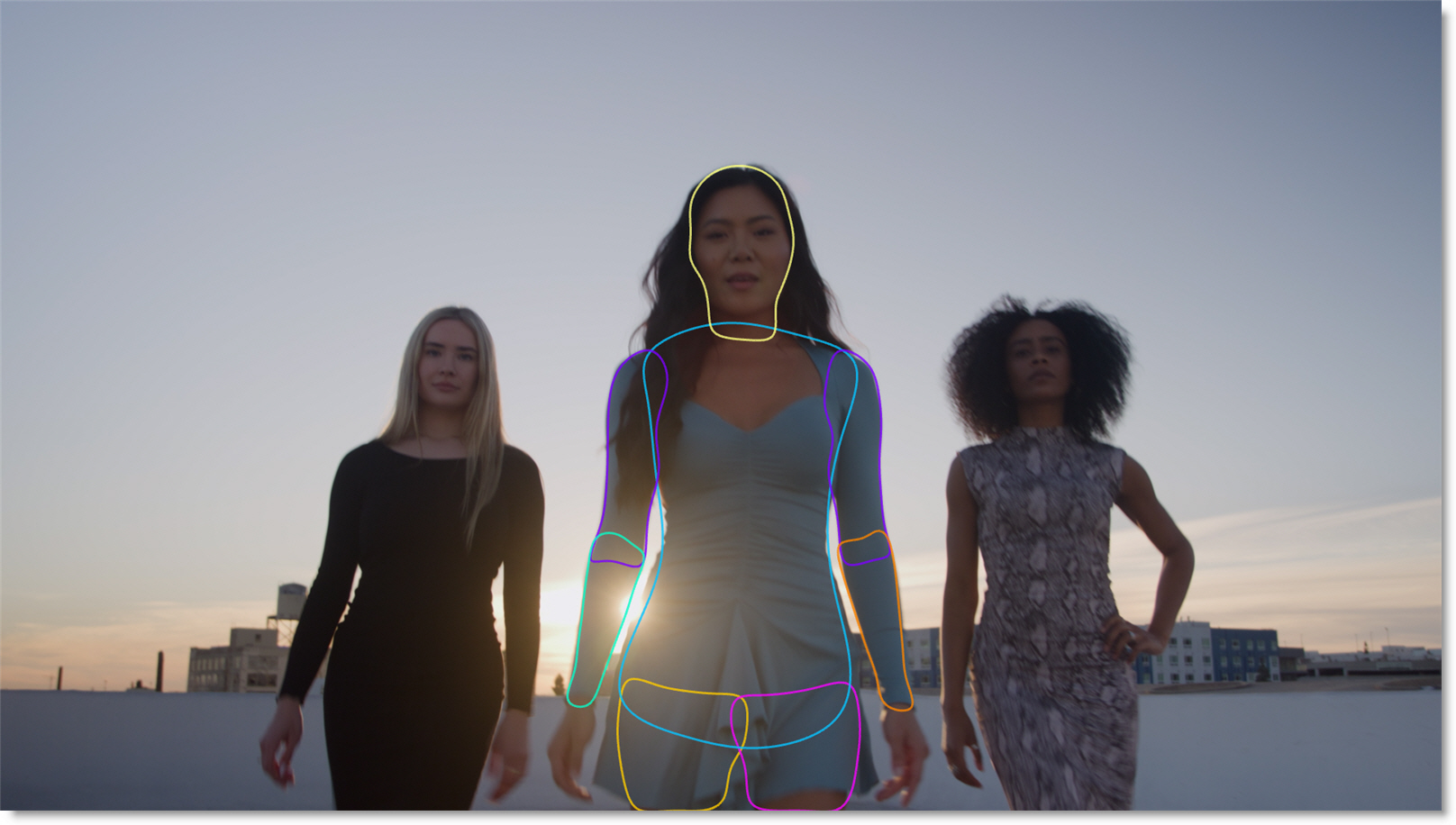
Roto ML
Automatically tracks and rotoscopes shapes by fitting them to an ML-generated matte.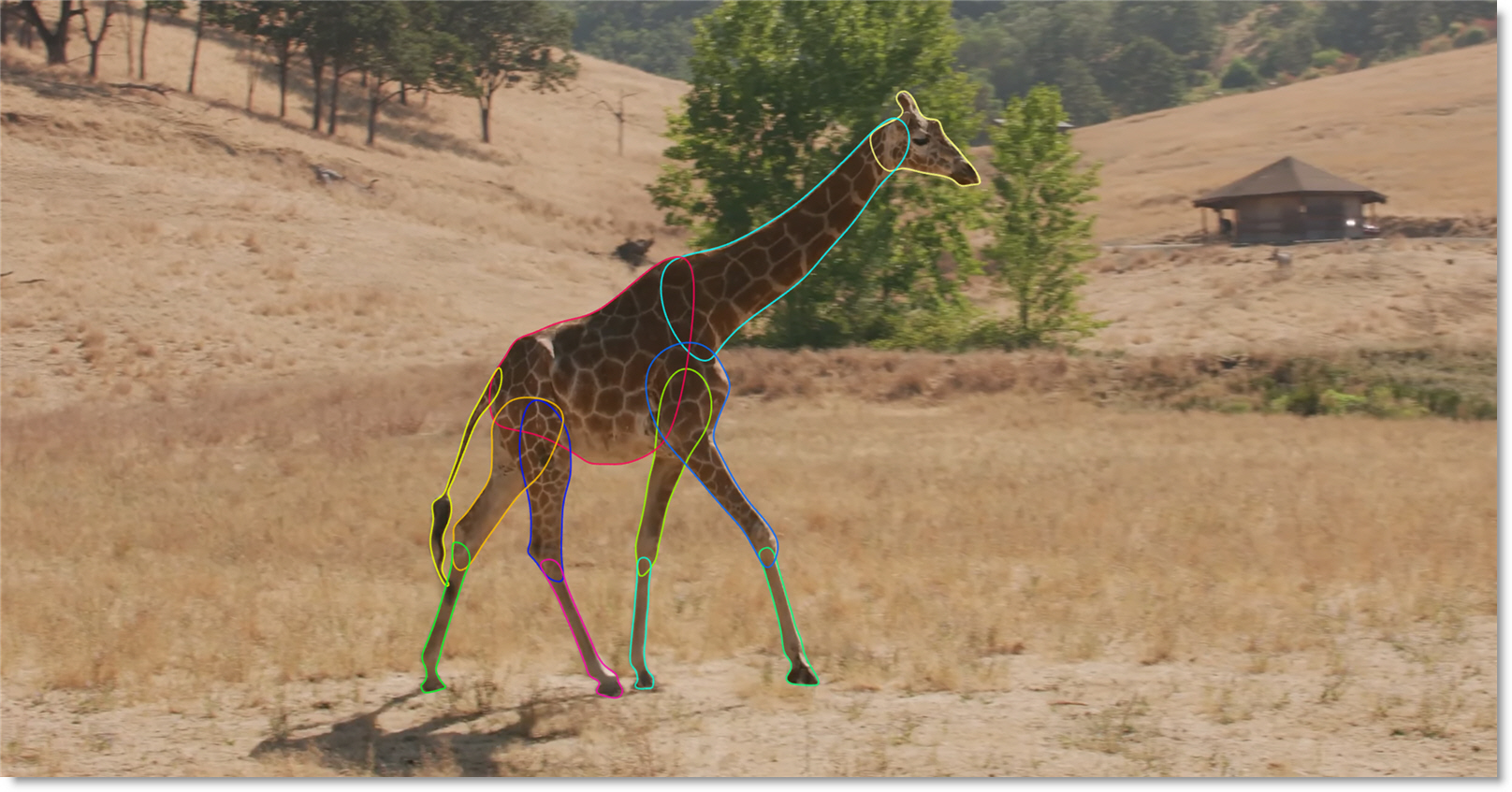
SynthEyes Tracker
The 3D Scene node provides an environment where you can 3D track with SynthEyes. Select tracked 3D points, solve them into a plane, and place cards in 3D space.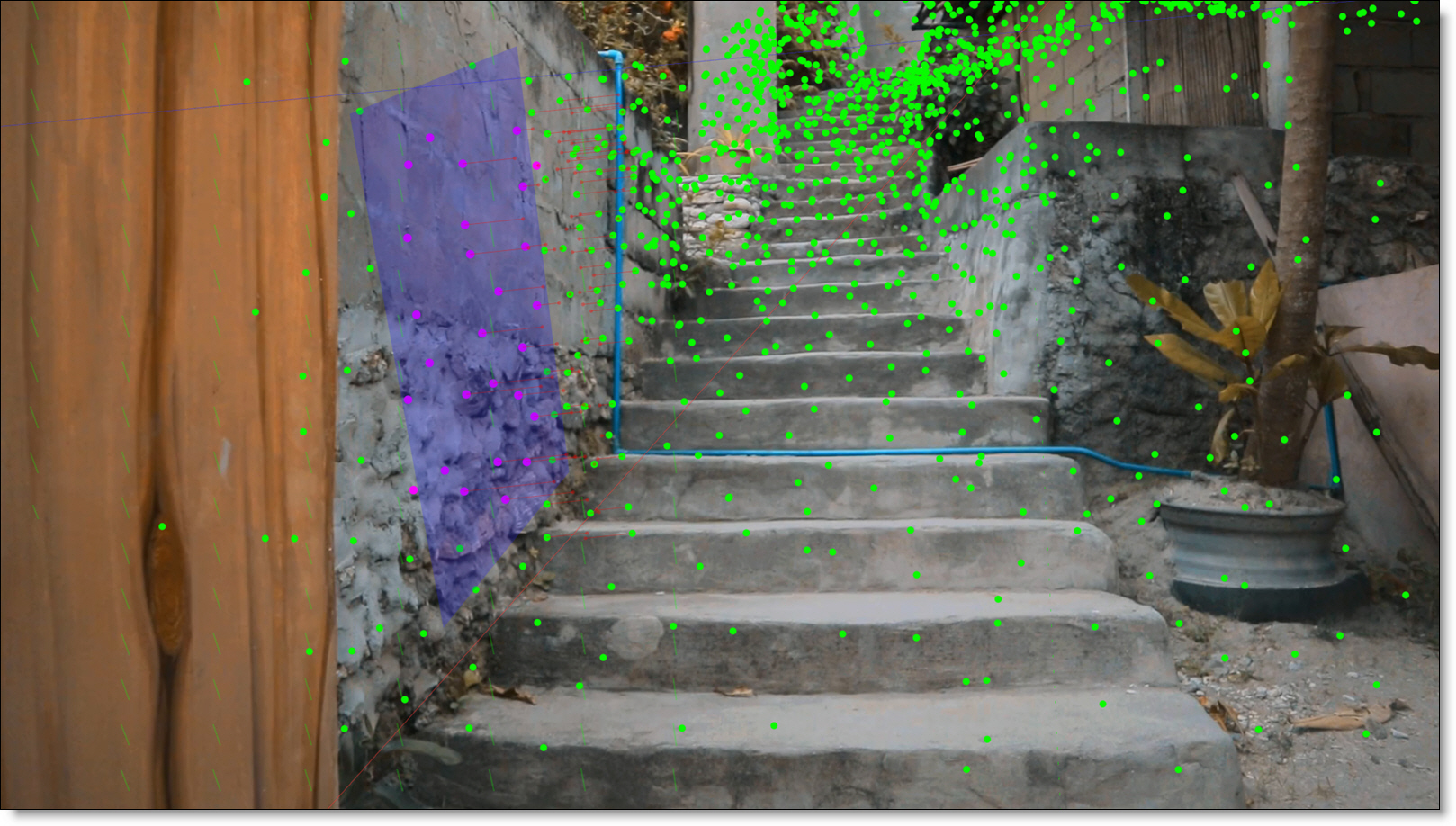
Head Track ML
Automatically creates a 3D head mesh and tracks facial shape, pose, and expressions over time. When used with the Unwrap and Rewrap nodes, it enables stable, face-aware beauty effects.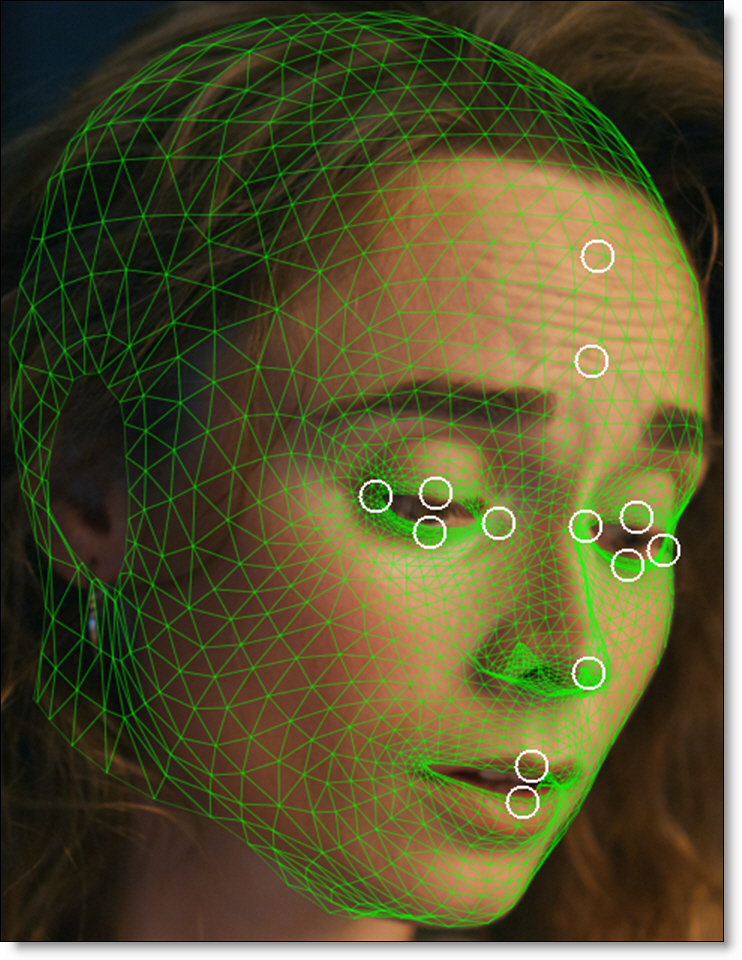
Tracker Features
• Planar tracking using either Mocha or Silhouette’s Planar tracker
• Planar trackers provide automatic, markerless motion analysis and tracking
• Planar tracker tracks corners, edges or ridges
• Track multiple planes simultaneously
• Machine learning point tracker maintains tracking even through occlusion or when the object moves off-screen
• Object tracker detects and tracks human bodies, faces or license plates
• Roto ML automatically tracks and rotoscopes shapes by fitting them to an ML-generated matte
• Unlimited Point trackers for manual precision
• Match Moving or Stabilization
• Pre-processing filters that increase tracker accuracy for problematic images include Blur, Sharpen, Contrast, Gamma, De-Noise and Remove Flicker.
• Post-processing of point tracking data to include: Average, Smooth and Merge
• Tracker export to popular formats
SynthEyes Tracker
• Use cards to Insert, Match Move and Stabilize in the Transform node
• Stabilize and Unproject directly in the Viewer using cards
• Convert 3D trackers into 2D point trackers
Head Track ML
• Creates and tracks 3D head meshes
• Place anchor points in areas that require manual positioning or more precise stabilization.