Loading An Image
The Optics standalone supports loading Camera RAW, JPEG, PNG, TIFF as well as Kodak® Cineon and DPX file formats used in motion picture and television production.
For more information on working with Camera Raw images, go to the Working With Camera RAW Files tutorial.
1 Standalone: Start the Optics Standalone and open a JPEG, PNG or TIFF image using File > Open.
or
2 Plug-ins: Start your program, load or select an image and apply Optics:
• Photoshop/Elements: In the Filter menu, select Optics from the Boris FX group.
• Lightroom Classic: In the Photo menu, select Edit In and then choose Edit in Boris FX Optics.
• Apple Photos: Double-click the photo, select Edit followed by the ... icon, and choose Boris FX Optics.
Note: The Optics standalone application must be opened once before it appears as an option inside Photos.
• Affinity: In the Pixel menu, select Filters > Plugins > Boris FX > Optics.
• Capture One: In the Image menu, select Edit With > Boris FX Optics.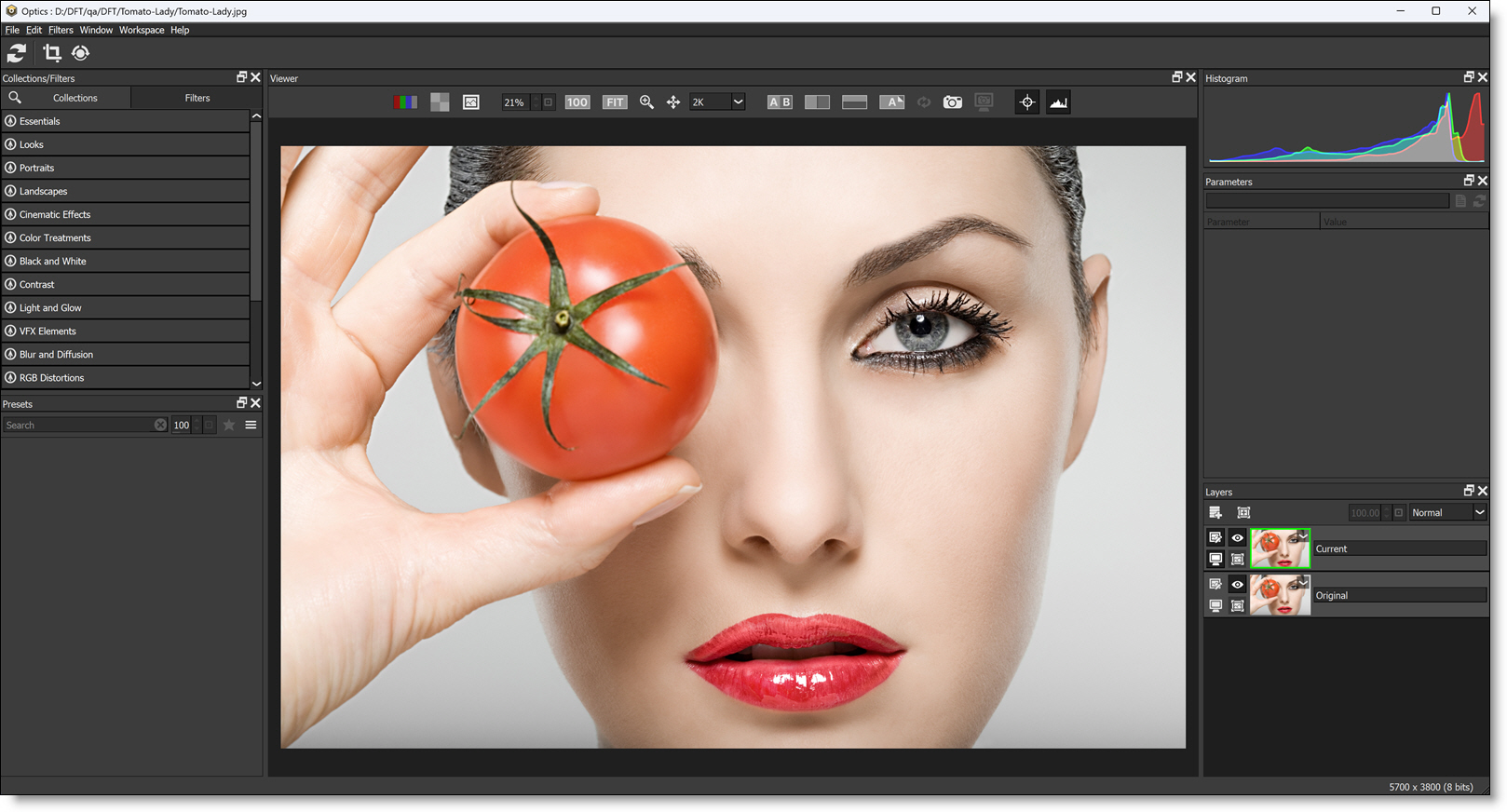
The image appears in the Viewer.