 Bojan Veselinovikj |
March 5, 2026
Bojan Veselinovikj |
March 5, 2026


White balance is an essential aspect of photography and video shooting because it ensures that colors appear natural and accurate under different lighting conditions. Without proper adjustment, an image can look too warm, too cool, or show a noticeable color cast.
Understanding what white balance is allows photographers to create images where white objects appear white, other colors are correct, and overall image quality is preserved.
Whether you are using natural light outdoors, indoor lighting, or other artificial lighting, adjusting white balance properly helps your photographs and videos appear professional and visually pleasing.
What is White Balance
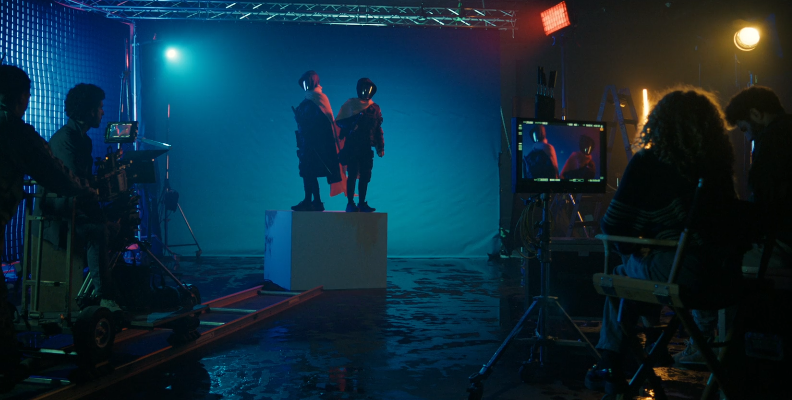
White balance is a camera setting that helps adjust unrealistic color casts, so white objects appear truly white, and colors are rendered accurately in photos and videos. It adjusts for light color temperature, measured in Kelvin (K), compensating for warm orange or cool blue illumination from different light sources.
Cameras provide white balance settings that let you adjust for sunlight on a sunny day, cloudy day, shade, indoor incandescent bulbs, fluorescent lights, and other artificial lighting. Without proper white balance, images can have a blue, orange, yellow, or green color cast, and won't look good or realistic to the human eye in the final product.
Custom white balance allows you to manually adjust settings using a gray card or white card, which is useful in complex lighting situations or when different light sources mix. Using proper white balance ensures correct colors, a balanced image, and higher overall image quality in both photography and video shooting.
What Does White Balance Do
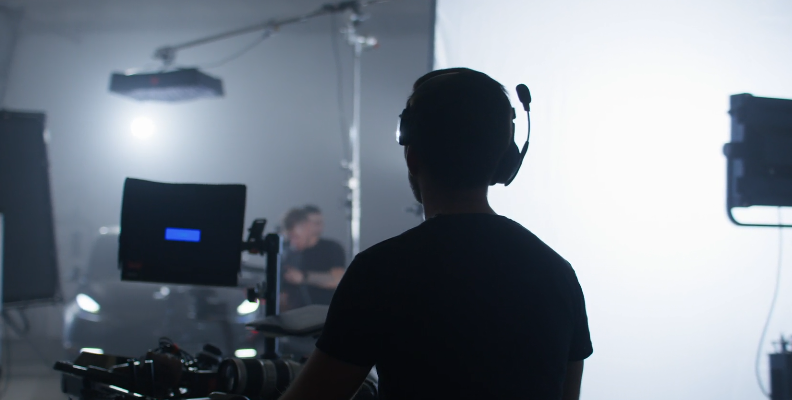
White balance adjusts the way your camera interprets light so that colors in the image look correct. Since different light sources emit light with different temperatures, the camera must compensate to prevent unwanted color shifts. Without this adjustment, the image appears unnatural and may look too warm or too cool.
For example, incandescent light from light bulbs produces warm tones that make a picture look orange or yellow. Fluorescent lights often produce green or blue hues. Natural light on a sunny day produces neutral tones, while shade or a cloudy day produces cooler tones. White balance corrects these differences so that white objects and other colors appear natural.
The white balance function analyzes the lighting conditions and adjusts the image accordingly. Automatic white balance, also known as auto white balance, allows the camera to detect and correct colors automatically. This works well in many situations, especially when there is a single dominant light source.
However, automatic white balance may struggle in complex lighting situations involving multiple light sources or unusual ambient light. In these cases, manual white balance or custom white balance allows you to manually adjust the camera to achieve better results. This gives you full control and allows you to fine-tune the image.
Setting white balance correctly also improves consistency, especially in video shooting. When light changes during recording, incorrect white balance can cause noticeable shifts in color. Proper white balance ensures stable and accurate colors throughout the entire process.
White balance also affects the overall mood of the image. A warmer balance creates a cozy and inviting look, while a cooler balance creates a cleaner and more neutral appearance. This allows photographers to adjust the creative feel of their photograph while maintaining correct colors.
What is Color Temperature
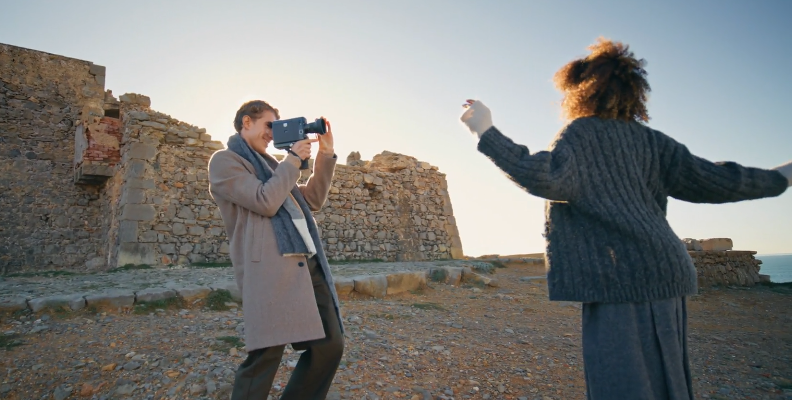
Color temperature refers to the color characteristics of light and is measured in kelvin (K). This measurement determines whether light appears warm or cooler. Lower color temperature values produce warm tones such as orange and yellow, while higher color temperature values produce cooler tones such as blue.
For example, incandescent light typically has a lower color temperature, around 2700K, which creates a warm glow. Daylight on a sunny day usually has a neutral temperature around 5500K. Light from a blue sky or in shade has a higher color temperature, which produces cooler blue hues.
Different light sources emit different color temperatures. Light bulbs, fluorescent lights, daylight, and other artificial lighting all produce varying color temperatures. These different temperatures affect how colors appear in a photograph.
Higher temperatures produce cooler tones, while lower color temperatures produces warmer tones. This relationship may seem confusing at first, but it is based on scientific measurement rather than visual perception. Understanding different color temperatures helps you set the correct white balance.
Your camera uses this information when setting white balance. By matching the camera’s white balance settings to the color temperature of the light, you ensure that the image appears natural and accurate.
Why White Balance Is Important

White balance is essential because it ensures accurate color reproduction in photography. Without proper balance, the image appears unrealistic and may have a strong color cast. This affects the overall image quality and reduces the visual appeal of the photograph.
For example, indoor lighting from incandescent bulbs can make a photo appear overly orange or yellow. Fluorescent lights may cause a green tint. Without correction, these lighting conditions produce incorrect colors.
White balance ensures that white objects appear white and that all other colors maintain their natural appearance. This is critical for achieving professional results. Correct colors improve the realism and quality of the image.
White balance also plays an important role in post-production. When shooting raw files, you can adjust white balance later using color correction tools.
Professional tools such as BCC+ Color Balance featured in Continuum by Boris FX provide advanced color correction and grading filters that help editors fine-tune white balance and eliminate unwanted color casts in post-production. These tools allow precise adjustments when lighting conditions are not perfectly controlled during filming.

This allows you to fix mistakes and improve the image during post-production. Raw files provide flexibility, but it is still best to set white balance correctly in-camera whenever possible.
White balance is also important for color grading, especially in video shooting. Consistent white balance ensures smooth and natural transitions between scenes. Incorrect white balance can make editing more difficult and reduce the quality of the final result.
Different lighting conditions require different white balance adjustments. Natural light, artificial lighting, and other lighting all affect how colors appear. Understanding how to adjust white balance ensures accurate results in all lighting situations.
For example, when taking a photo outdoors under daylight, proper white balance ensures that the sky looks natural and the photograph accurately represents the scene. Without correct adjustment, the image may appear too blue or too warm.
Typical White Balance Modes Explained
Most digital cameras offer several white balance settings designed for common lighting conditions. These settings allow the camera to compensate for different light sources and produce accurate colors.
Automatic White Balance
Auto white balance, also called automatic white balance, is the default mode in most digital cameras. This setting allows the camera to automatically detect the color temperature of the light and adjust accordingly. It works well in many situations and is convenient for everyday photography.
Daylight Mode
Daylight mode is designed for outdoor photography under natural light. This setting assumes neutral lighting conditions and produces accurate results on a sunny day. It ensures that the photograph reflects the natural appearance of the scene.
Cloudy Mode
Cloudy day mode adds warmth to compensate for cooler lighting conditions. This helps restore natural color balance and prevents the image from appearing too blue.
Shadow Mode (Shade Mode)
Shade mode is designed for situations where the subject is not in direct sunlight. Shade produces higher color temperature and cooler tones, so this setting adds warmth to correct the image.
Incandescent Mode (Tungsten)
Incandescent light mode corrects the warm tones produced by incandescent bulbs and other warm light bulbs. This prevents the picture from appearing overly orange or yellow.
Fluorescent Mode
Fluorescent lights mode corrects the green tint produced by fluorescent lights. This ensures accurate color reproduction under this type of artificial lighting.
Flash Mode
Flash mode is designed for use with on-camera or external flash. It helps maintain natural skin tones and ensures white objects appear white when flash is the dominant light source.
Custom (Manual Mode)
Manual white balance allows you to manually adjust the white balance for precise control. This is useful when automatic white balance does not produce accurate results. Custom white balance allows you to set white balance using a reference such as a gray card or white card. This ensures the highest level of accuracy.
The process of setting white balance manually involves pointing the camera at a neutral reference and calibrating the camera. This ensures the correct interpretation of the lighting conditions.
These modes allow photographers to adjust white balance based on the environment. Choosing the correct setting ensures accurate colors, better image quality, and a more professional photograph.
The following table is commonly used in educational resources to illustrate how different light sources correspond to different color temperature values. Even without seeing the table, it is important to understand that every lighting situation has its own temperature that affects how colors appear.
| Mode | Other Names | Approx. Color Temperature | Best Used For | What It Corrects |
|---|---|---|---|---|
| Auto White Balance (AWB) | Automatic White Balance | Variable | Every day shooting, mixed lighting | Automatically adjusts color based on detected light |
| Daylight | Sunny | ~5200K–5600K | Outdoor shooting on a sunny day | Maintains neutral tones in natural light |
| Cloudy | Overcast | ~6000K–6500K | Cloudy day, outdoor conditions | Adds warmth to reduce bluish tones |
| Shade | — | ~7000K–8000K | Subjects in shade | Adds warmth to compensate for cooler light |
| Incandescent | Tungsten, Light Bulb | ~2700K–3200K | Indoor lighting with warm bulbs | Reduces orange/yellow tones by adding blue |
| Fluorescent | — | ~4000K–5000K | Offices, commercial indoor lighting | Reduces green tint from fluorescent lights |
| Flash | — | ~5500K–6000K | On-camera flash photography | Balances bright, neutral flash lighting |
| Custom | Manual White Balance | User-defined | Complex or mixed lighting | Calibrates using a gray card or a white card |
Final Words
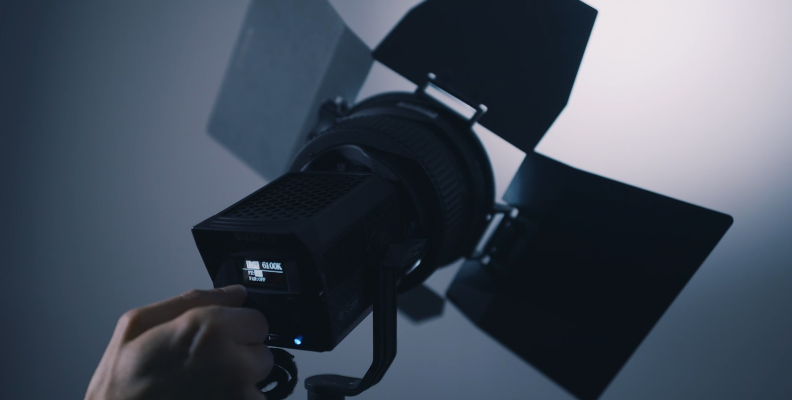
White balance is a critical setting that ensures your camera captures accurate and natural colors in every photograph. By understanding what white balance is and how it relates to color temperature and lighting conditions, you can ensure that white objects appear white and all other colors are represented correctly.
Whether you rely on auto white balance or manually adjust settings using manual white balance or custom white balance, proper adjustment improves image quality and reduces the need for heavy color correction in post production. This is especially useful when working with raw files, where precise adjustments can further refine the final image.
Mastering white balance allows you to adapt to different light sources, maintain accurate color balance, and produce professional-quality photography in any environment.